







Question: VISIO SOFTWARE APPLICATION ASSIGNMENT #1 - 25 points Complete both sections below and submit the two drawings to the correct Assignment box in Canvas. PART
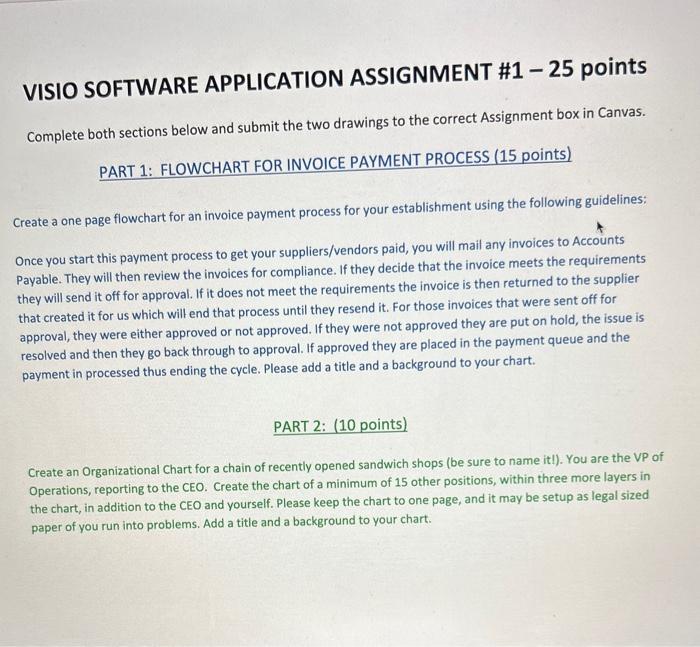
VISIO SOFTWARE APPLICATION ASSIGNMENT \#1 - 25 points Complete both sections below and submit the two drawings to the correct Assignment box in Canvas. PART 1: FLOWCHART FOR INVOICE PAYMENT PROCESS (15 points) Create a one page flowchart for an invoice payment process for your establishment using the following guidelines: Once you start this payment process to get your suppliers/vendors paid, you will mail any invoices to Accounts Payable. They will then review the invoices for compliance. If they decide that the invoice meets the requirements they will send it off for approval. If it does not meet the requirements the invoice is then returned to the supplier that created it for us which will end that process until they resend it. For those invoices that were sent off for approval, they were either approved or not approved. If they were not approved they are put on hold, the issue is resolved and then they go back through to approval. If approved they are placed in the payment queue and the payment in processed thus ending the cycle. Please add a title and a background to your chart. PART 2: (10 points) Create an Organizational Chart for a chain of recently opened sandwich shops (be sure to name itl). You are the VP of Operations, reporting to the CEO. Create the chart of a minimum of 15 other positions, within three more layers in the chart, in addition to the CEO and yourself. Please keep the chart to one page, and it may be setup as legal sized paper of you run into problems. Add a title and a background to your chart
Step by Step Solution
There are 3 Steps involved in it

Get step-by-step solutions from verified subject matter experts
 Study Help