







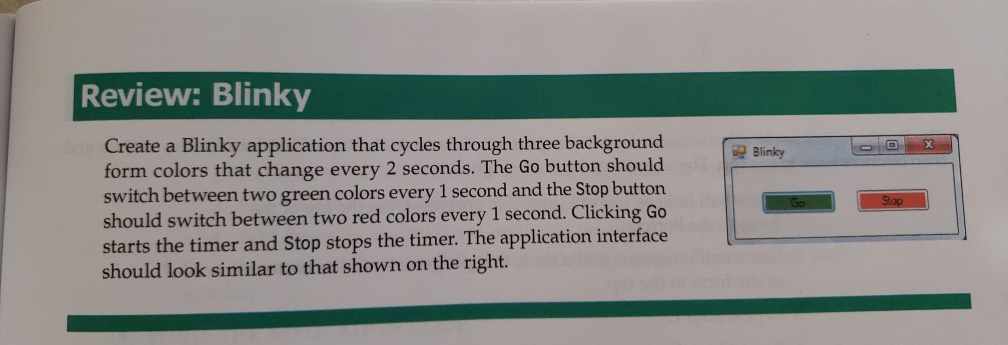
Question: visual basic 2010 Review: Blinky Create a Blinky application that cycles through three background form colors that change every 2 seconds. The Go button should
visual basic 2010
Review: Blinky Create a Blinky application that cycles through three background form colors that change every 2 seconds. The Go button should switch between two green colors every 1 second and the Stop button should switch between two red colors every 1 second. Clicking Go sta Blinky rts the timer and Stop stops the timer. The application interface should look similar to that shown on the right
Step by Step Solution
There are 3 Steps involved in it
1 Expert Approved Answer
Step: 1 Unlock

Question Has Been Solved by an Expert!
Get step-by-step solutions from verified subject matter experts
Step: 2 Unlock
Step: 3 Unlock
 Study Help