







Question: Visual Basic 2012 61. The following steps calculate the price of an item after a 30% reduction: (a) Declare all variables, (b) Assign the value
Visual Basic 2012
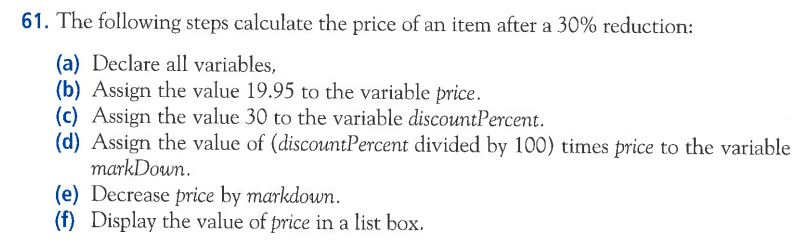
61. The following steps calculate the price of an item after a 30% reduction: (a) Declare all variables, (b) Assign the value 19.95 to the variable price. (c) Assign the value 30 to the variable discount Percent. (d) Assign the value of (discount Percent divided by 100) times price to the variable markDown. (e) Decrease price by markdown. (f) Display the value of price in a list box
Step by Step Solution
There are 3 Steps involved in it
1 Expert Approved Answer
Step: 1 Unlock

Question Has Been Solved by an Expert!
Get step-by-step solutions from verified subject matter experts
Step: 2 Unlock
Step: 3 Unlock
 Study Help