







Question: Visual Basic 2022 1. Create a project that enables the user to enter text into a text box. Use an If . . . Then
Visual Basic 2022
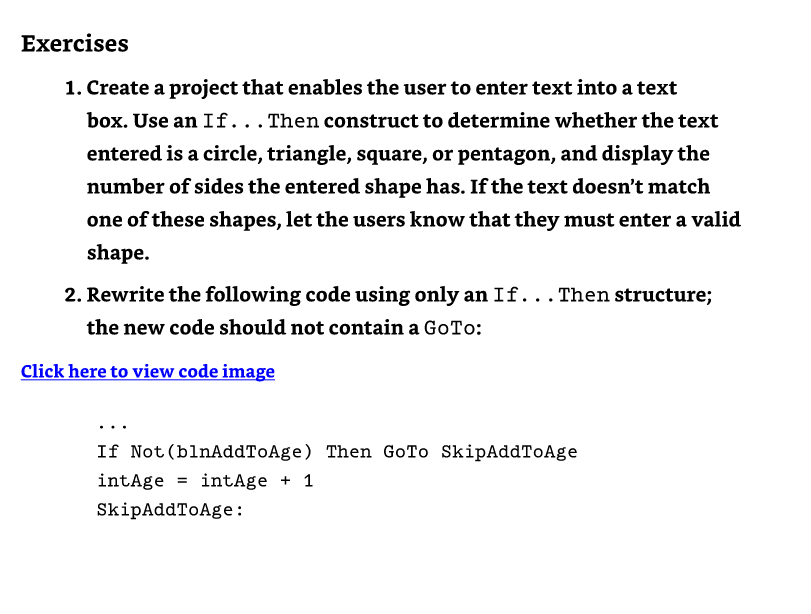
1. Create a project that enables the user to enter text into a text box. Use an If . . . Then construct to determine whether the text entered is a circle, triangle, square, or pentagon, and display the number of sides the entered shape has. If the text doesn't match one of these shapes, let the users know that they must enter a valid shape. 2. Rewrite the following code using only an If . . Then structure; the new code should not contain a GoTo: lick here to view code image If Not(blnAddToAge) Then GoTo SkipAddToAge intAge = intAge +1 SkipAddToAge
Step by Step Solution
There are 3 Steps involved in it
1 Expert Approved Answer
Step: 1 Unlock

Question Has Been Solved by an Expert!
Get step-by-step solutions from verified subject matter experts
Step: 2 Unlock
Step: 3 Unlock
 Study Help