







Question: Visual Basic 2022 1. In the code example that sets 1 ngAnswer to the result of a division expression, change IngAnswer from a Long to
Visual Basic 2022
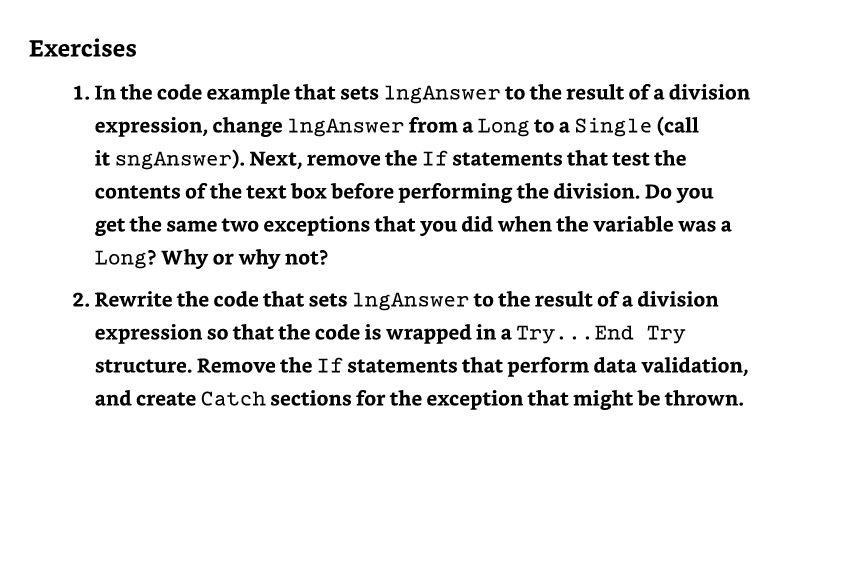
1. In the code example that sets 1 ngAnswer to the result of a division expression, change IngAnswer from a Long to a Single (call it sngAnswer). Next, remove the If statements that test the contents of the text box before performing the division. Do you get the same two exceptions that you did when the variable was a Long? Why or why not? 2. Rewrite the code that sets lngAnswer to the result of a division expression so that the code is wrapped in a Try... End Try structure. Remove the If statements that perform data validation, and create Catch sections for the exception that might be thrown
Step by Step Solution
There are 3 Steps involved in it
1 Expert Approved Answer
Step: 1 Unlock

Question Has Been Solved by an Expert!
Get step-by-step solutions from verified subject matter experts
Step: 2 Unlock
Step: 3 Unlock
 Study Help