







Question: visual basic Form 2: Working with Text Files and Arrays - The second form will have two events: Load Event and a button click event.
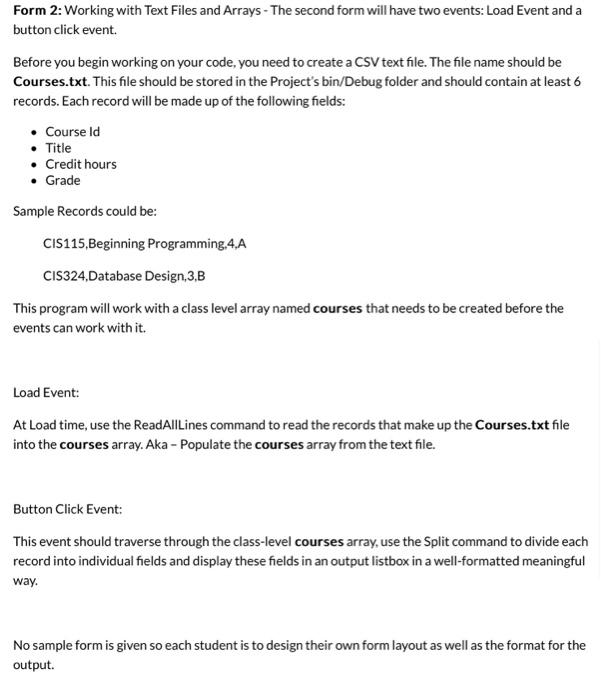
Form 2: Working with Text Files and Arrays - The second form will have two events: Load Event and a button click event. Before you begin working on your code, you need to create a CSV text file. The file name should be Courses.txt. This file should be stored in the Project's bin/Debug folder and should contain at least 6 records. Each record will be made up of the following fields: - Course Id - Title - Credit hours - Grade Sample Records could be: CIS115,Beginning Programming,4,A CIS324,Database Design,3,B This program will work with a class level array named courses that needs to be created before the events can work with it. Load Event: At Load time, use the ReadAllLines command to read the records that make up the Courses.txt file into the courses array. Aka - Populate the courses array from the text file. Button Click Event: This event should traverse through the class-level courses array, use the Split command to divide each record into individual fields and display these fields in an output listbox in a well-formatted meaningful way. No sample form is given so each student is to design their own form layout as well as the format for the output
Step by Step Solution
There are 3 Steps involved in it

Get step-by-step solutions from verified subject matter experts
 Study Help