







Question: Visual Studio 2022 Visual Basic 1. Use the skills you learned in the previous hours to set the tab order for your Options form. Make
Visual Studio 2022
Visual Basic
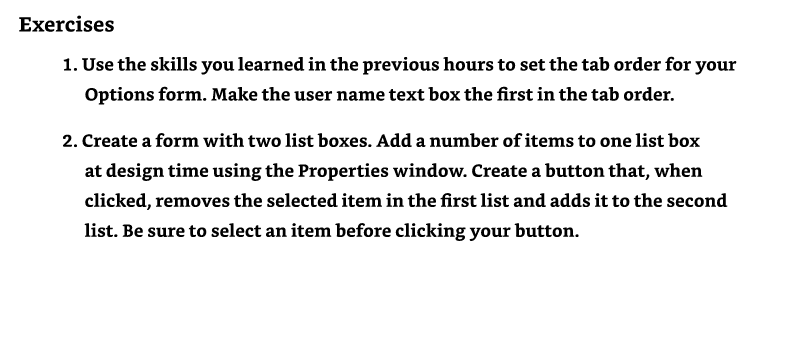
1. Use the skills you learned in the previous hours to set the tab order for your Options form. Make the user name text box the first in the tab order. 2. Create a form with two list boxes. Add a number of items to one list box at design time using the Properties window. Create a button that, when clicked, removes the selected item in the first list and adds it to the second list. Be sure to select an item before clicking your button
Step by Step Solution
There are 3 Steps involved in it
1 Expert Approved Answer
Step: 1 Unlock

Question Has Been Solved by an Expert!
Get step-by-step solutions from verified subject matter experts
Step: 2 Unlock
Step: 3 Unlock
 Study Help