







Question: Visual Studio Code Use the Fetch command to extract the JSON data from ONE of the following Web API: - https://dummy.restapiexample.com/api/v1/employees - https://api.wazirx.com/sapi/v1/tickers/24hr - https://api.kucoin.com/api/v1/market/stats?symbol=BTC-USDT
Visual Studio Code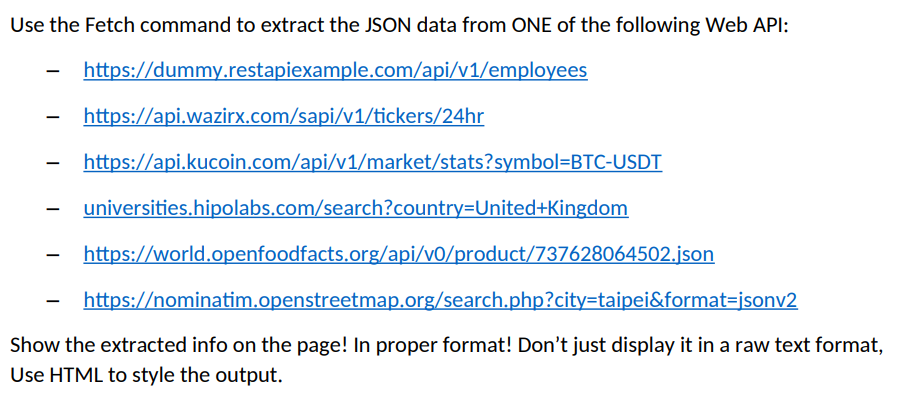
Use the Fetch command to extract the JSON data from ONE of the following Web API: - https://dummy.restapiexample.com/api/v1/employees - https://api.wazirx.com/sapi/v1/tickers/24hr - https://api.kucoin.com/api/v1/market/stats?symbol=BTC-USDT - universities.hipolabs.com/search?country=United+Kingdom - https://world.openfoodfacts.org/api/v0/product/737628064502.json - https:/ominatim.openstreetmap.org/search.php?city=taipei\&format=jsonv2 Show the extracted info on the page! In proper format! Don't just display it in a raw text format, Use HTML to style the output
Step by Step Solution
There are 3 Steps involved in it
1 Expert Approved Answer
Step: 1 Unlock

Question Has Been Solved by an Expert!
Get step-by-step solutions from verified subject matter experts
Step: 2 Unlock
Step: 3 Unlock
 Study Help