







Question: void main () f int count: 2. Compile and run the program Use Fruit.txt as the input file You should see a listing of the
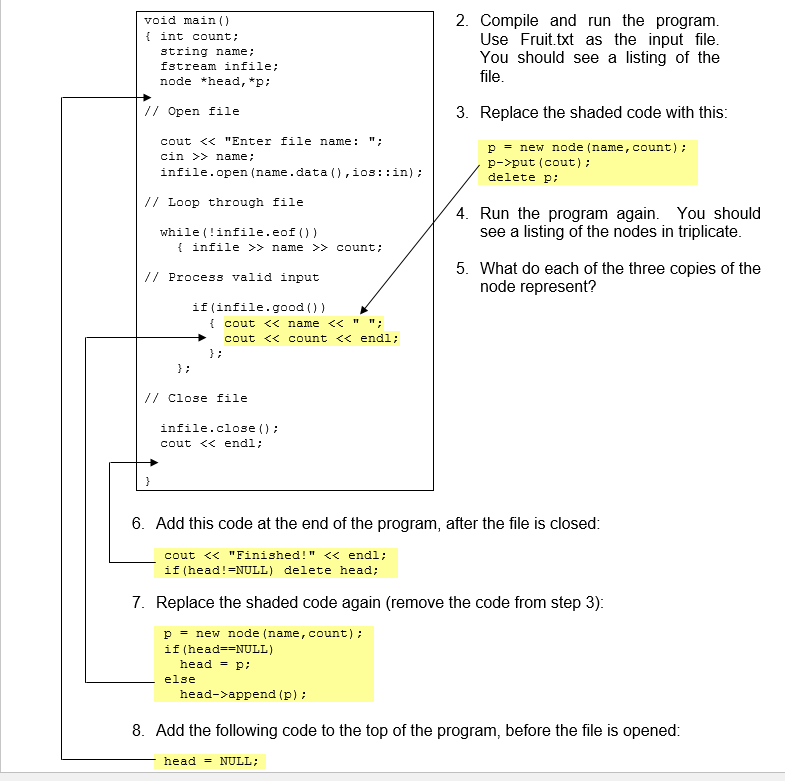
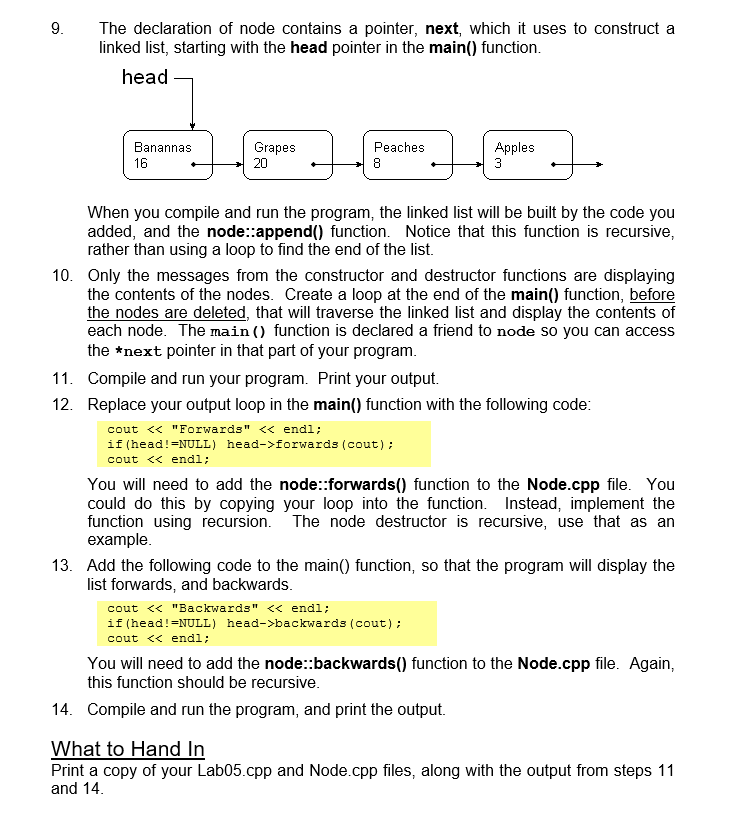
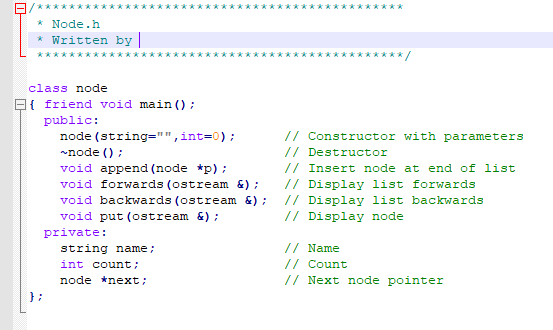
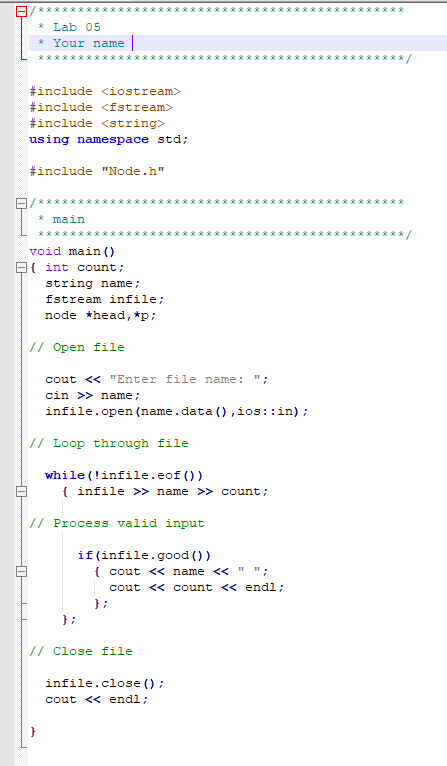
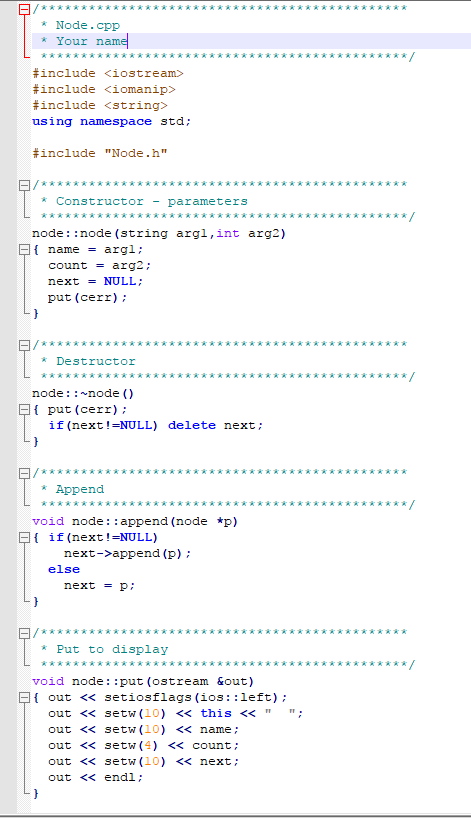
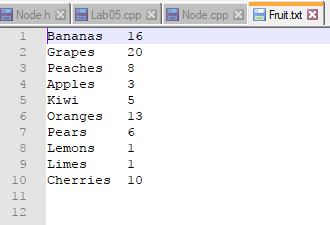
void main () f int count: 2. Compile and run the program Use Fruit.txt as the input file You should see a listing of the string name: fstream infile: node *head, *p // Open file 3. Replace the shaded code with this cout > name infile.open (name.data),ios: :in) p = new node (name , count) ; p->put (cout): delete p; // Loop through file 4. Run the program again. You should see a listing of the nodes in triplicate while (infile.eof ) finfile >> name >>Count 5. What do each of the three copies of the // Process valid input node represent? if (infile.good()) cout append (p): 8. Add the following code to the top of the program, before the file is opened head = NULL; void main () f int count: 2. Compile and run the program Use Fruit.txt as the input file You should see a listing of the string name: fstream infile: node *head, *p // Open file 3. Replace the shaded code with this cout > name infile.open (name.data),ios: :in) p = new node (name , count) ; p->put (cout): delete p; // Loop through file 4. Run the program again. You should see a listing of the nodes in triplicate while (infile.eof ) finfile >> name >>Count 5. What do each of the three copies of the // Process valid input node represent? if (infile.good()) cout append (p): 8. Add the following code to the top of the program, before the file is opened head = NULL
Step by Step Solution
There are 3 Steps involved in it

Get step-by-step solutions from verified subject matter experts
 Study Help