







Question: We had gone over Chapter 7.5 File Access and 7.6 Error Handling stderr and exit. Samples are on Canvas in Course Documents, Programs and Data
We had gone over Chapter 7.5 File Access and 7.6 Error Handling stderr and exit. Samples are on Canvas in Course Documents, Programs and Data File.
Assignment: 7-7 Line Input and Output, using fgets using fputs using fprintf using stderr using ferror using function return using exit statements.
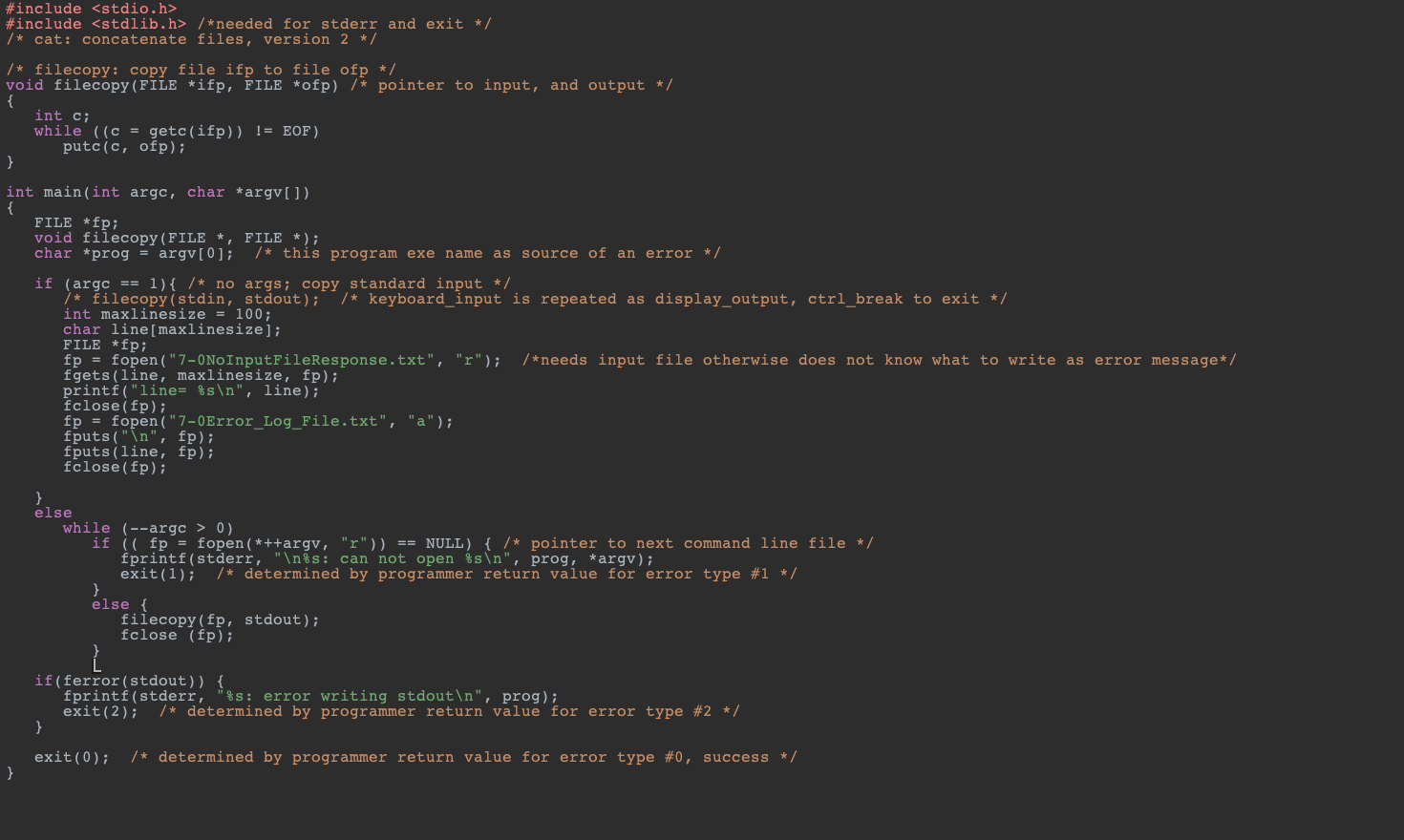
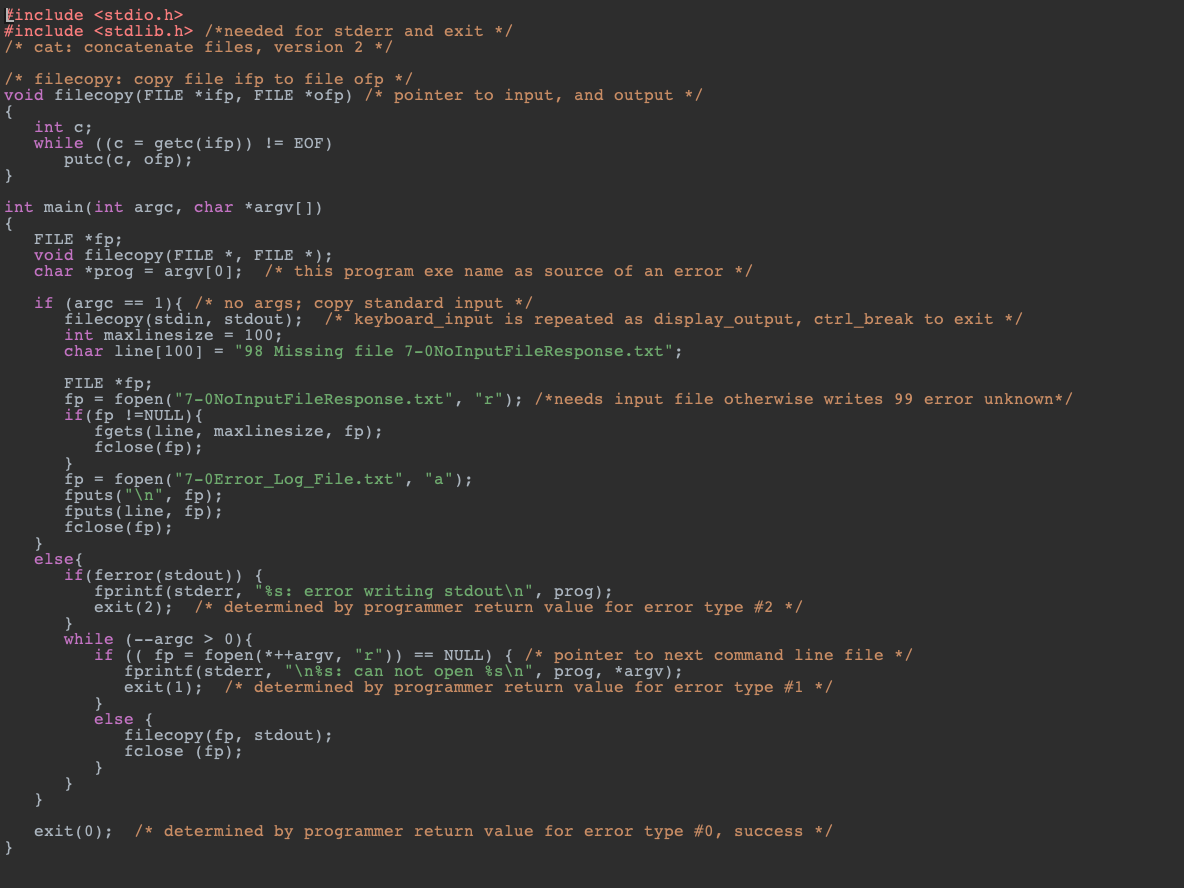
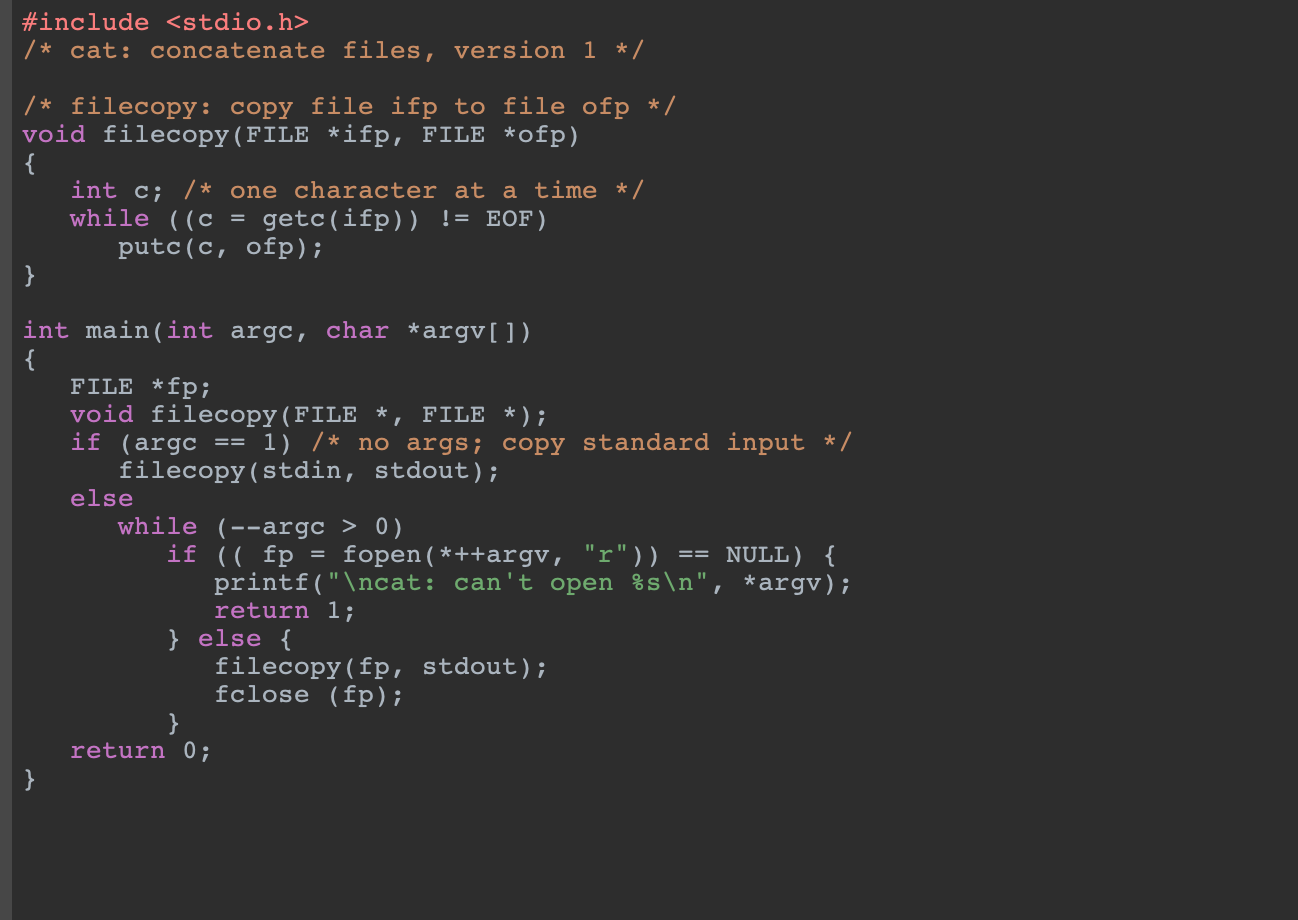
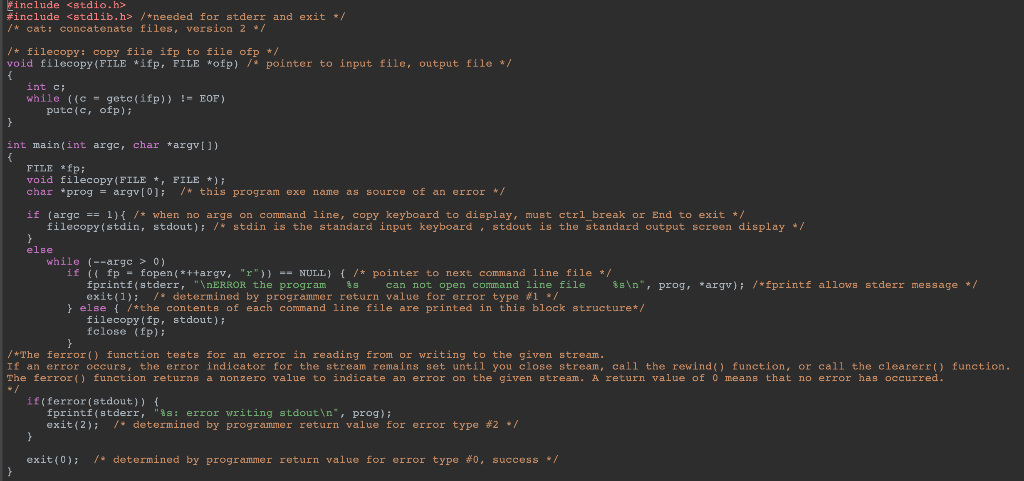
Use the program 7-6ErrorHandlingStderrExit.c Programs and Data File. When executing on the command line only this program name, the program will accept keyboard input and display such until the user does control+break to exit the program.
The new code should within only this case situation
if (argc == 1){ /* no args; copy standard input */
Replace line #20 filecopy(stdin, stdout); with new code.
Open and read a text file 7NoInputFileResponse.txt that contains a response message There were no arguments on the command line to be read for file open. If file is empty, then use alternate message "22F Missing file 7-0NoInputFileResponse.txt" advance line.
Make the program output to the text log file a new line starting with formatted abbreviation for Weekday
Append that message to a file 7Error_Log_File.txt advance newline.
Remember to be using fprintf, using stderr, using return, using exit statements. Test for existence of 7NoInputFileResponse.txt file when not null print 7Error_Log_File.txt does exist however if null use, otherwise display such message using fprintf stderr and exit.
Upload your .c file your input message file and your text log file.
ON C LANGUAGE!!!!! please!!!
Step by Step Solution
There are 3 Steps involved in it

Get step-by-step solutions from verified subject matter experts
 Study Help