







Question: We have 3 tables employee, projects, working on - Create a table space to hold 900 employees, 500 projects, and 1500 working_on instances - Check
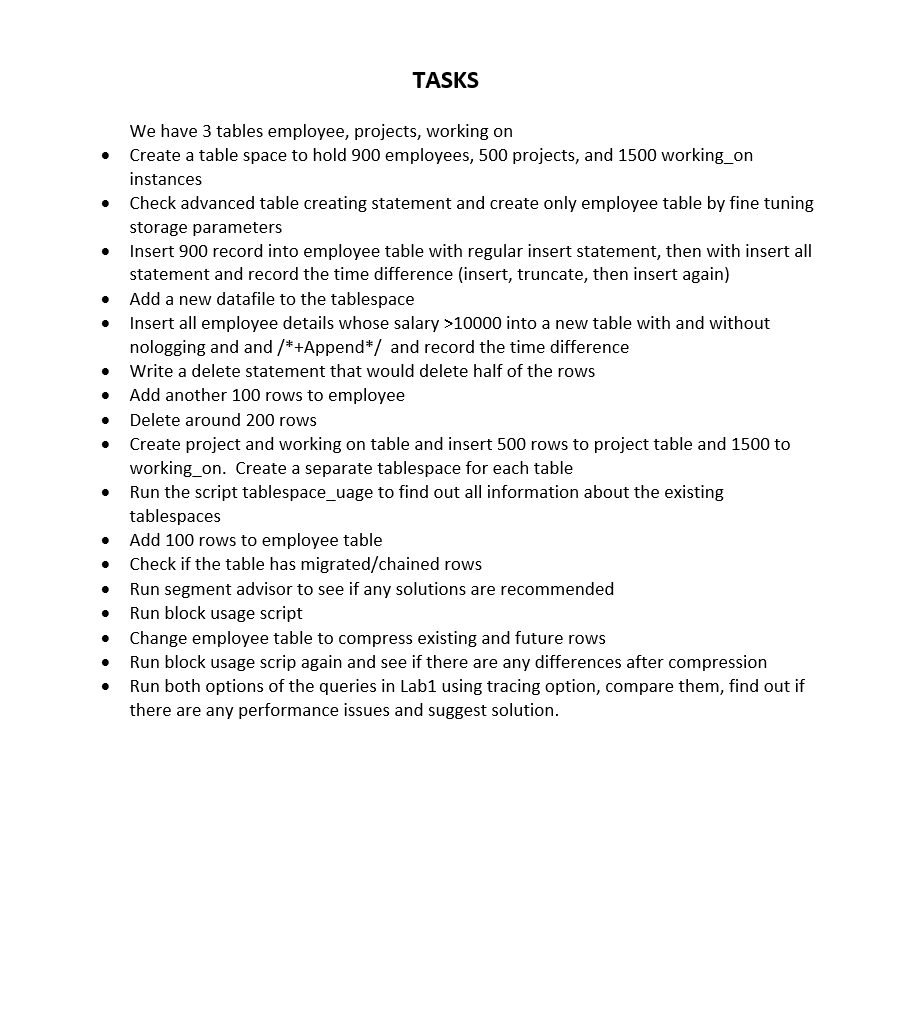
We have 3 tables employee, projects, working on - Create a table space to hold 900 employees, 500 projects, and 1500 working_on instances - Check advanced table creating statement and create only employee table by fine tuning storage parameters - Insert 900 record into employee table with regular insert statement, then with insert all statement and record the time difference (insert, truncate, then insert again) - Add a new datafile to the tablespace - Insert all employee details whose salary >10000 into a new table with and without nologging and and /+ Append / and record the time difference - Write a delete statement that would delete half of the rows - Add another 100 rows to employee - Delete around 200 rows - Create project and working on table and insert 500 rows to project table and 1500 to working_on. Create a separate tablespace for each table - Run the script tablespace_uage to find out all information about the existing tablespaces - Add 100 rows to employee table - Check if the table has migrated/chained rows - Run segment advisor to see if any solutions are recommended - Run block usage script - Change employee table to compress existing and future rows - Run block usage scrip again and see if there are any differences after compression - Run both options of the queries in Lab1 using tracing option, compare them, find out if there are any performance issues and suggest solution
Step by Step Solution
There are 3 Steps involved in it

Get step-by-step solutions from verified subject matter experts
 Study Help