







Question: we have not discussed. - convert _ col _ to _ type ( table , col _ index, type _ converter ) This function takes
we have not discussed.
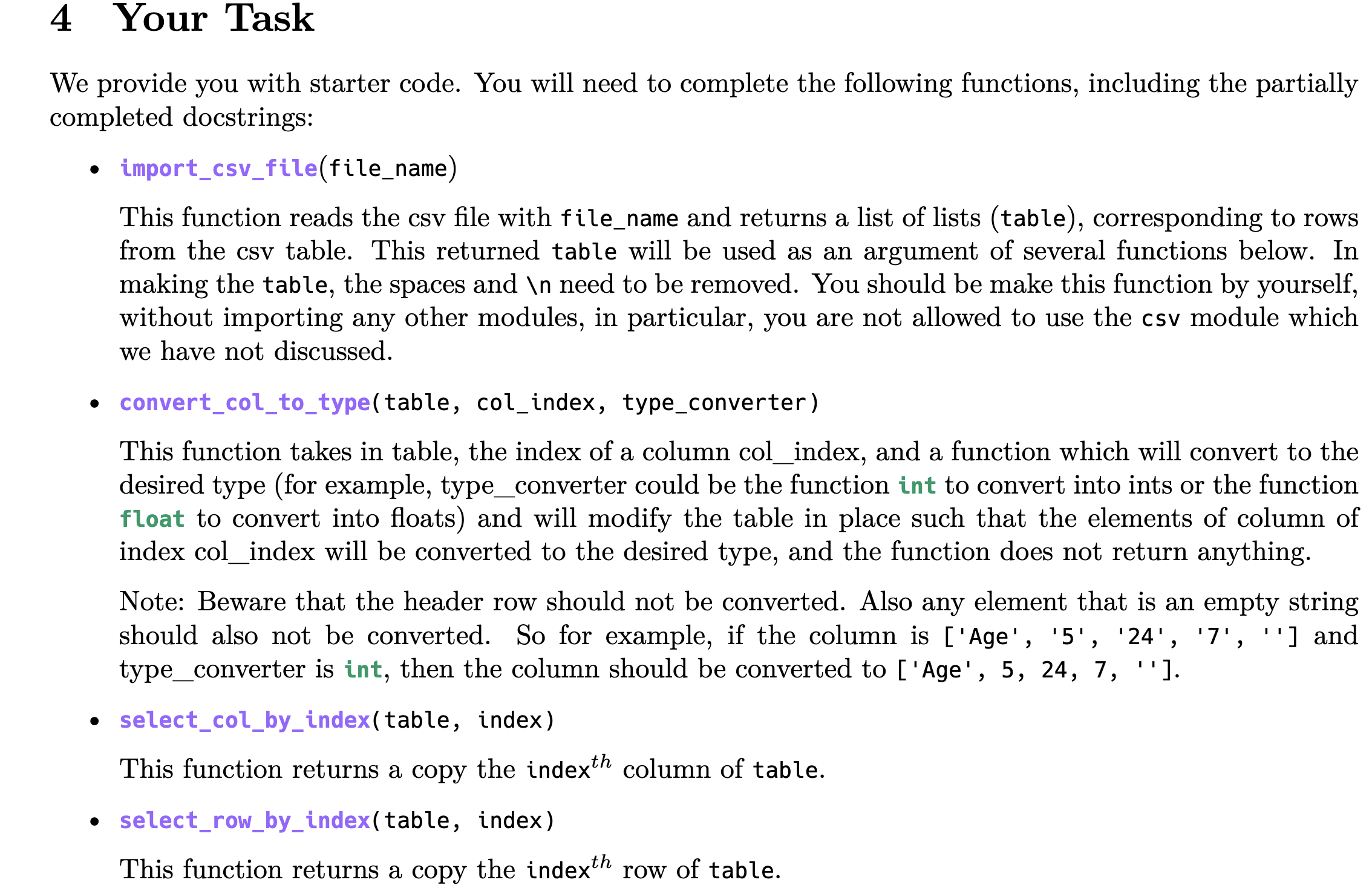
convertcoltotypetable colindex, typeconverter
This function takes in table, the index of a column colindex, and a function which will convert to the desired type for example, typeconverter could be the function int to convert into ints or the function float to convert into floats and will modify the table in place such that the elements of column of index colindex will be converted to the desired type, and the function does not return anything.
Note: Beware that the header row should not be converted. Also any element that is an empty string should also not be converted. So for example, if the column is Age and typeconverter is int, then the column should be converted to Age
selectcolbyindextable index
This function returns a copy the index text th column of table.
selectrowbyindextable index
This function returns a copy the index t h row of table. selectrowbyindextable index
This function returns a copy the index t h row of table.
getindexoflabelheader label
This function takes in the header of a table ie a list with the names of the columns and a label ie the name of a desired column and returns the index of the column with that label. Raise a value error if the label is not found. Note that the starter code docstring for this function gives an example of how to do this. selectcolbylabeltable label
This function takes in a table and a column label ie the name of the desired column and returns a copy of that column as a list.
Note: This function can make use of getindexoflabel and selectcolbyindex.
transposetabletable
This function return a transpose of the table. In other words, it returns a table whose rows are the columns of the argument table.
eg if table then this function would return
This function is not used by the other functions, but it is a good exercise. Also, the underlying implementation of pandas does make heavy use of such a function since it often works on the transposed table, for technical reasons having to do with memory layout.
filtertablebyvaluetable columnlabel, value
This function should return a copy of a subset of table which includes the header of table and only the rows such that their value in the column identified by columnlabel is equal to the value argument.
For example if table AB True False True then filtertablebyvaluetableB False should return: AB False Note that this function has an argument table, but the function should not be specific to the table of chemical elements. periodictabletostr
This function uses the previous functions to return a string representation of a periodic table where the None's are replaced by spaces, the elements are separated by Tabs, and both the Lanthanide and Actinide Series of elements are there printed below the rest of the periodic table.
Most of the code of this function is given to you. The code builds a string representation of the periods rows of the periodic table. To complete this function, you will need to use your filtertablebyvalue function to extract the Lanthanides and Actinides from the table returned by elementstable importcsvfileelementscsv Your task is to add the two rows which contain the Lanthanides lanseries and the Actinides actseries with the format shown in the docstring. You can filter out these two series using filtertablebyvalue after noting they have as values in the column 'Group'. You can then separate the Lanthanides which have value in the column 'Period' from the Actinides which have value Here is the only place where we allow hardcoding: you can hardcode the values and here.
Step by Step Solution
There are 3 Steps involved in it
1 Expert Approved Answer
Step: 1 Unlock

Question Has Been Solved by an Expert!
Get step-by-step solutions from verified subject matter experts
Step: 2 Unlock
Step: 3 Unlock
 Study Help