







Question: We will elaborate on the bounce.html example. - Add code so that when we an it's changes to the attached Orochimaru.jp - If we mouse
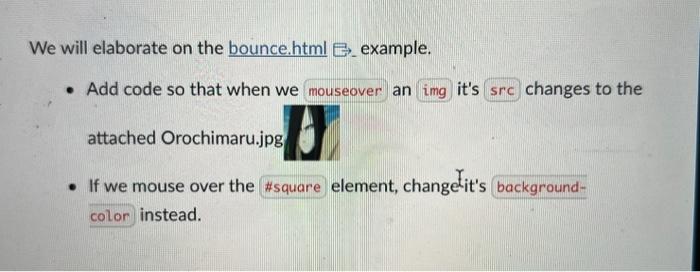
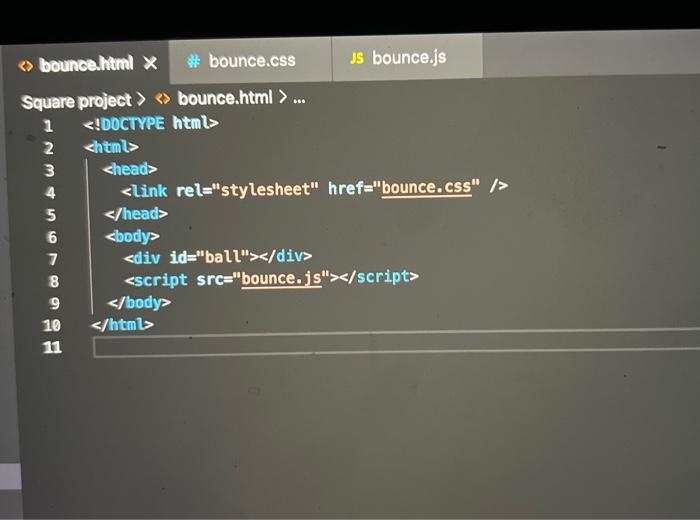
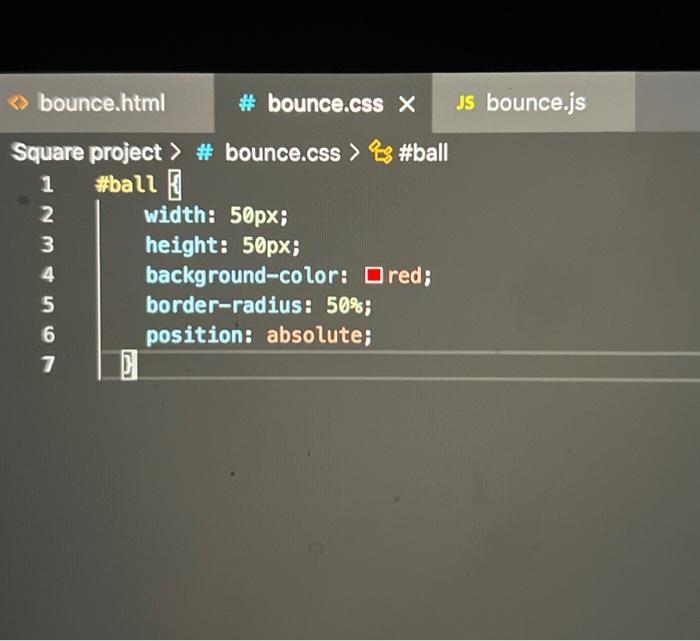
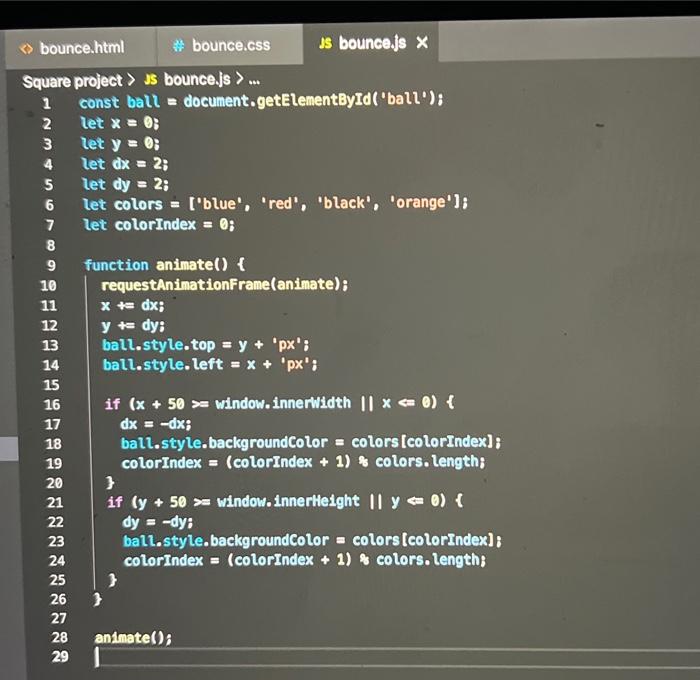
We will elaborate on the bounce.html example. - Add code so that when we an it's changes to the attached Orochimaru.jp - If we mouse over the element, changetit's instead. Square project & bounce.html 12345678910
Step by Step Solution
There are 3 Steps involved in it
1 Expert Approved Answer
Step: 1 Unlock

Question Has Been Solved by an Expert!
Get step-by-step solutions from verified subject matter experts
Step: 2 Unlock
Step: 3 Unlock
 Study Help