







Question: Web App HTML/CSS Assignment After going through the HTML and CSS codecademys, you need to submit a sample webpage. You can use any text editor
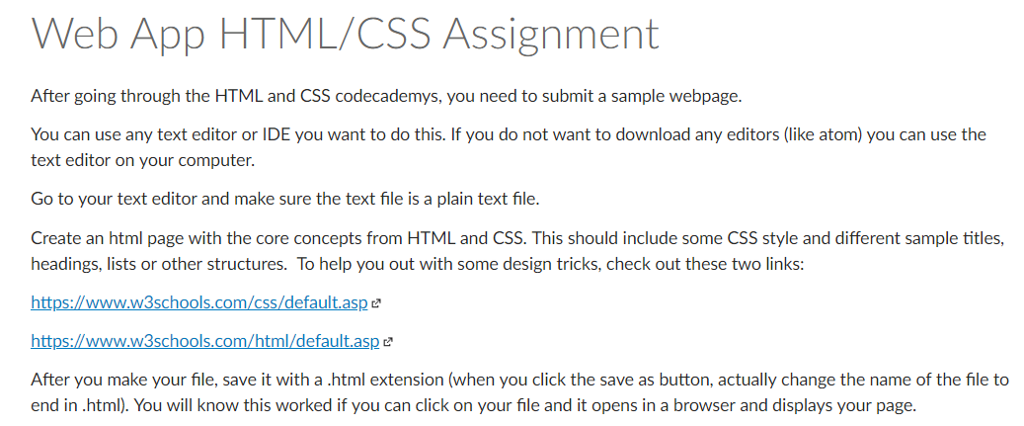
Web App HTML/CSS Assignment After going through the HTML and CSS codecademys, you need to submit a sample webpage. You can use any text editor or IDE you want to do this. If you do not want to download any editors (like atom) you can use the text editor on your computer. Go to your text editor and make sure the text file is a plain text file. Create an html page with the core concepts from HTML and CSS. This should include some CSS style and different sample titles, headings, lists or other structures. To help you out with some design tricks, check out these two links: https://www.w3schools.com/css/default.aspe https://www.w3schools.com/html/default.aspe After you make your file, save it with a .html extension (when you click the save as button, actually change the name of the file to end in html). You will know this worked if you can click on your file and it opens in a browser and displays your page
Step by Step Solution
There are 3 Steps involved in it

Get step-by-step solutions from verified subject matter experts
 Study Help