







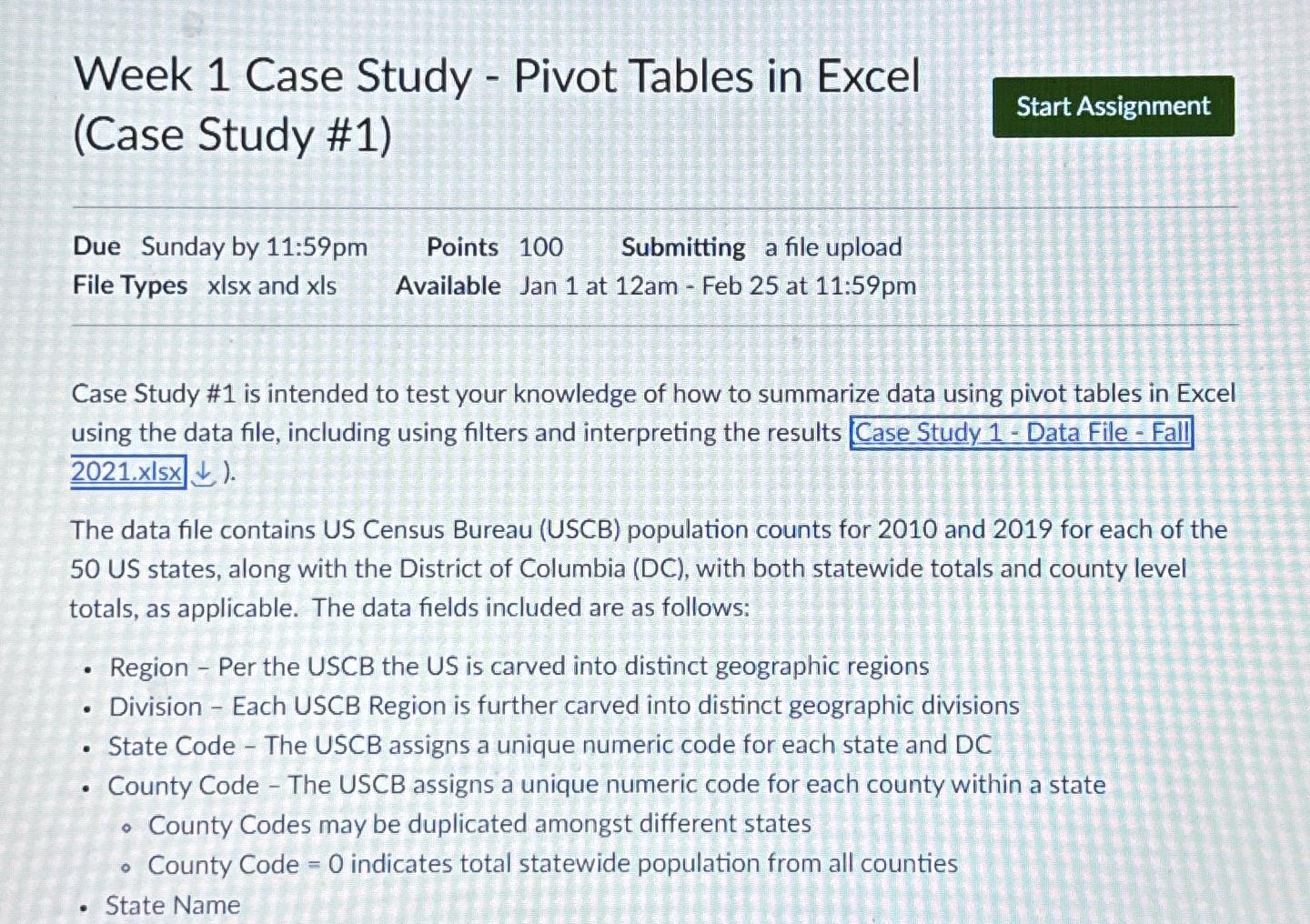
Question: Week 1 Case Study - Pivot Tables in Excel ( Case Study # 1 ) Due Sunday by 1 1 : 5 9 pm Points
Week Case Study Pivot Tables in Excel Case Study #
Due Sunday by : pm Points Submitting a file upload
File Types and Available Jan at am Feb at :pm
Case Study # is intended to test your knowledge of how to summarize data using pivot tables in Excel using the data file, including using filters and interpreting the results xIsx darr
The data file contains US Census Bureau USCB population counts for and for each of the US states, along with the District of Columbia DC with both statewide totals and county level totals, as applicable. The data fields included are as follows:
Region Per the USCB the US is carved into distinct geographic regions
Division Each USCB Region is further carved into distinct geographic divisions
State Code The USCB assigns a unique numeric code for each state and DC
County Code The USCB assigns a unique numeric code for each county within a state
County Codes may be duplicated amongst different states
County Code indicates total statewide population from all counties
State Name
Step by Step Solution
There are 3 Steps involved in it
1 Expert Approved Answer
Step: 1 Unlock

Question Has Been Solved by an Expert!
Get step-by-step solutions from verified subject matter experts
Step: 2 Unlock
Step: 3 Unlock
 Study Help