



Question: What is the most efficient way for you build a Table of Contents in Microsoft Word? Use Styles to designate section headings within your document
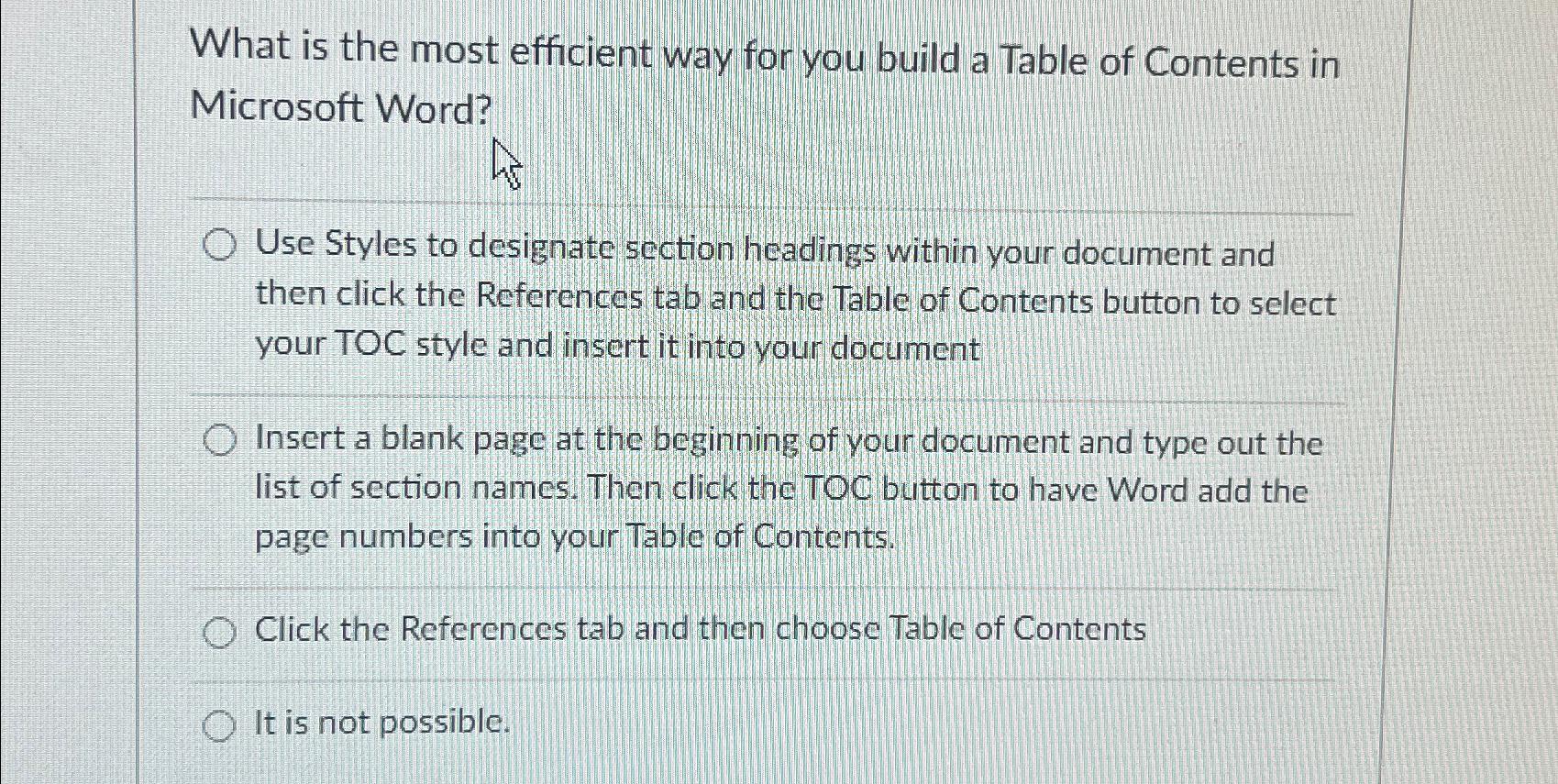
What is the most efficient way for you build a Table of Contents in Microsoft Word?
Use Styles to designate section headings within your document and then click the References tab and the Table of Contents button to select your TOC style and insert it into your document
Insert a blank page at the beginning of your document and type out the list of section names. Then click the TOC button to have Word add the page numbers into your Table of Contents.
Click the References tab and then choose Table of Contents
It is not possible.
Step by Step Solution
There are 3 Steps involved in it
1 Expert Approved Answer
Step: 1 Unlock

Question Has Been Solved by an Expert!
Get step-by-step solutions from verified subject matter experts
Step: 2 Unlock
Step: 3 Unlock