







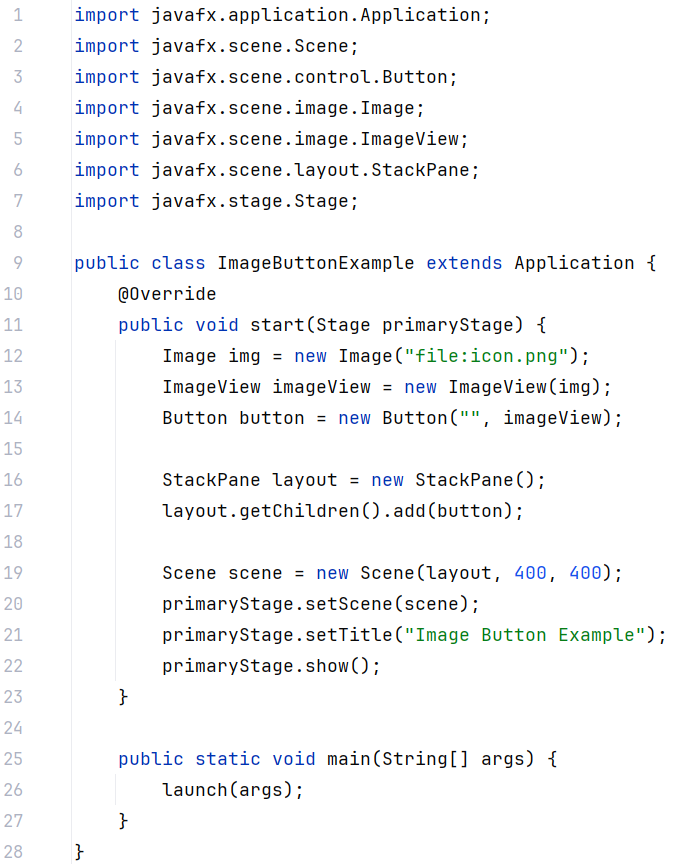
Question: What will be displayed on the button? import javafx.application.Application; import javafx.scene.Scene; import javafx.scene.control.Button; import javafx.scene.image.Image; import javafx.scene.image.ImageView; import javafx.scene.layout.StackPane; import javafx.stage.Stage; public class ImageButtonExample extends
What will be displayed on the button? import javafx.application.Application;
import javafx.scene.Scene;
import javafx.scene.control.Button;
import javafx.scene.image.Image;
import javafx.scene.image.ImageView;
import javafx.scene.layout.StackPane;
import javafx.stage.Stage;
public class ImageButtonExample extends Application
@Override
public void startStage primaryStage
Image img new Imagefile:icon.png;
ImageView imageView new ImageViewimg;
Button button new Button imageView;
StackPane layout new StackPane;
layout.getChildrenaddbutton;
Scene scene new Scenelayout;
primaryStage.setScenescene;
primaryStage.setTitleImage Button Example";
primaryStage.show;
public static void mainString args
launchargs;
Step by Step Solution
There are 3 Steps involved in it
1 Expert Approved Answer
Step: 1 Unlock

Question Has Been Solved by an Expert!
Get step-by-step solutions from verified subject matter experts
Step: 2 Unlock
Step: 3 Unlock
 Study Help