







Question: whats not clear? 3. Sum a data range based on conditions. a. Activate the Partners worksheet. b. In cell B15, use the AVERAGEIF function to
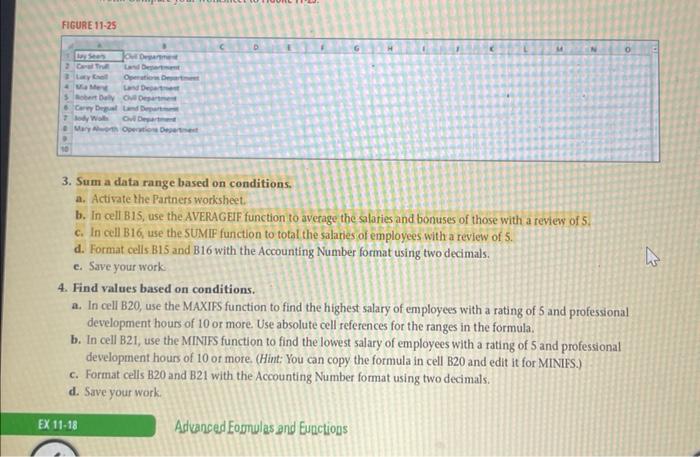
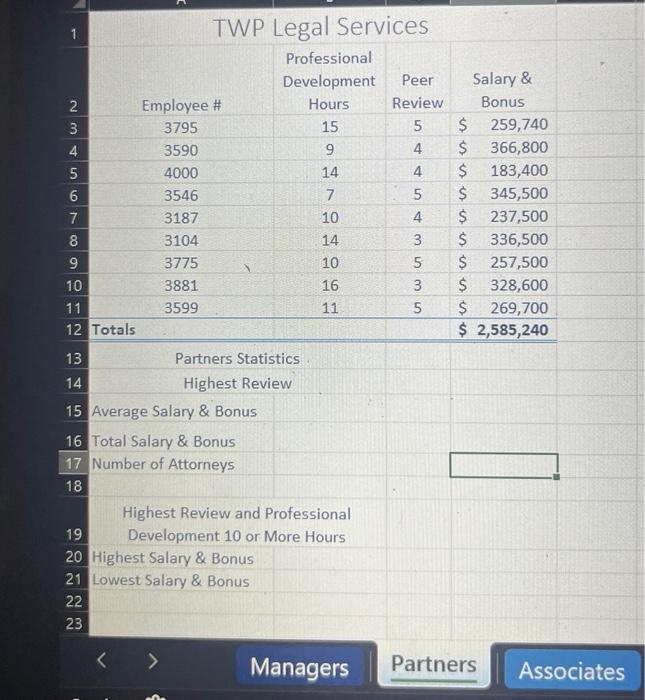
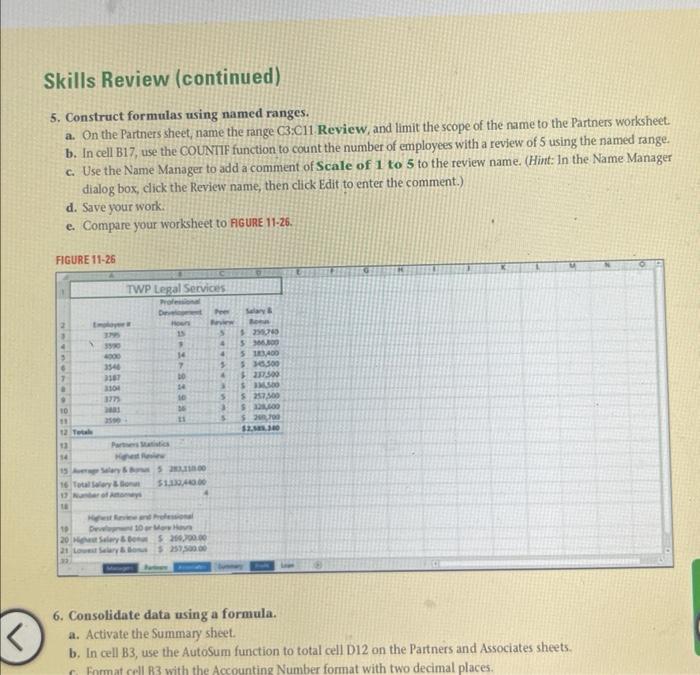
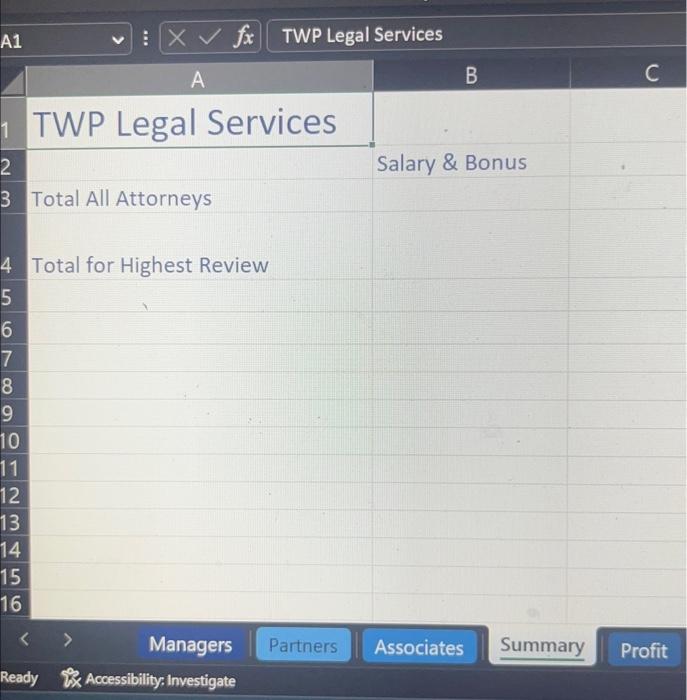
3. Sum a data range based on conditions. a. Activate the Partners worksheet. b. In cell B15, use the AVERAGEIF function to avetage the salaries and bonuses of those with a review of 5 . c. In cell B16, use the SUMIF function to total the salaries of employees with a review of 5. d. Format cells B15 and B16 with the Accounting Number format using two decimals. c. Save your work. 4. Find values based on conditions. a. In cell B20, use the MAXIPS function to find the highest salary of employees with a rating of 5 and professional development hours of 10 or more. Use absolute cell references for the ranges in the formula. b. In cell B21, use the MINIFS function to find the lowest salary of employees with a rating of 5 and professional development hours of 10 or more. (Hint: You can copy the formula in cell B20 and edit it for MINIFS.) c. Format cells B20 and B21 with the Accounting Number format using two decimals. d. Save your work. Advanced Eomnulas and Eunctions TWP Legal Services Professional Partners Statistics Highest Review 15 Average Salary \& Bonus 16 Total Salary \& Bonus 17 Number of Attorneys 18 Highest Review and Professional 19 Development 10 or More Hours 20 Highest Salary \& Bonus 21 Lowest Salary \& Bonus 22 23 Skills Review (continued) 5. Construct formulas using named ranges. a. On the Partners sheet, name the range C3:C11. Review, and limit the scope of the name to the Partners worksheet. b. In cell B17, use the COUNIIF function to count the number of employees with a review of 5 using the named range. c. Use the Name Manager to add a comment of Scale of 1 to 5 to the review name. (Hint: In the Name Manager dialog box, click the Review name, then click Edit to enter the comment.) d. Save your work. e. Compare your worksheet to FGURE 11-26. FGURE 1125 6. Consolidate data using a formula. a. Activate the Summary sheet. b. In cell B3, use the AutoSum function to total cell D12 on the Partners and Associates sheets. TWP Legal Services Salary \& Bonus Total All Attorneys Total for Highest Review
Step by Step Solution
There are 3 Steps involved in it

Get step-by-step solutions from verified subject matter experts
 Study Help