







Question: When applying a unique constraint using custom validation in Excel, what happens if a user tries to input a value that already exists in the
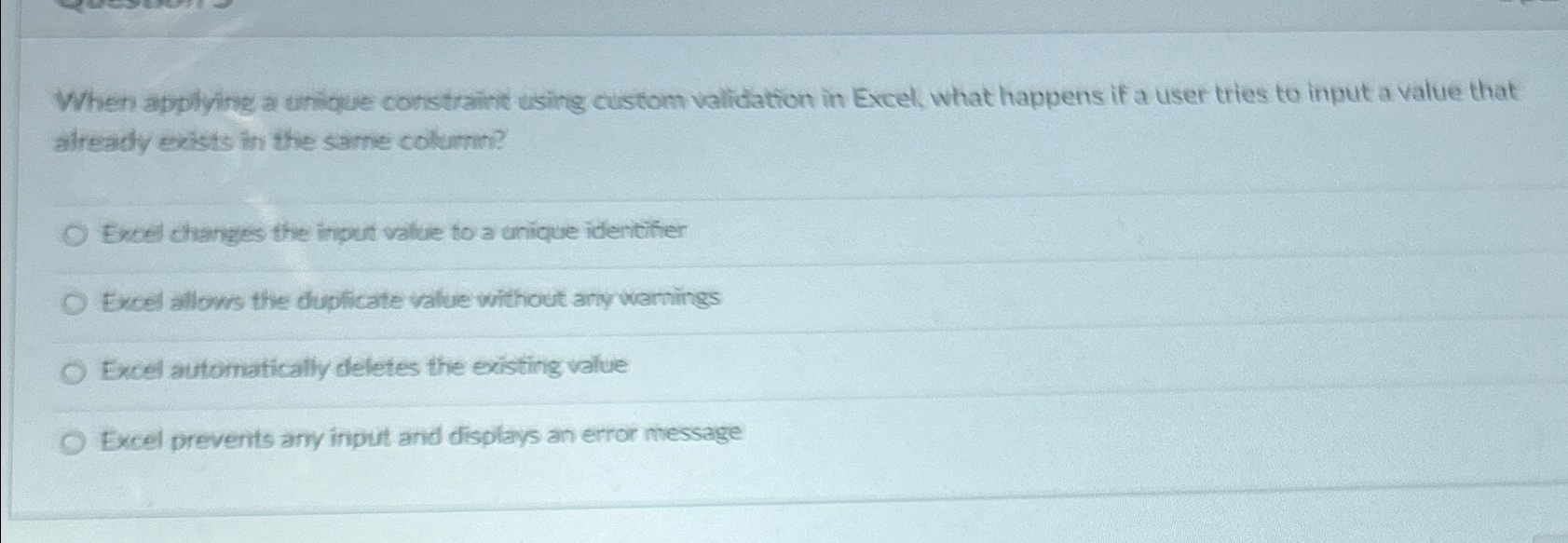
When applying a unique constraint using custom validation in Excel, what happens if a user tries to input a value that already exists in the same columi?
Excel changes the input value to a unique identifier
Excel allows the duplicate value without any warnings
Excel automatically deletes the existing value
Excel prevents any input and displays an error message
Step by Step Solution
There are 3 Steps involved in it
1 Expert Approved Answer
Step: 1 Unlock

Question Has Been Solved by an Expert!
Get step-by-step solutions from verified subject matter experts
Step: 2 Unlock
Step: 3 Unlock
 Study Help