







Question: When creating a link to a chart in Word or PowerPoint, you may need to refresh the data if you make any changes in the
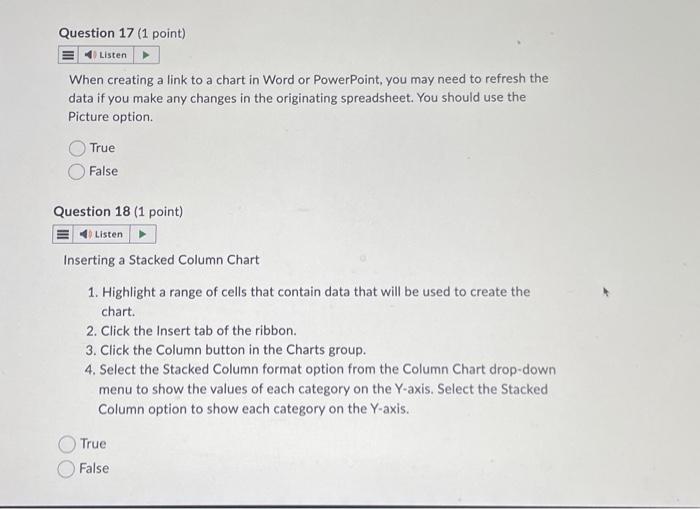
When creating a link to a chart in Word or PowerPoint, you may need to refresh the data if you make any changes in the originating spreadsheet. You should use the Picture option. True False Question 18 (1 point) Inserting a Stacked Column Chart 1. Highlight a range of cells that contain data that will be used to create the chart. 2. Click the Insert tab of the ribbon. 3. Click the Column button in the Charts group. 4. Select the Stacked Column format option from the Column Chart drop-down menu to show the values of each category on the Y-axis. Select the Stacked Column option to show each category on the Y-axis. True False
Step by Step Solution
There are 3 Steps involved in it

Get step-by-step solutions from verified subject matter experts
 Study Help