







Question: When learning about the customer reports that can be generated in QuickBooks Online, there are many that are helpful to the organization. For example, QuickBooks
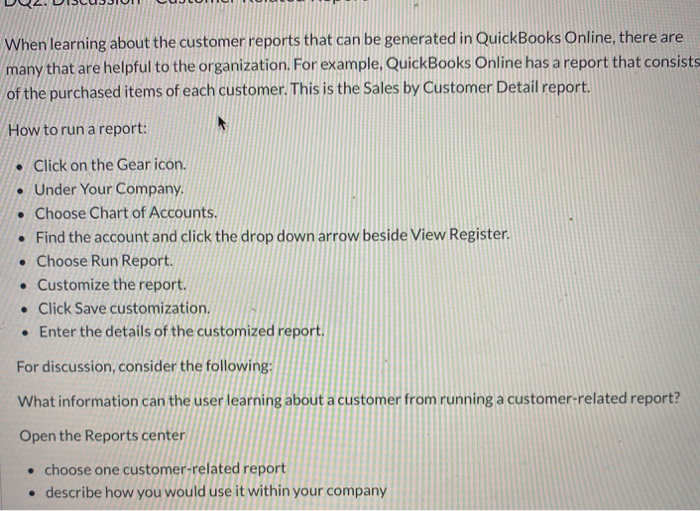
When learning about the customer reports that can be generated in QuickBooks Online, there are many that are helpful to the organization. For example, QuickBooks Online has a report that consists of the purchased items of each customer. This is the Sales by Customer Detail report. How to run a report: . Click on the Gear icon. Under Your Company. Choose Chart of Accounts. Find the account and click the drop down arrow beside View Register. Choose Run Report. Customize the report. . Click Save customization. Enter the details of the customized report. For discussion, consider the following: What information can the user learning about a customer from running a customer-related report? Open the Reports center choose one customer-related report describe how you would use it within your company
Step by Step Solution
There are 3 Steps involved in it

Get step-by-step solutions from verified subject matter experts
 Study Help