







Question: When opening an Excel file, Sonja received a message saying that the file is locked for editing. This is happening because concurrent update controls have
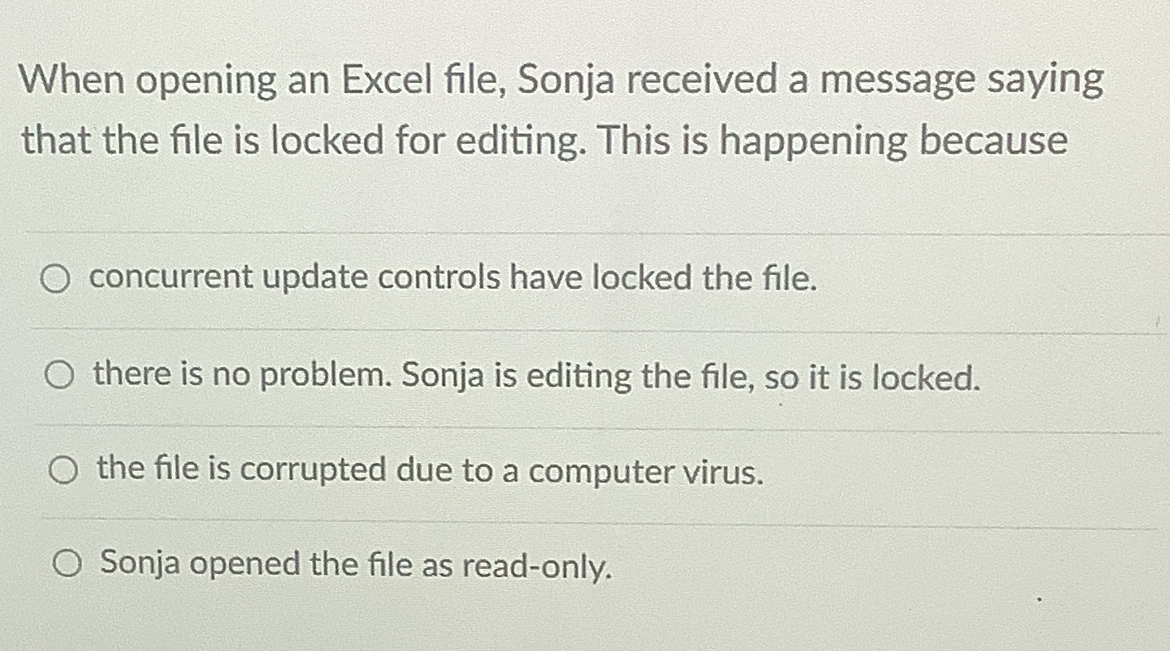
When opening an Excel file, Sonja received a message saying that the file is locked for editing. This is happening because
concurrent update controls have locked the file.
there is no problem. Sonja is editing the file, so it is locked.
the file is corrupted due to a computer virus.
Sonja opened the file as readonly.
Step by Step Solution
There are 3 Steps involved in it
1 Expert Approved Answer
Step: 1 Unlock

Question Has Been Solved by an Expert!
Get step-by-step solutions from verified subject matter experts
Step: 2 Unlock
Step: 3 Unlock
 Study Help