







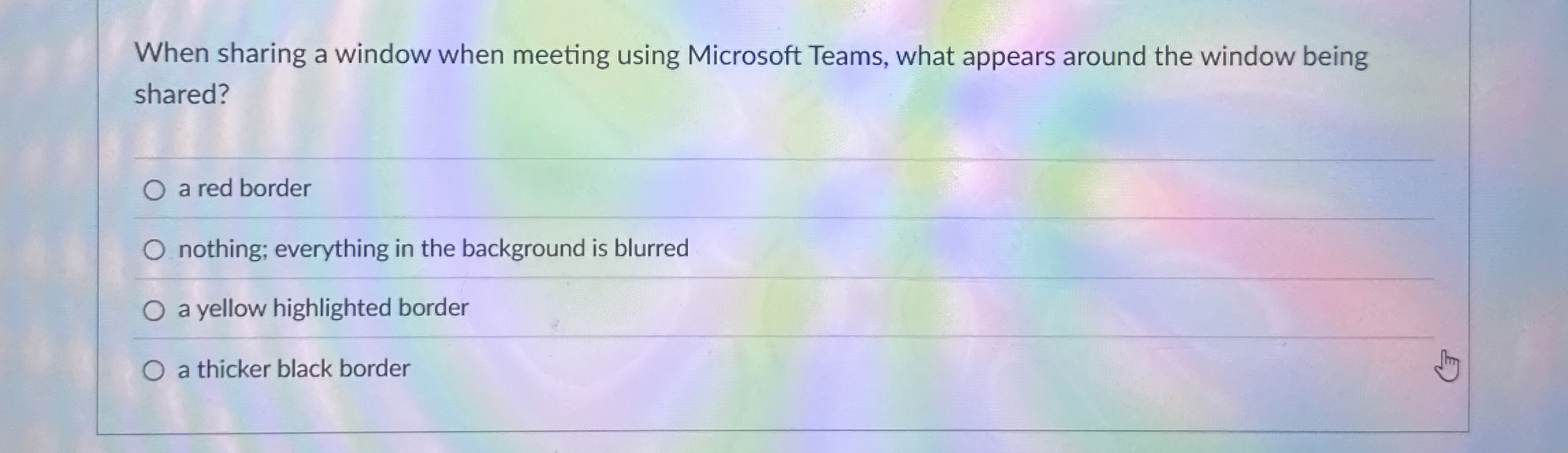
Question: When sharing a window when meeting using Microsoft Teams, what appears around the window being shared? a red border nothing; everything in the background is
When sharing a window when meeting using Microsoft Teams, what appears around the window being
shared?
a red border
nothing; everything in the background is blurred
a yellow highlighted border
a thicker black border
Step by Step Solution
There are 3 Steps involved in it
1 Expert Approved Answer
Step: 1 Unlock

Question Has Been Solved by an Expert!
Get step-by-step solutions from verified subject matter experts
Step: 2 Unlock
Step: 3 Unlock
 Study Help