





Question: When the workbook is completed the rows beyond the loan term should look blank on your screen. Deyise a way to accomplish this using the
When the workbook is completed the rows beyond
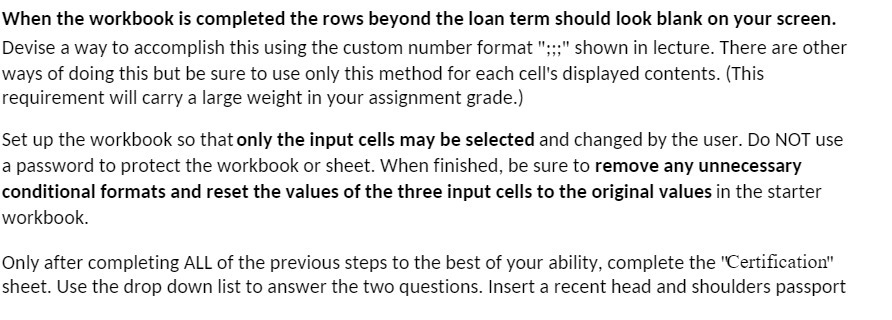
When the workbook is completed the rows beyond the loan term should look blank on your screen. Deyise a way to accomplish this using the custom number format ";;:" shown in lecture. There are other ways of doing this but be sure to use only this method for each cell's displayed contents. (This requirement will carry a large weight in your assignment grade.) Set up the workbook so thatonly the input cells may be selected and changed by the user. Do NOT use a password to protect the workbook or sheet. When finished, be sure to remove any unnecessary conditional formats and reset the values of the three input cells to the original values in the starter workbook. Only after completing ALL of the previous steps to the best of your ability. complete the \"Certication" sheet. Use the drop down list to answer the two questions. Insert a recent head and shoulders passport

Step by Step Solution

There are 3 Steps involved in it

1 Expert Approved Answer
Step: 1 Unlock blur-text-image

Question Has Been Solved by an Expert!

Get step-by-step solutions from verified subject matter experts

Step: 2 Unlock
Step: 3 Unlock

Students Have Also Explored These Related Accounting Questions!