







Question: When you read a number from the user using keyboard.nextlnt () or keyboard.nextDouble (), where keyboard is a scanner object associated with System.in, an exception
When you read a number from the user using keyboard.nextlnt () or keyboard.nextDouble (), where keyboard is a scanner object associated with System.in, an exception (specifically a InputMismatchException) is thrown if the user enters a non-number Sometimes, instead of using keyboard.nextint(), we will use keyboard.nextLine() followed by Integer.parselnt () in order to read a number as a string and then parse it into an integer. If the user input is non-numeric, then an exception (specifically a NumberFomatException) is thrown Write a program that asks the user to enter his/her annual income. It should read the income as a String (using nextLine) and then parse it into a double using parseDouble. However, you should use a try-catclh around the read operation, and should use an input validation loop around the try-catch. If the user enters a bad input, then he/she should be asked to re-enter it. When a correct income is finally entered, it should be displayed to the screen The program should then ask the user to enter his/her age, and read the integer age using keyboard.nextlnt. However, you should you should use a try-catch around the read operation, and an input validation loop around the try-catch. If the user enters a bad input, then he/she should be asked to re-enter it. When the user enters a correctly-formatted age, that age should be displayed to the screen Note the following: if a nextint() operation throws an exception, then the bad input that caused the exception is not considered and remains in the keyboard buffer for the next read operation. Therefore, in your catch clause, you must have an empty keyboard.nextLine() statement to clear the buffer
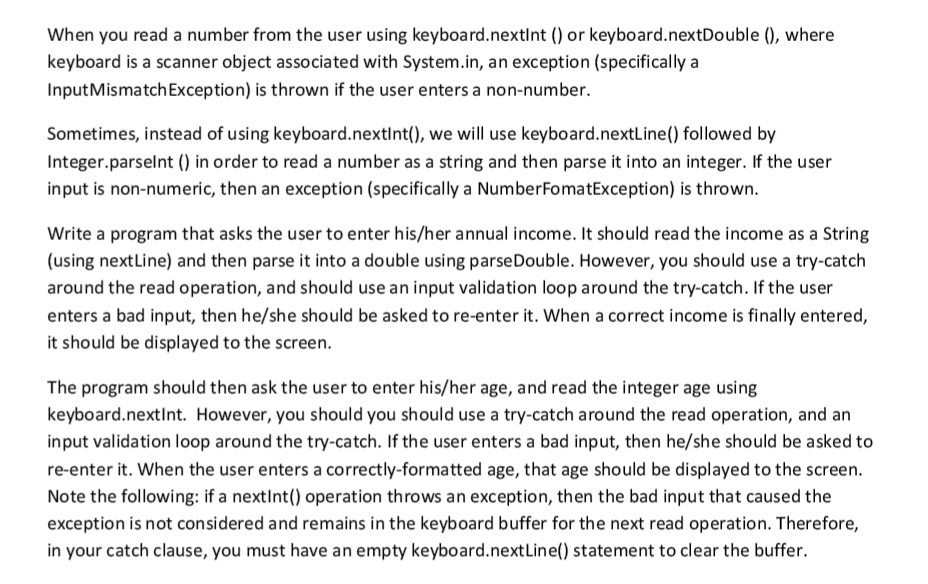
When you read a number from the user using keyboard.nextlnt () or keyboard.nextDouble (), where keyboard is a scanner object associated with System.in, an exception (specifically a InputMismatchException) is thrown if the user enters a non-number. Sometimes, instead of using keyboard.nextint(), we will use keyboard.nextLine() followed by Integer.parselnt () in order to read a number as a string and then parse it into an integer. If the user input is non-numeric, then an exception (specifically a NumberFomatException) is thrown. Write a program that asks the user to enter his/her annual income. It should read the income as a String (using nextLine) and then parse it into a double using parseDouble. However, you should use a try-catch around the read operation, and should use an input validation loop around the try-catch. If the user enters a bad input, then he/she should be asked to re-enter it. When a correct income is finally entered, it should be displayed to the screen. The program should then ask the user to enter his/her age, and read the integer age using keyboard.nextint. However, you should you should use a try-catch around the read operation, and an input validation loop around the try-catch. If the user enters a bad input, then he/she should be asked to re-enter it. When the user enters a correctly-formatted age, that age should be displayed to the screen. Note the following: if a nextlnt) operation throws an exception, then the bad input that caused the exception is not considered and remains in the keyboard buffer for the next read operation. Therefore, in your catch clause, you must have an empty keyboard.nextLine) statement to clear the buffer
Step by Step Solution
There are 3 Steps involved in it

Get step-by-step solutions from verified subject matter experts
 Study Help