







Question: While working in Page Layout view, how can you enter your name so it appears in the lower - right corner of the printout? Click
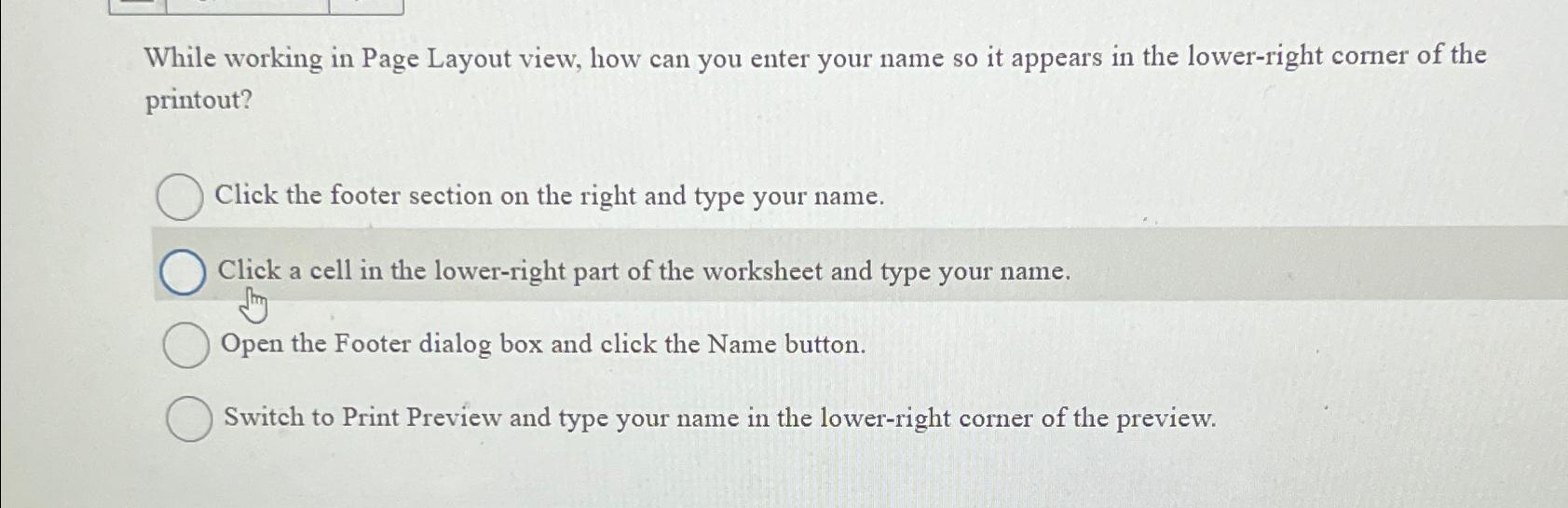
While working in Page Layout view, how can you enter your name so it appears in the lowerright corner of the printout?
Click the footer section on the right and type your name.
Click a cell in the lowerright part of the worksheet and type your name.
Open the Footer dialog box and click the Name button.
Switch to Print Preview and type your name in the lowerright corner of the preview.
Step by Step Solution
There are 3 Steps involved in it
1 Expert Approved Answer
Step: 1 Unlock

Question Has Been Solved by an Expert!
Get step-by-step solutions from verified subject matter experts
Step: 2 Unlock
Step: 3 Unlock
 Study Help