







Question: Windows Boot Manager Windows failed to start. A recent hardware or software change might be the cause. To fix the problem: 1. Insert your
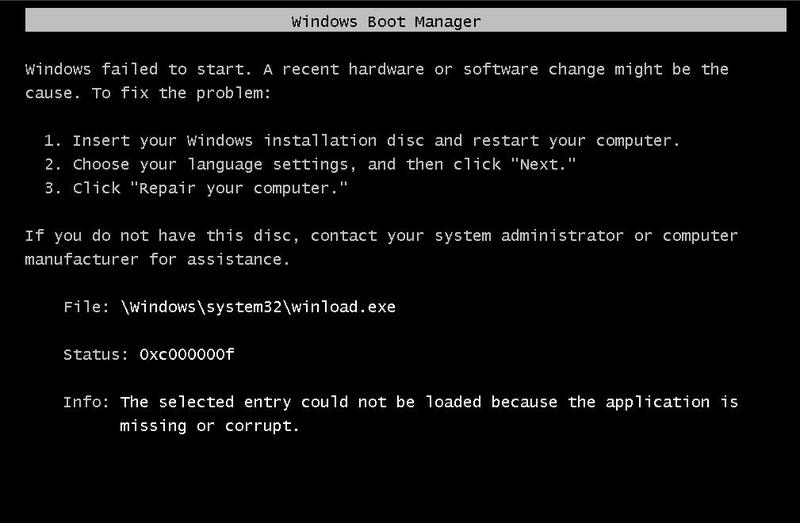
Windows Boot Manager Windows failed to start. A recent hardware or software change might be the cause. To fix the problem: 1. Insert your windows installation disc and restart your computer. 2. Choose your language settings, and then click "Next." 3. Click "Repair your computer." If you do not have this disc, contact your system administrator or computer manufacturer for assistance. File: \Windows\system32\winload.exe Status: 0xc000000f Info: The selected entry could not be loaded because the application is missing or corrupt.
Step by Step Solution
There are 3 Steps involved in it
1 Expert Approved Answer
Step: 1 Unlock

Question Has Been Solved by an Expert!
Get step-by-step solutions from verified subject matter experts
Step: 2 Unlock
Step: 3 Unlock
 Study Help