



Question: Wireshark has a filter feature which helps to control which packet to display, it can be seen in the diagram 1a below (red circle). You
Wireshark has a filter feature which helps to control which packet to display, it can be seen in the diagram 1a below (red circle). You can enter filter condition such as ip.address == 192.168.0.1 to display all packet related to 192.168.0.1. Please refer to the question below and write an appropriate filter condition. 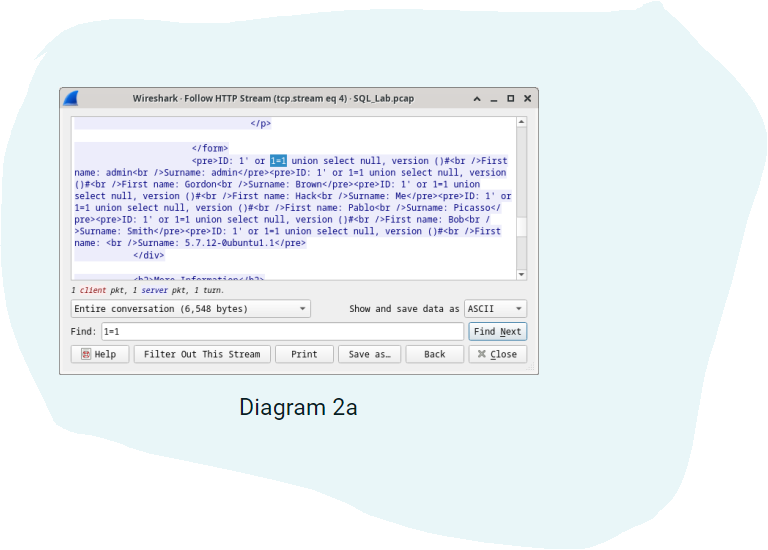
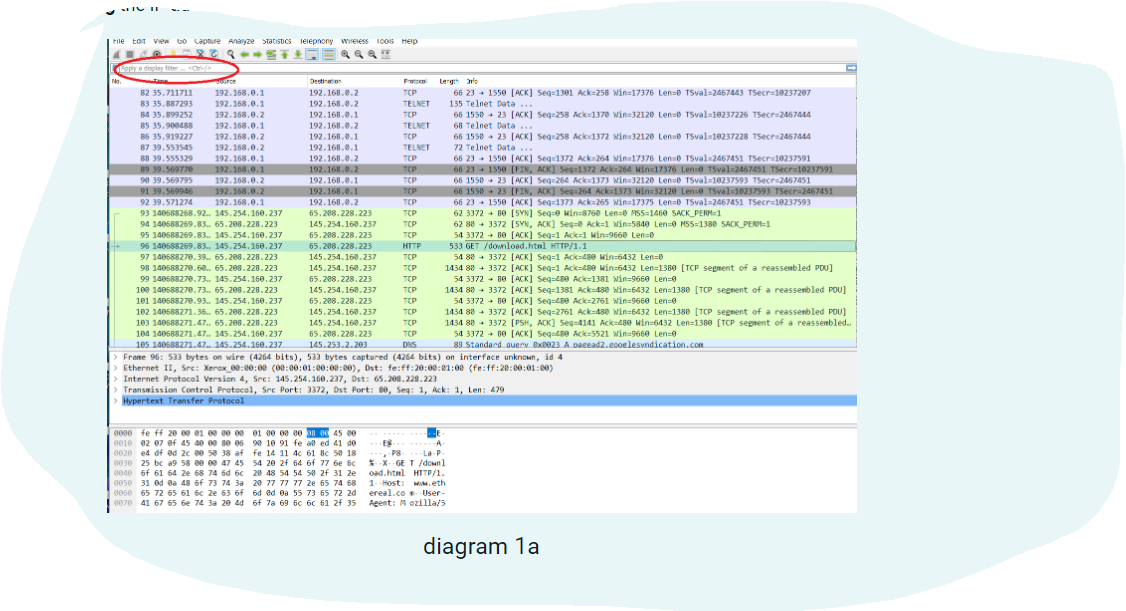
Wireshark. Follow HTTP Stream (tcp.stream eq 4) - SQL_Lab.pcap ID: 1 or 1-1 union select null, version ()# First name: admin Surname: admin ID: 1' or 1-1 union select null, version ()# First name: Gordon Surname: Brown ID: 1' or 1-1 union select null, version () # First name: Hack Surname: Me ID: 1 or 1-1 union select null, version ()# First name: Pablo Surname: Picasso ID: 1' or 1-1 union select null, version ()# First name: Bob Surname: mith ID: 1 or union select null, version ()# First name: Surname: 5.7.12-@ubuntu1.1 chilova Informations (has 1 client pkt, 1 server pkt, 1 turn. Entire conversation (6,548 bytes) Find: 1-1 Help Filter Out This Stream Print Show and save data as ASCII Save as... Diagram 2a Back Find Next x Close
Step by Step Solution
There are 3 Steps involved in it

Get step-by-step solutions from verified subject matter experts