







Question: Wireshark- Some simple tasks Do and explain how to do the following tasks using The Wireshark Network Analyzer by steps or photos: 1. Find out
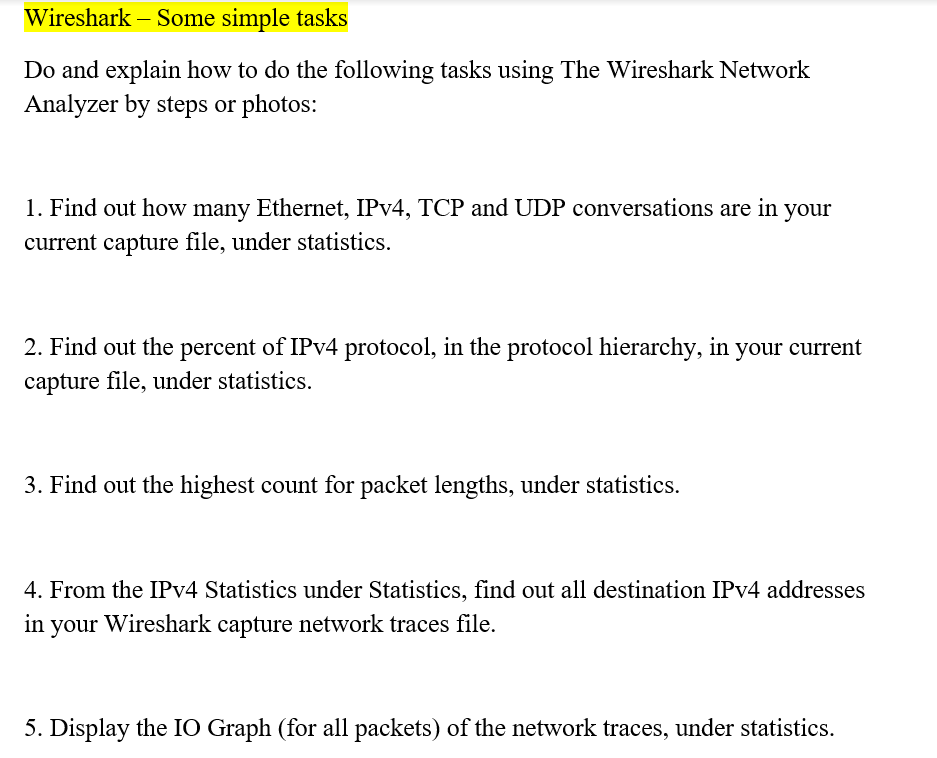
Wireshark- Some simple tasks Do and explain how to do the following tasks using The Wireshark Network Analyzer by steps or photos: 1. Find out how many Ethernet, IPv4, TCP and UDP conversations are in your current capture file, under statistics. 2. Find out the percent of IPv4 protocol, in the protocol hierarchy, in your current capture file, under statistics. 3. Find out the highest count for packet lengths, under statistics. 4. From the IPv4 Statistics under Statistics, find out all destination IPv4 addresses in your Wireshark capture network traces file 5. Display the IO Graph (for all packets) of the network traces, under statistics
Step by Step Solution
There are 3 Steps involved in it
1 Expert Approved Answer
Step: 1 Unlock

Question Has Been Solved by an Expert!
Get step-by-step solutions from verified subject matter experts
Step: 2 Unlock
Step: 3 Unlock
 Study Help