







Question: With Python: For this part of the lab, you will create a python program (recursive dir traversal.py) that will allow the user to provide the
With Python:
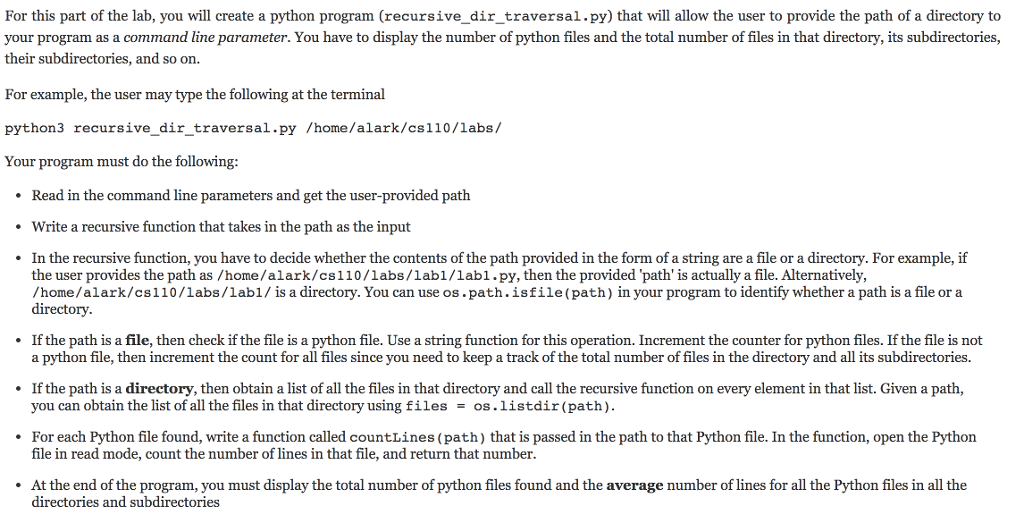
For this part of the lab, you will create a python program (recursive dir traversal.py) that will allow the user to provide the path of a directory to your program as a command line parameter. You have to display the number of python files and the total number of files in that directory, its subdirectories, their subdirectories, and so on. For example, the user may type the following at the terminal python 3 recursive dir traversal.py /home/alark/csl 10/labs Your program must do the following: Read in the command line parameters and get the user-provided path Write a recursive function that takes in the path as the input In the recursive function, you have to decide whether the contents of the path provided in the form of a string are a file or a directory. For example, if the user provides the path as /home/alark/cs110/labs, lab1/labl.py, then the provided 'path' is actually a file. Alternatively, /home/alark/cs110/labs/labl is a directory. You can use oss path .isfile (path) in your program to identify whether a path is a file or a directory. If the path is a file, then check if the file is a python file. Use a string function for this operation. Increment the counterfor python files. If the file is not a python file, then increment the count for all files since you need to keep a track of the total number of files in the directory and all its subdirectories If the path is a directory, then obtain a list of all the files in that directory and call the recursive function on everyelement in that list. Given a path you can obtain the list of all the files in that directory using files oss. listdir (path) For each Python file found, write a function called countLines (path) that is passed in the path to that Python file. In the function, open the Python file in read mode, count the number of lines in that file, and return that number. At the end of the program, you must display the total number of python files found and the average number of lines for all the Python files in all the directories and subdirectories
Step by Step Solution
There are 3 Steps involved in it

Get step-by-step solutions from verified subject matter experts
 Study Help