







Question: Working with a Beaglebone Black and Machinekit, having a hard time getting Machinekit running and working. Can anyone help with this (linux)? First, I used
Working with a Beaglebone Black and Machinekit, having a hard time getting Machinekit running and working. Can anyone help with this (linux)?
First, I used this guide, which accurately reflects the hardware I am working with:
https://www.rs-online.com/designspark/upgrading-a-cnc-milling-machine-part-1
https://www.rs-online.com/designspark/upgrading-a-cnc-milling-machine-part-2
https://www.rs-online.com/designspark/upgrading-a-cnc-milling-machine-part-3
I was able to get machinekit installed on the Beaglebone and open the program through the GUI, but when I tried to configure Machinekit with the COMET settings as discussed in the guide, I received an error message (below).
Tried to use a different beaglebone and different set of instructions:
https://machinekoder.com/machinekit-debian-stretch-beaglebone-black/
These instructions seemed to work without errors, but I don't get a display when I plug a monitor into the Beaglebone's HDMI port.
Any suggestions?
Edit: Sorry about the picture quality, increasing browser zoom to 200% seems to make it readable. I had to decrease it this far to capture everything in only 11 images, I can go back and re-snip everything in 22 images if the below isn't clear enough.
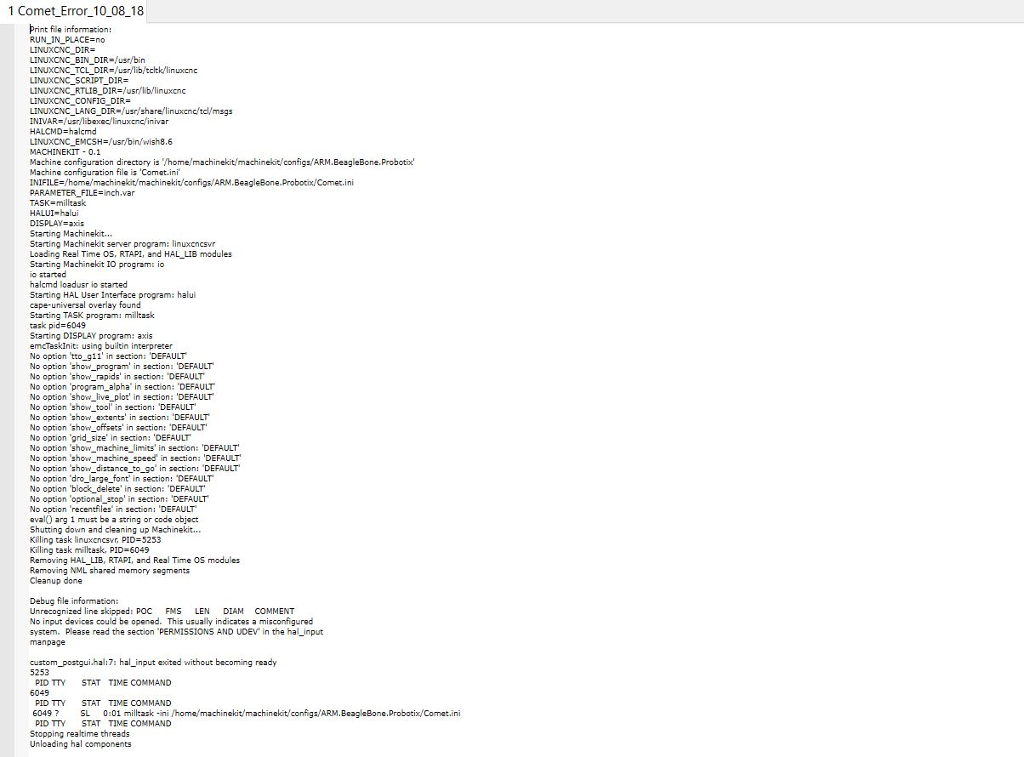
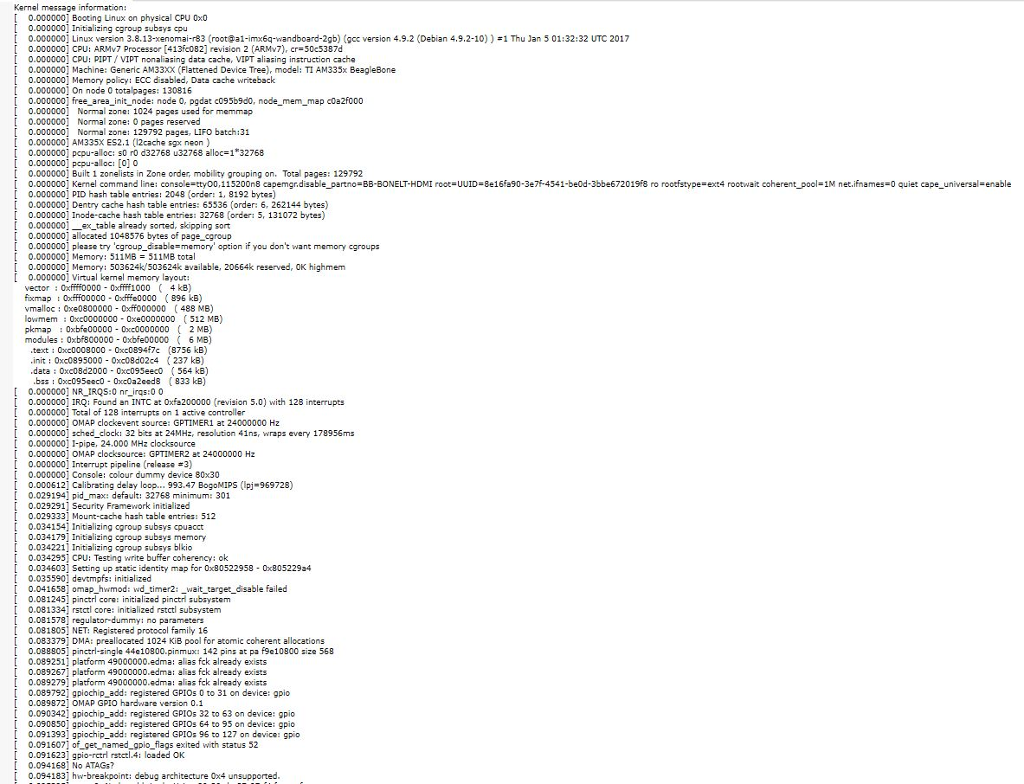
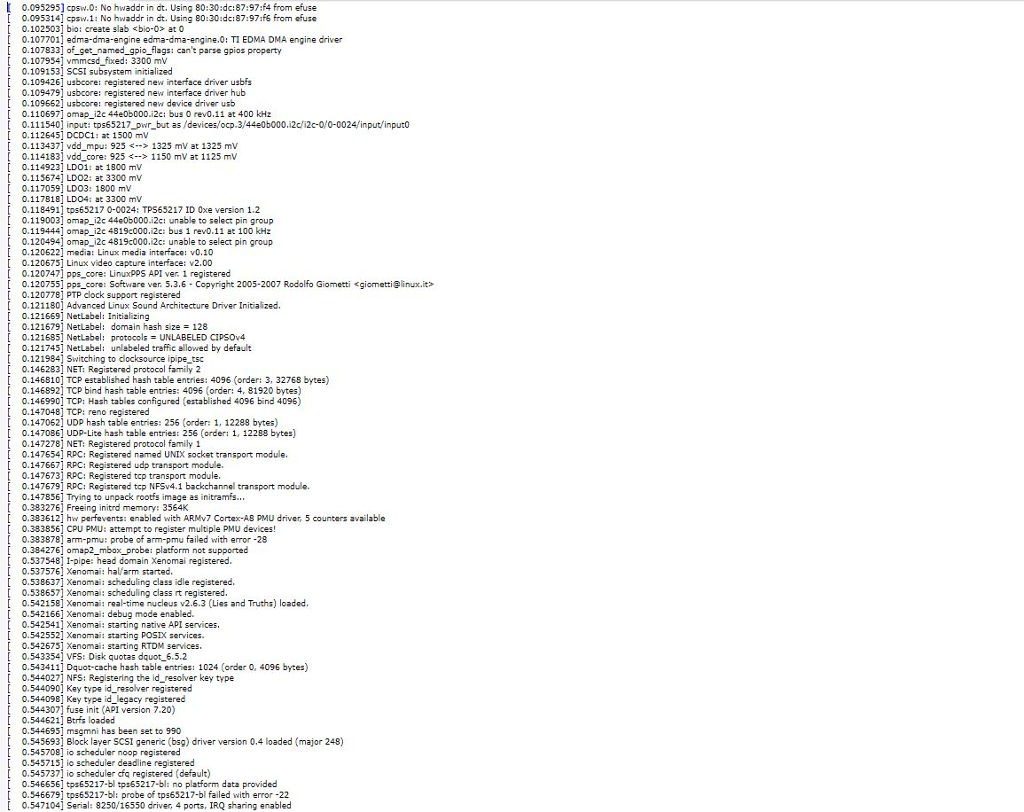
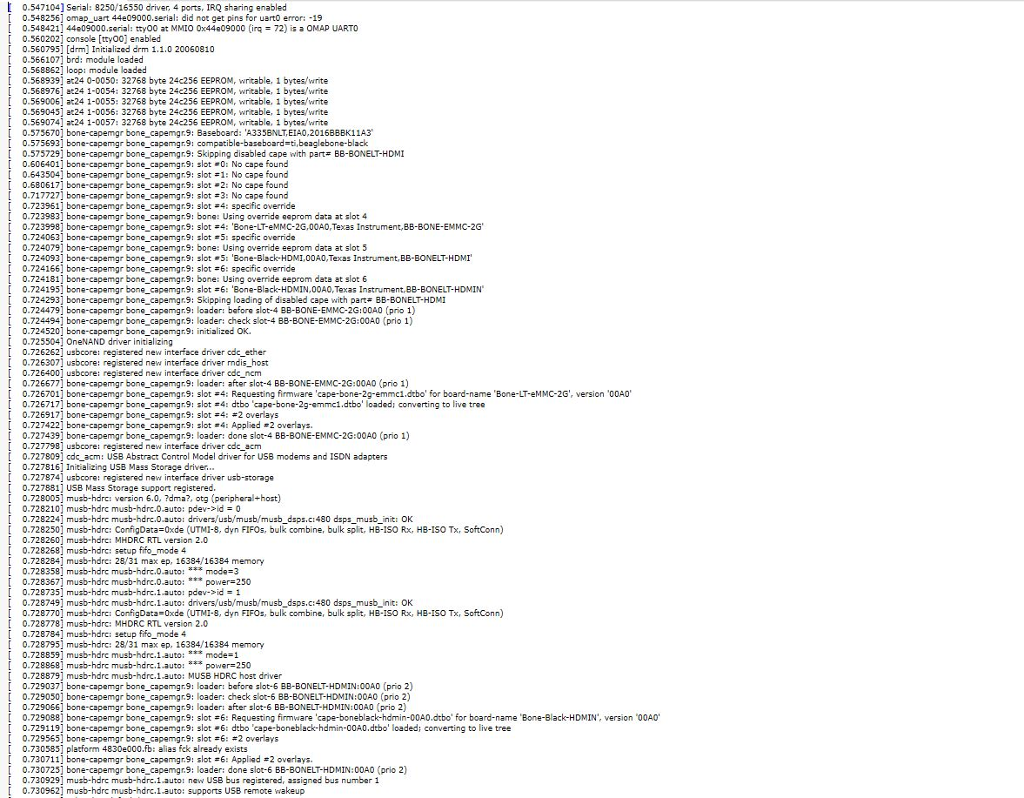
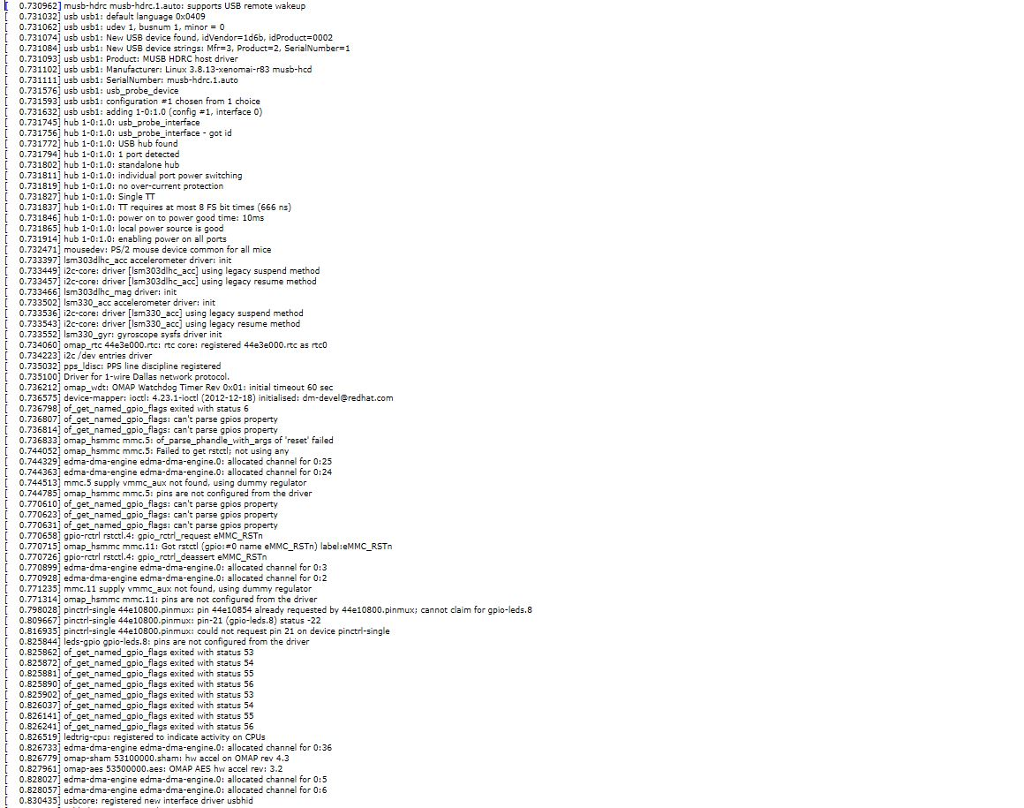
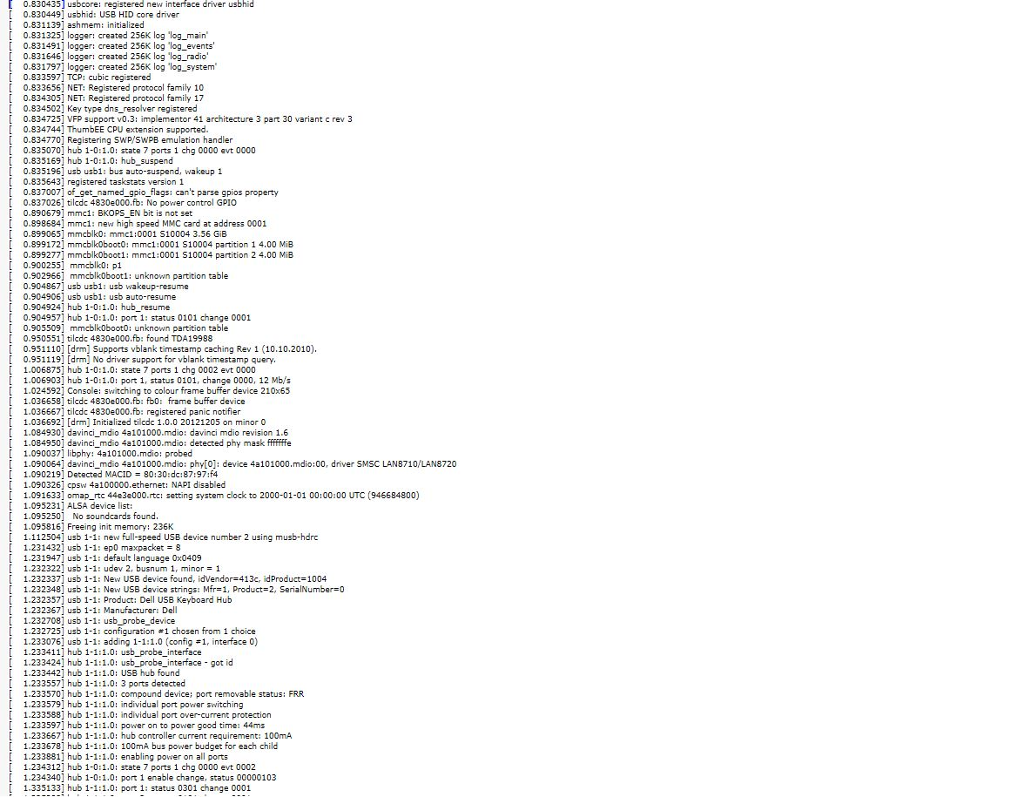
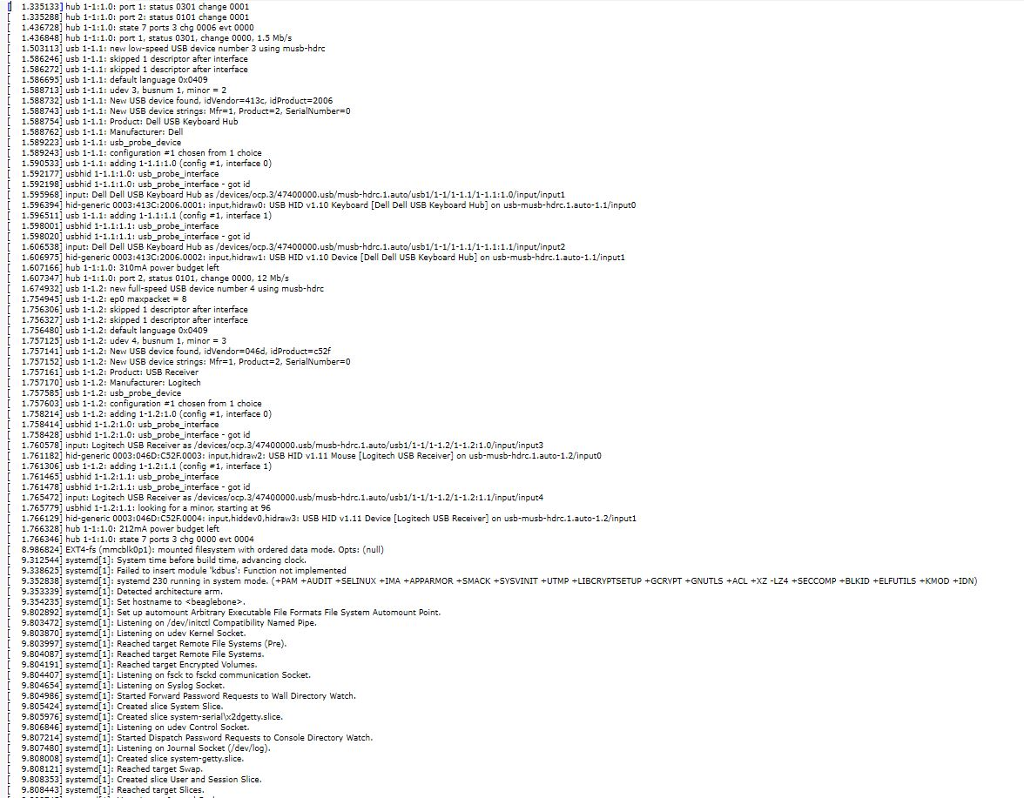
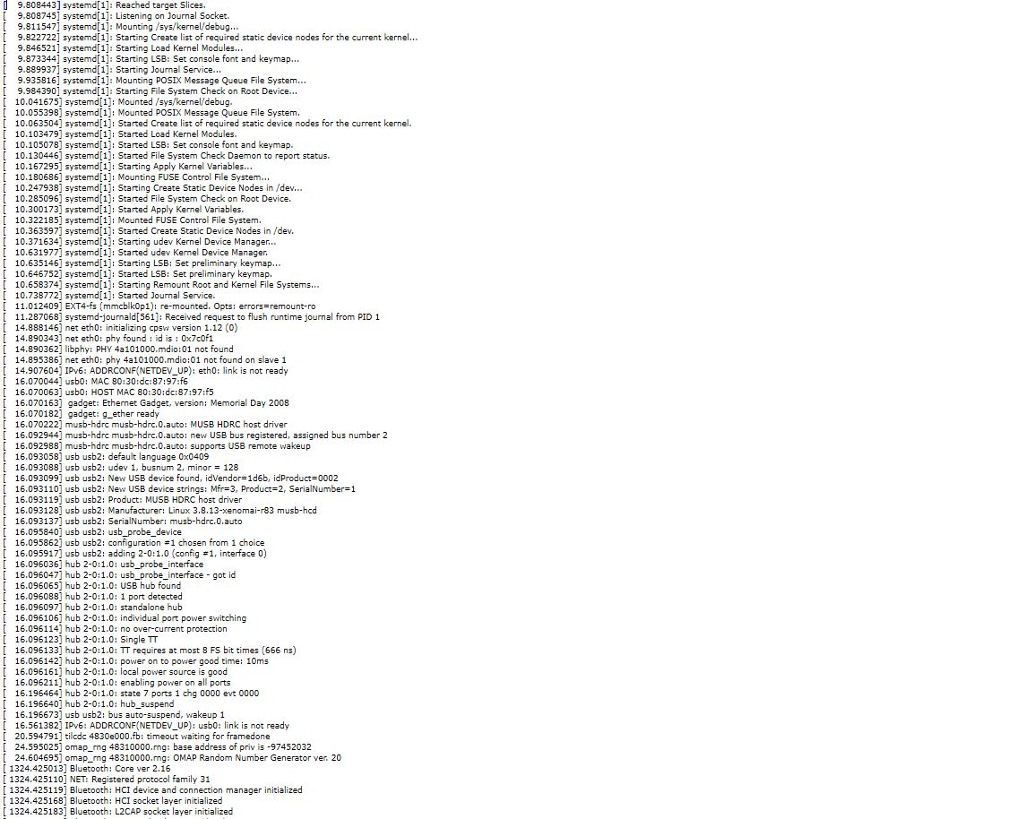
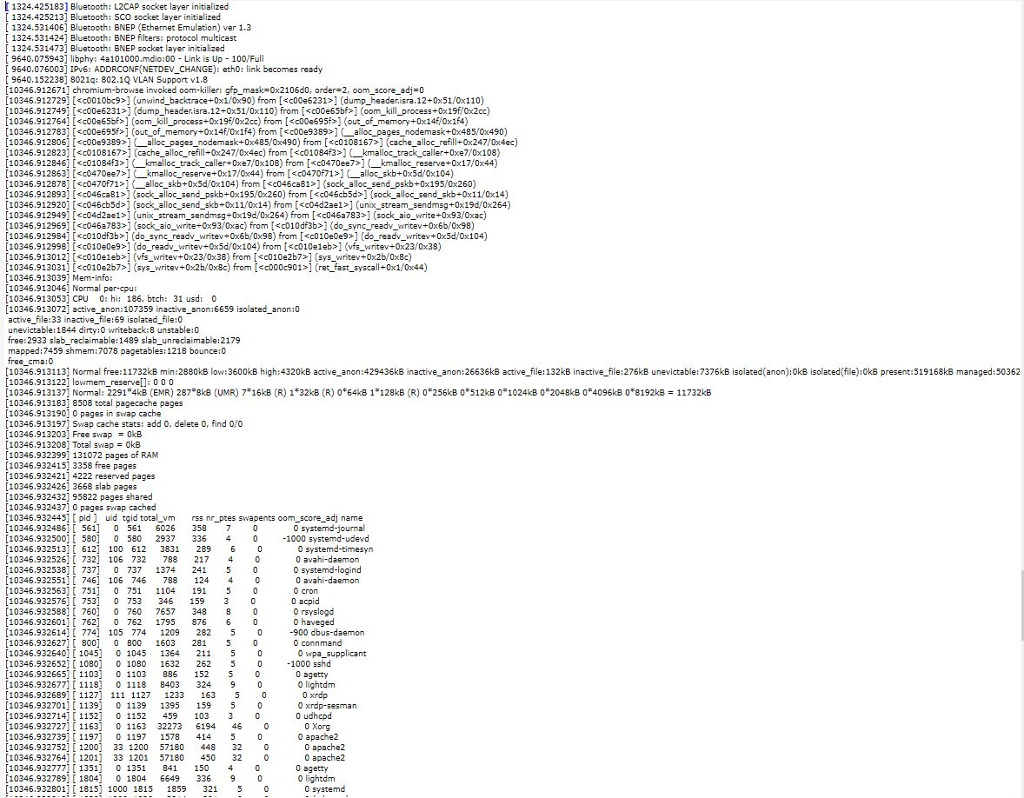
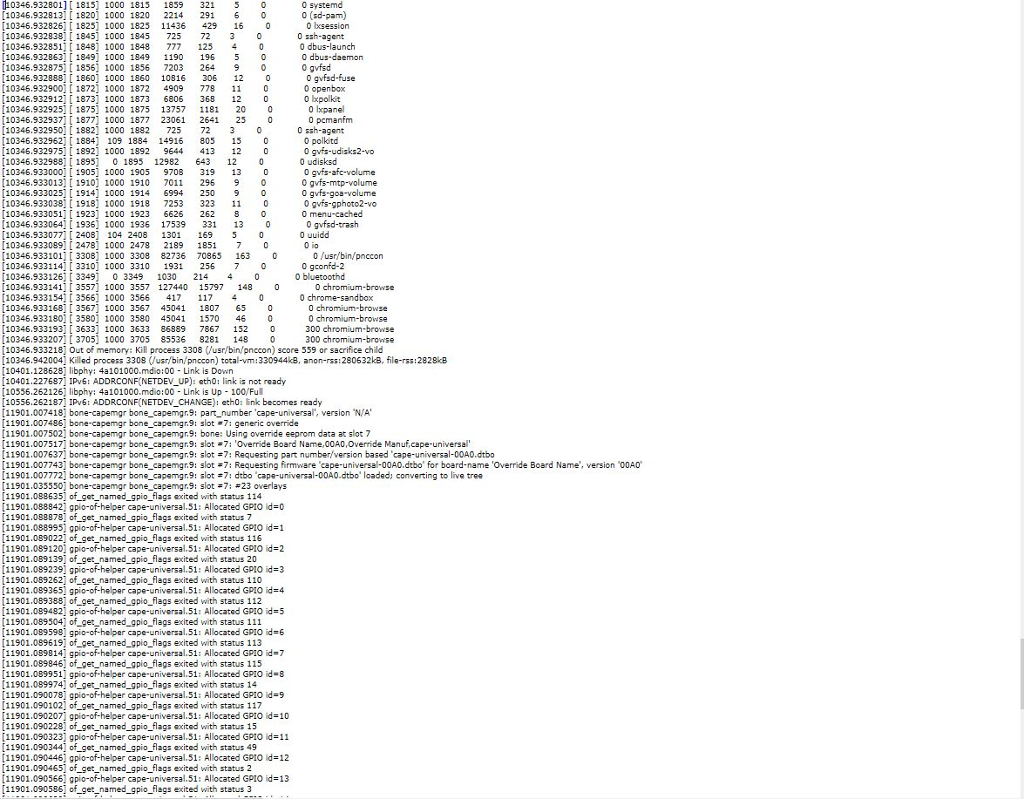
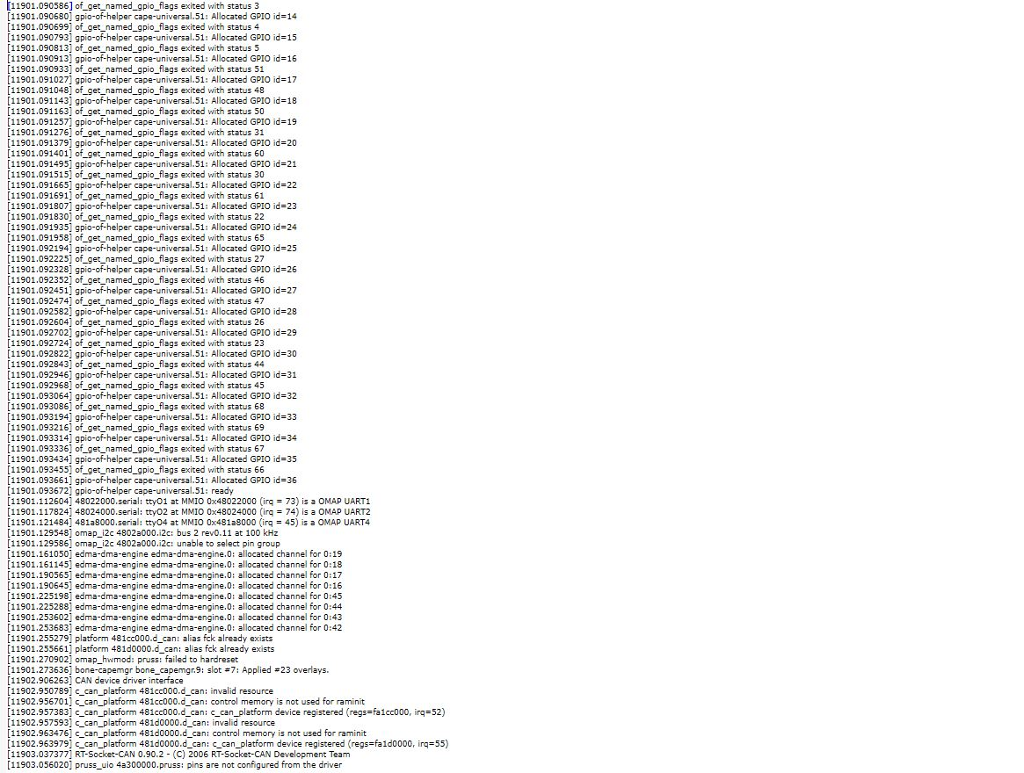
1 Comet Error 10 08 18 Print file information: RUN-IN-PLACE=no LINUXONC BIN DIR-usrybin LINUXONC_SCRIPT DIR LINUXCNC_RTLIB_DIR-/usr/lb/linuxcnc LINUXCNC-CONFIG-DIR= LINUXCNC LANG DIR-/usr/share/linuxenctdlmegs INIVAR LINUXCNC_EMCSH /usr/bin wish8.6 MACHINEKIT 0.1 Machine configuration directory is 'home/machinekit/machinekit/config- ARM.BeagleBone.Probotix Machine configuration file is 'Comet.ini INIFILE /home/machinekit/machinekit/configs/ARM.BeagleBone.Probotix/Comet.ini PARAMETERFILE=nch.var TASK-millkask HALUI halui DISPLAY= axs Starting Machinekit... Starting Machinekit server program: linuxcncsvr Loading Real Time OS, RTAPI, and HAL LIB modules Starting Machinekt IO program: io o started halcmd loadusr io started Starting HAL User Inteface program: cape-universal overlay found Starting TASK program task pid-6049 Starting DISPLAY program: axis emcTaskInit: using builtin interpreter No option tto g11' in section: DEFAULT No option show program' in setion: DEFAULT No option show_rapids in section: DEFAULT No option program alpha in section: 'DEFAULT No option 'show_live plot' in section: DEFAULT No option show tool in section: DEFAULT No option 'show extents' in section: DEFAULT No option show offsets' in section: 'DEFAULT No option 'grid size in section: "DEFAULT No option 'show machine limits' in section: "DEFAULT No option show_machine speed in section: 'DEFAULT No option 'show distance to go in saction: DEFAULT No option 'dro_large font' in section: DEFAULT No option block delete in section: "DEFAULT No option optional stop' in section: DEFAULT No option 'recentfiles' in section: DEFAULT avalO arg 1 must be a string or code object Shutting down and cleaning up Machinekit.. Killing task linuxcncsvr PID-5253 Killing task milltask, PID#6049 Removing HAL LIB, RTAPI, and Real Time OS madules Removing NML shared memory sogments Cleanup done - halui Debug file information: Unrecognized line skipped: POC FNS LEN DIAM COMMENT No input devices could be openad. This usually indicates a misconfigurad system. Please read the section "PERMISSIONS AND UDEV in the hal_input manpage ustom_postgui.hal:7: hal_input excited without becoming ready 5253 PID TTY STAT TIME COMMAND 6049 PID TTY STAT TIME COMMAND 6049? SL 0:01 millask -ini /homechinekimachinkit/configs/ARM.BeaglaBone.Probotix/Comat.ini PID TTY STAT TIME COMMAND Stopping realtime threads Unloading hal components 1 Comet Error 10 08 18 Print file information: RUN-IN-PLACE=no LINUXONC BIN DIR-usrybin LINUXONC_SCRIPT DIR LINUXCNC_RTLIB_DIR-/usr/lb/linuxcnc LINUXCNC-CONFIG-DIR= LINUXCNC LANG DIR-/usr/share/linuxenctdlmegs INIVAR LINUXCNC_EMCSH /usr/bin wish8.6 MACHINEKIT 0.1 Machine configuration directory is 'home/machinekit/machinekit/config- ARM.BeagleBone.Probotix Machine configuration file is 'Comet.ini INIFILE /home/machinekit/machinekit/configs/ARM.BeagleBone.Probotix/Comet.ini PARAMETERFILE=nch.var TASK-millkask HALUI halui DISPLAY= axs Starting Machinekit... Starting Machinekit server program: linuxcncsvr Loading Real Time OS, RTAPI, and HAL LIB modules Starting Machinekt IO program: io o started halcmd loadusr io started Starting HAL User Inteface program: cape-universal overlay found Starting TASK program task pid-6049 Starting DISPLAY program: axis emcTaskInit: using builtin interpreter No option tto g11' in section: DEFAULT No option show program' in setion: DEFAULT No option show_rapids in section: DEFAULT No option program alpha in section: 'DEFAULT No option 'show_live plot' in section: DEFAULT No option show tool in section: DEFAULT No option 'show extents' in section: DEFAULT No option show offsets' in section: 'DEFAULT No option 'grid size in section: "DEFAULT No option 'show machine limits' in section: "DEFAULT No option show_machine speed in section: 'DEFAULT No option 'show distance to go in saction: DEFAULT No option 'dro_large font' in section: DEFAULT No option block delete in section: "DEFAULT No option optional stop' in section: DEFAULT No option 'recentfiles' in section: DEFAULT avalO arg 1 must be a string or code object Shutting down and cleaning up Machinekit.. Killing task linuxcncsvr PID-5253 Killing task milltask, PID#6049 Removing HAL LIB, RTAPI, and Real Time OS madules Removing NML shared memory sogments Cleanup done - halui Debug file information: Unrecognized line skipped: POC FNS LEN DIAM COMMENT No input devices could be openad. This usually indicates a misconfigurad system. Please read the section "PERMISSIONS AND UDEV in the hal_input manpage ustom_postgui.hal:7: hal_input excited without becoming ready 5253 PID TTY STAT TIME COMMAND 6049 PID TTY STAT TIME COMMAND 6049? SL 0:01 millask -ini /homechinekimachinkit/configs/ARM.BeaglaBone.Probotix/Comat.ini PID TTY STAT TIME COMMAND Stopping realtime threads Unloading hal components
Step by Step Solution
There are 3 Steps involved in it

Get step-by-step solutions from verified subject matter experts
 Study Help