







Question: Would you do #2 using emacs ? Lab 1: Github, Haskell and some configuration Development tools Evan Misshula If you work on Linux, please follow
Would you do #2 using emacs ?
Lab 1: Github, Haskell and some configuration
Development tools
Evan Misshula
If you work on Linux, please follow the mac instructions. For any points of clarification, please email me. Mac users should install x-code and Xquartz. X-code is the mac development environment which gives you the necessary compilers to build software on the Mac and x-Quartz allows the x window software to open and close windows on your mac. Linux software can then run on the mac seamlessly. If you have not done this before make sure you have a strong (preferably wired connection) and budget at least 30 minutes.
install Git and open a Github account
I want you to install the latest version of git on your account. If you use win- dows download from https://git-scm.com/. If you use mac please install homebrew which is avaialble here, https://brew.sh/. Open a terminal in mac
brew install git
You also need to configure git. This is done be editing your .gitconfig file:
[user] name = Evan Misshula email = emisshula@jjay.cuny.edu [color] ui = auto
It is also possible to configure git from the command line:
https://help.github.com/articles/setting-your-username-in-git/
1
Install Modified Emacs
Download and install Emacs. This is not the best version of Emacs, but it works. If you want all of the latest bells and whistles email me and I will how to roll your own or use Homebrew. No matter what your operating sytem, you should be able to install it from
Windows: https://vigou3.github.io/emacs-modified-windows/Mac: https://vigou3.github.io/emacs-modified-macos/
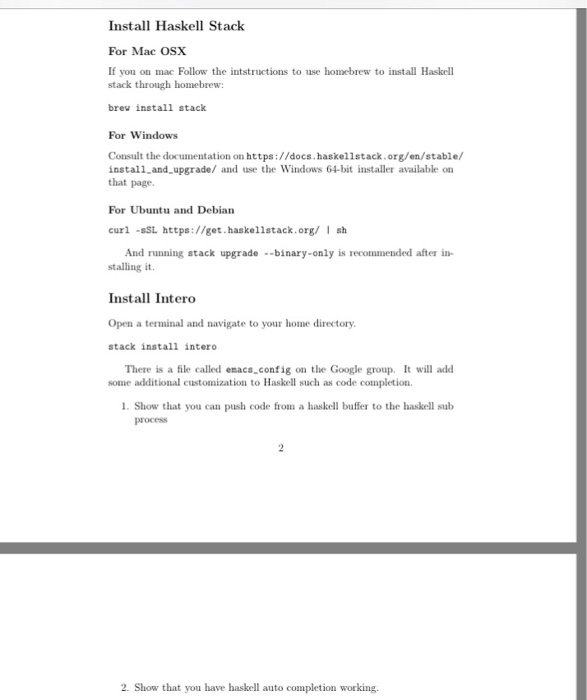
Install Haskell Stack
For Mac OSX
If you on mac Follow the intstructions to use homebrew to install Haskell stack through homebrew:
brew install stack
For Windows
Consult the documentation on https://docs.haskellstack.org/en/stable/ install_and_upgrade/ and use the Windows 64-bit installer available on that page.
For Ubuntu and Debian
curl -sSL https://get.haskellstack.org/ | sh And running stack upgrade --binary-only is recommended after in-
stalling it.
Install Intero
Open a terminal and navigate to your home directory.
stack install intero There is a file called emacs_config on the Google group. It will add
some additional customization to Haskell such as code completion.
1. Show that you can push code from a haskell buffer to the haskell sub process
2
2. Show that you have haskell auto completion working.
Install Haskell Stack For Mac OSX If you on mac Follow the intstructions to use homebrew to install Haskell stack through homebrew breu install stack For Windows Consult the documentation on https://docs.haskellstack.org/en/stable/ install and upgrade/ and use the Windows 64-bit installer available on that page For Ubuntu and Debian curl -sSL https://get.haskel1stack.org/ sh And running stack upgrade --binary-only is recommended after in- stalling it Install Intero Open a terminal and navigate to your home directory stack install intero There is a file called enacsconfig on the Google group. It will add some additional customization to Haskell such as code completion 1. Show that you can push code from a haskell bufr to the haskell sub process 2. Show that you have haskell auto completion working. Install Haskell Stack For Mac OSX If you on mac Follow the intstructions to use homebrew to install Haskell stack through homebrew breu install stack For Windows Consult the documentation on https://docs.haskellstack.org/en/stable/ install and upgrade/ and use the Windows 64-bit installer available on that page For Ubuntu and Debian curl -sSL https://get.haskel1stack.org/ sh And running stack upgrade --binary-only is recommended after in- stalling it Install Intero Open a terminal and navigate to your home directory stack install intero There is a file called enacsconfig on the Google group. It will add some additional customization to Haskell such as code completion 1. Show that you can push code from a haskell bufr to the haskell sub process 2. Show that you have haskell auto completion working
Step by Step Solution
There are 3 Steps involved in it

Get step-by-step solutions from verified subject matter experts
 Study Help