







Question: Write a Bash script that organizes a given directory We have a directory containing: music, videos, images, logs and perhaps other files. Your task is
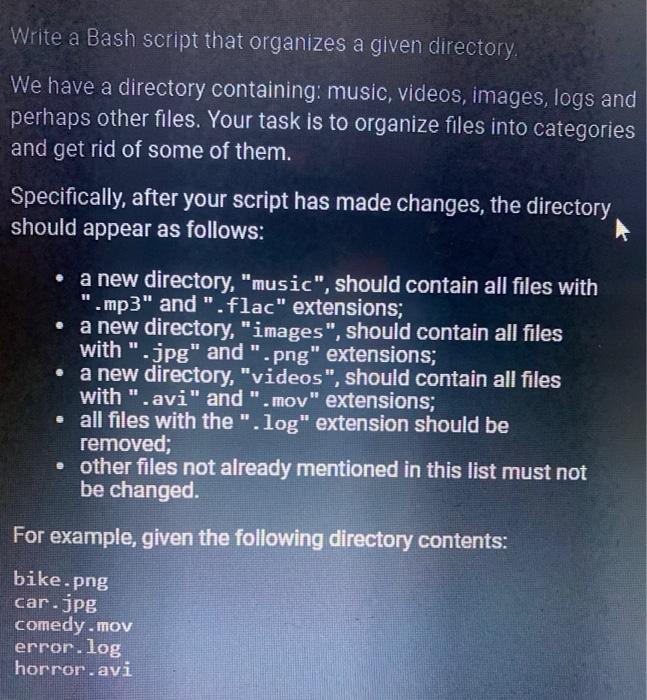
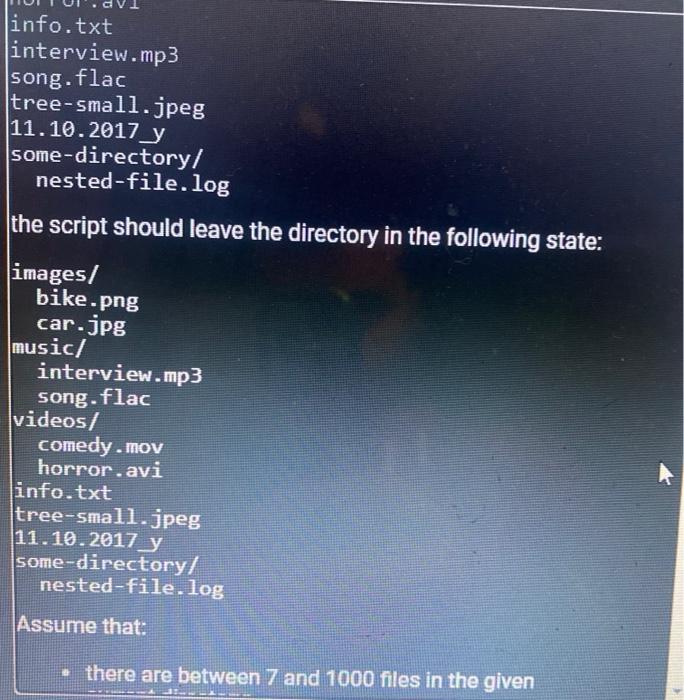
Write a Bash script that organizes a given directory We have a directory containing: music, videos, images, logs and perhaps other files. Your task is to organize files into categories and get rid of some of them. Specifically, after your script has made changes, the directory should appear as follows: a new directory, "music", should contain all files with ".mp3" and ".flac" extensions; a new directory, "images", should contain all files with ".jpg" and ".png" extensions; a new directory, "videos", should contain all files with ".avi" and ".mov" extensions; all files with the ".log" extension should be removed; other files not already mentioned in this list must not be changed. For example, given the following directory contents: bike.png car.jpg comedy.mov error.log horror.avi info.txt interview.mp3 song.flac tree-small.jpeg 11.10.2017_y some-directory/ nested-file.log the script should leave the directory in the following state: images/ bike.png car.jpg music/ interview.mp3 song.flac videos/ comedy.mov horror.avi info.txt tree-small.jpeg 11.10.2017 y some-directory/ nested-file.log (Assume that: there are between 7 and 1000 files in the given
Step by Step Solution
There are 3 Steps involved in it

Get step-by-step solutions from verified subject matter experts
 Study Help