







Question: Write a C (C++ is fine too) program to practice manual memory allocation, pointer manipulation, and type casting. In your main, you will: 1. Allocate
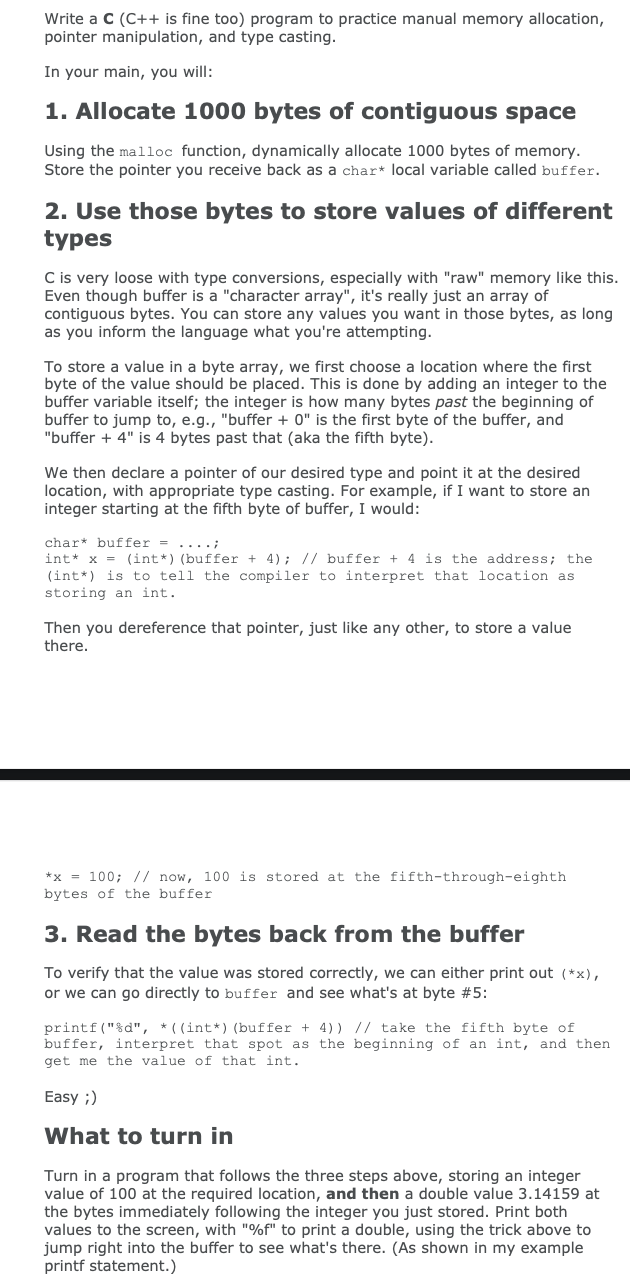
Write a C (C++ is fine too) program to practice manual memory allocation, pointer manipulation, and type casting. In your main, you will: 1. Allocate 1000 bytes of contiguous space Using the malloc function, dynamically allocate 1000 bytes of memory. Store the pointer you receive back as a char* local variable called buffer. 2. Use those bytes to store values of different types C is very loose with type conversions, especially with "raw" memory like this. Even though buffer is a "character array", it's really just an array of contiguous bytes. You can store any values you want in those bytes, as long as you inform the language what you're attempting. To store a value in a byte array, we first choose a location where the first byte of the value should be placed. This is done by adding an integer to the buffer variable itself; the integer is how many bytes past the beginning of buffer to jump to, e.g., "buffer + " is the first byte of the buffer, and "buffer + 4" is 4 bytes past that (aka the fifth byte). We then declare a pointer of our desired type and point it at the desired location, with appropriate type casting. For example, if I want to store an integer starting at the fifth byte of buffer, I would: char* buffer = ....; int* x = (int*) (buffer + 4); // buffer + 4 is the address; the (int*) is to tell the compiler to interpret that location as storing an int. Then you dereference that pointer, just like any other, to store a value there. *x = 100; // now, 100 is stored at the fifth-through-eighth bytes of the buffer 3. Read the bytes back from the buffer To verify that the value was stored correctly, we can either print out (*x), or we can go directly to buffer and see what's at byte #5: printf("%d", *((int*) (buffer + 4)) // take the fifth byte of buffer, interpret that spot as the beginning of an int, and then get me the value of that int. Easy ;) What to turn in Turn in a program that follows the three steps above, storing an integer value of 100 at the required location, and then a double value 3.14159 at the bytes immediately following the integer you just stored. Print both values to the screen, with "%f" to print a double, using the trick above to jump right into the buffer to see what's there. (As shown in my example printf statement.)
Step by Step Solution
There are 3 Steps involved in it

Get step-by-step solutions from verified subject matter experts
 Study Help