







Question: Write a C++ program that can solve this question. what we need to do is drawing in cpp using OpenGL. Plot an n-gon of radius
Write a C++ program that can solve this question.
what we need to do is drawing in cpp using OpenGL.
Plot an n-gon of radius 5 in a viewport of width = 200 and height = 200. The initial left and bottom of the viewport would be 100 and 100. Screen width and height are 640 and 480. The world window is from -6 to +6 for both lefts, right, top and bottom, the Initial number of sides of the n-gon would be 40. When drawing the n-gon set the colors according to the value of t (3) : a. Black: t -> [0, 0.25) b. Red: t -> [0.25, 0.5) c. Green: t -> [0.5, 0.75) d. Blue: t -> [0.75, 1.0]
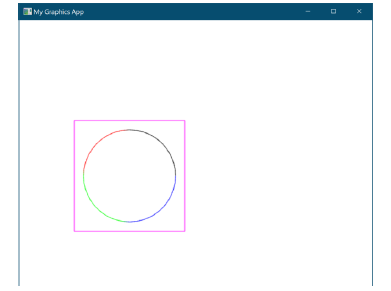
2. Allow the user to draw the n-gon with points or lines with the press of the p key to toggle between points and lines (1):
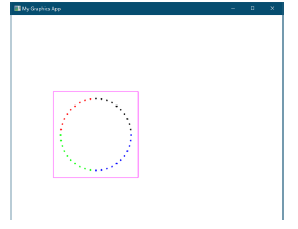
3. Allow the user to decrease or increase the number of sides with the x or z keys. The number of sides of the n-gon should not go less than 3 or greater than 40 (1).
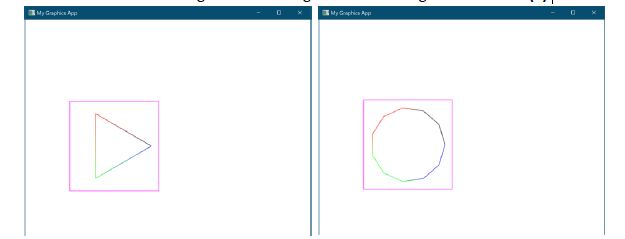
4. Allow the user to scale the n-gon with the q (zoom-out), and e (zoom-in) keys with a factor of 0.1 at each key press (1).
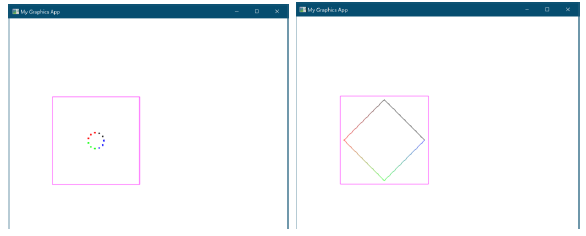
5. Allow the user to move the n-gon up, down, left and right by a movement of 0.5 if the user presses w, s, a or d keys (1).
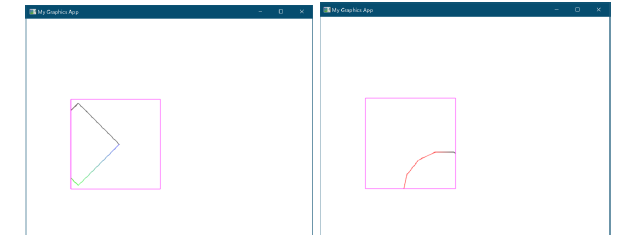
6. Allow the user to move the viewport up, down, left and right by the movement of 10, if the user presses u, j. h, or l keys (1).
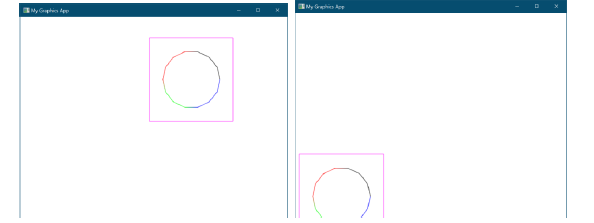
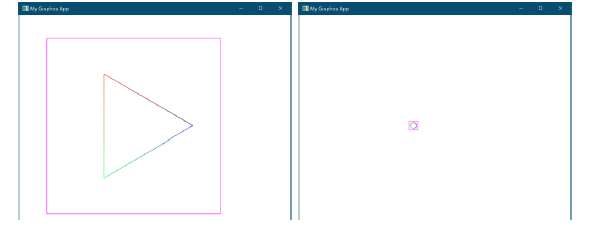
7. Allow the user to scale the viewport with y (scale up), and i (scale down) by 5 units at each key press (2).
N aphis App - My Graphics App ir Khade HTI # 1 - N aphis App - My Graphics App ir Khade HTI # 1
Step by Step Solution
There are 3 Steps involved in it

Get step-by-step solutions from verified subject matter experts
 Study Help