







Question: Write a C program which scans in instructions from the user on filling a 2D array representing a checkerboard. Download prep_checkerboard.c here, or copy it
![c p \text {-n /web/dp1091/23T1/activities/prep_checkerboard/prep_checkerboard.c . } \] The goal of this](https://dsd5zvtm8ll6.cloudfront.net/si.experts.images/questions/2024/09/66f2f0a072789_34366f2f09fcfabd.jpg)
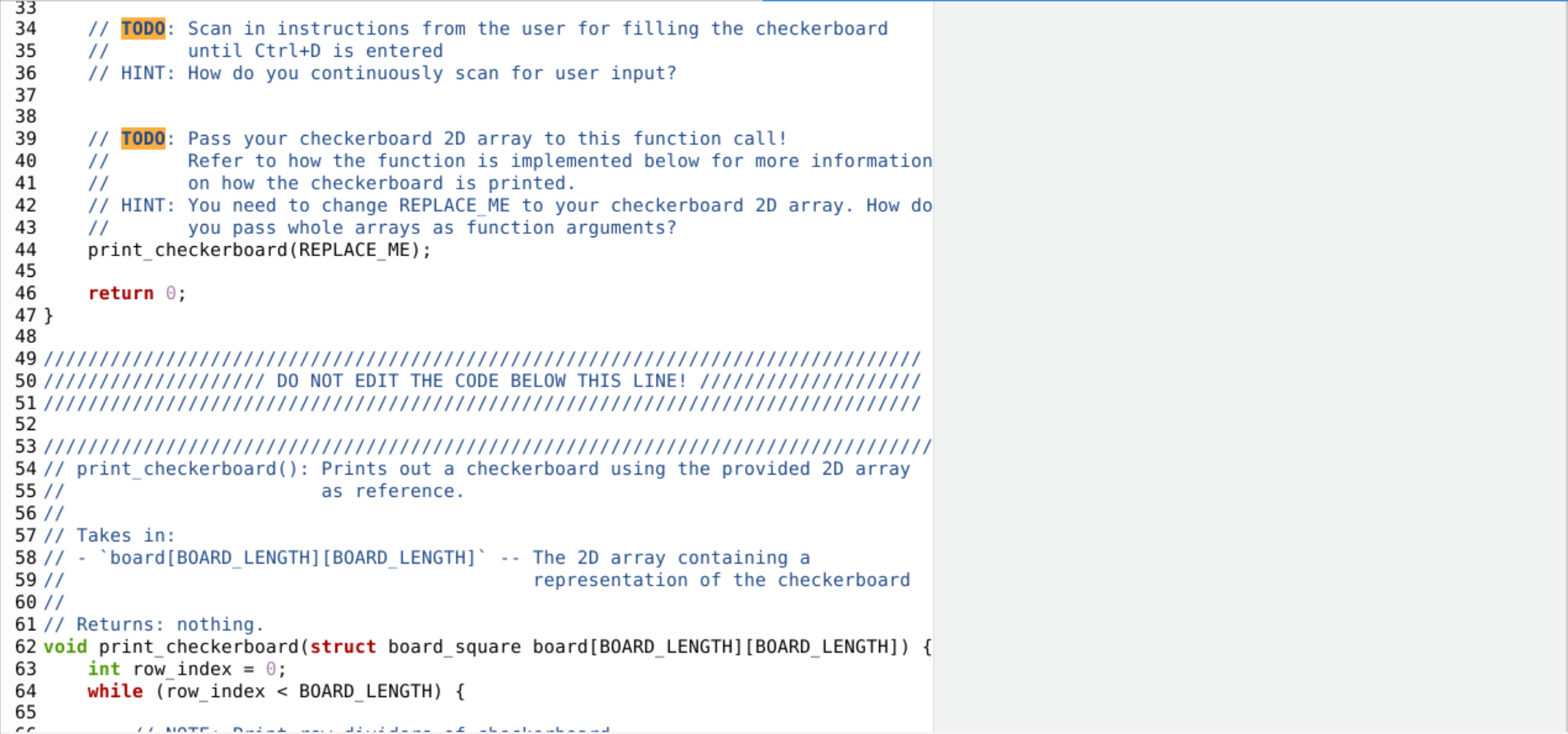
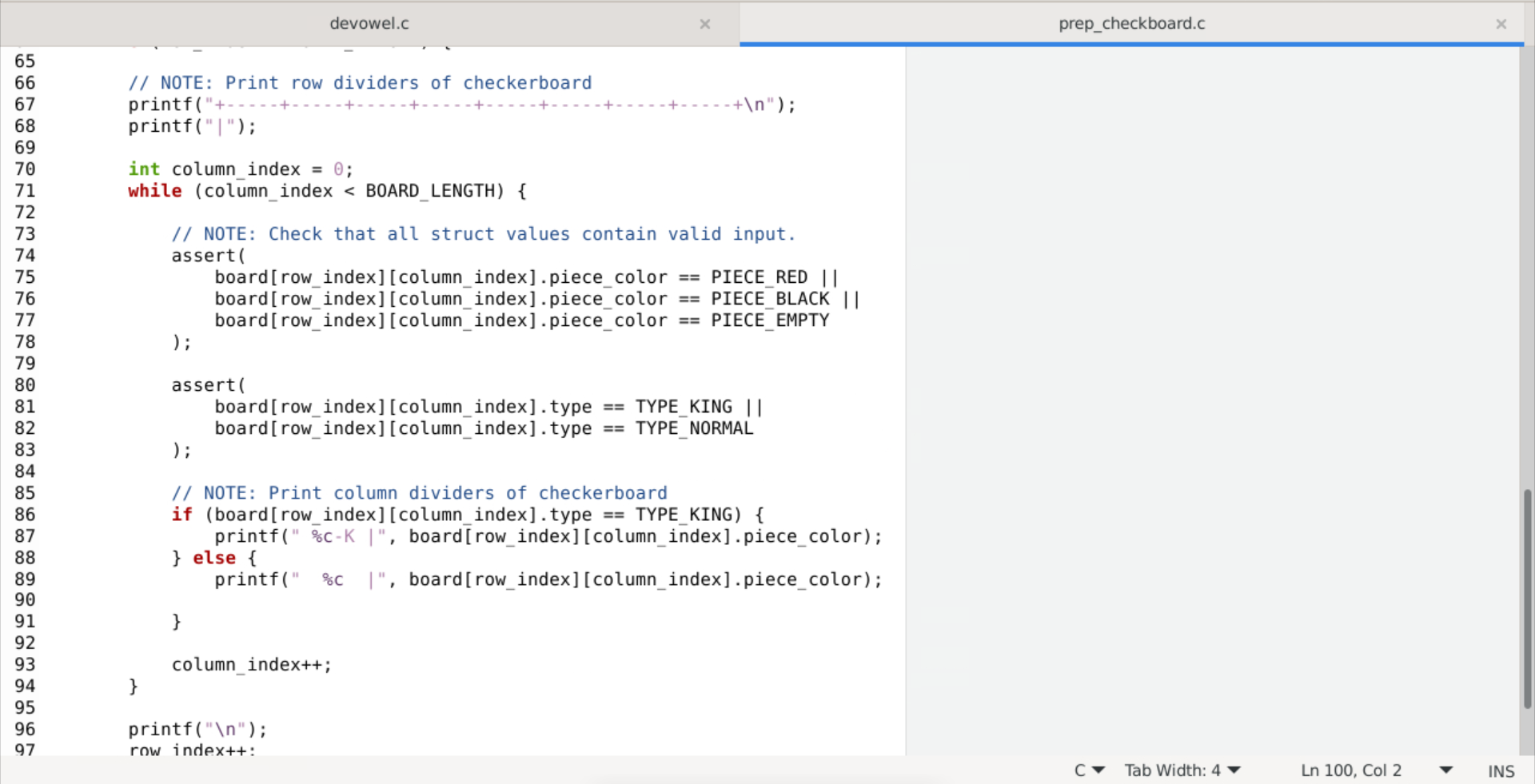
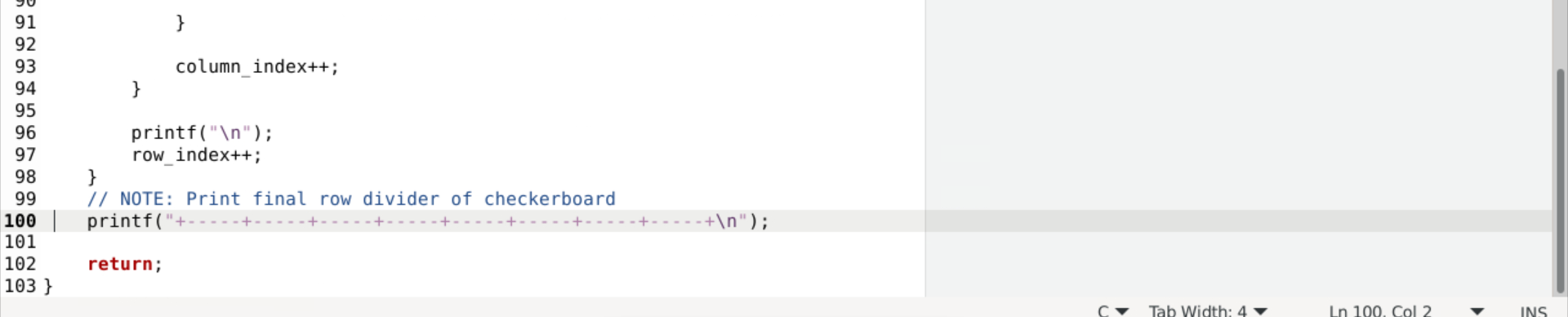
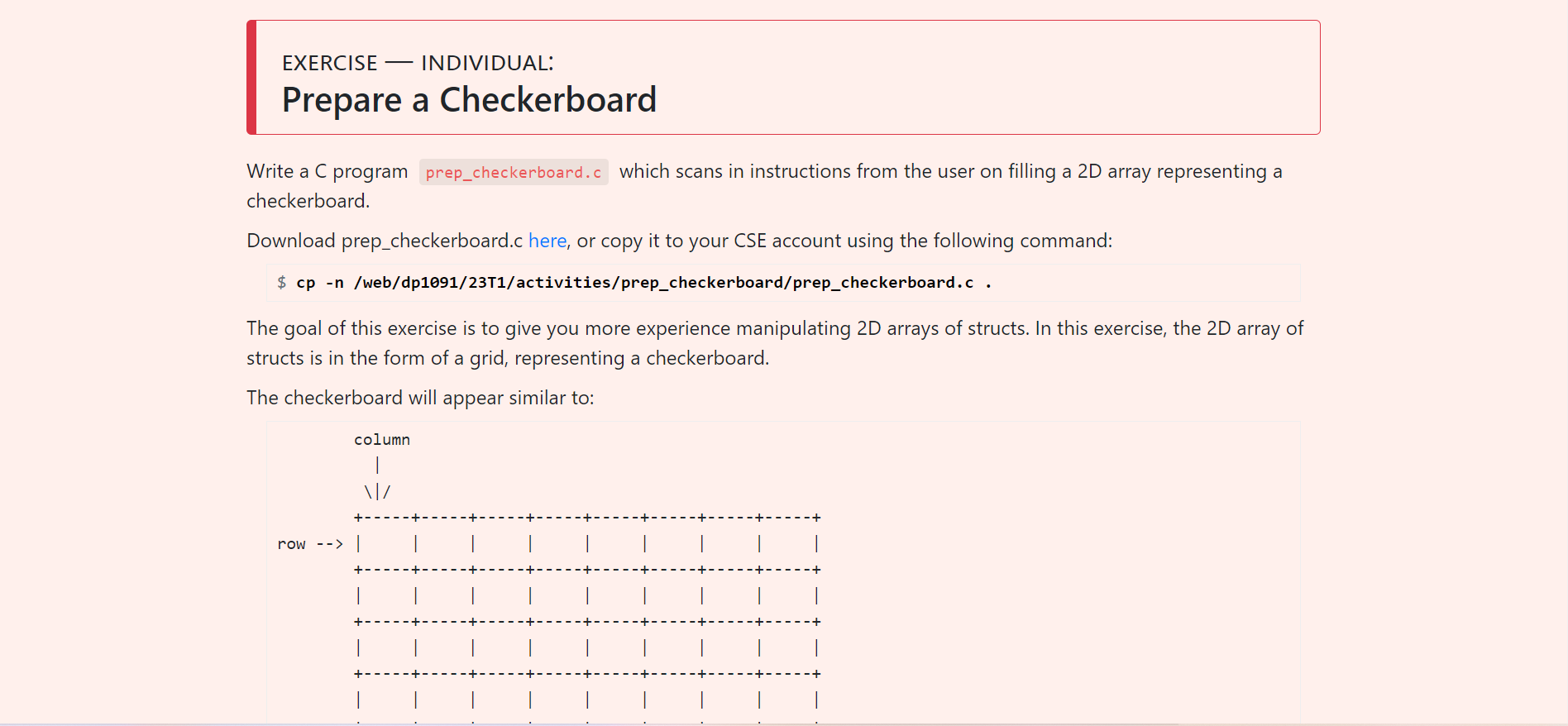
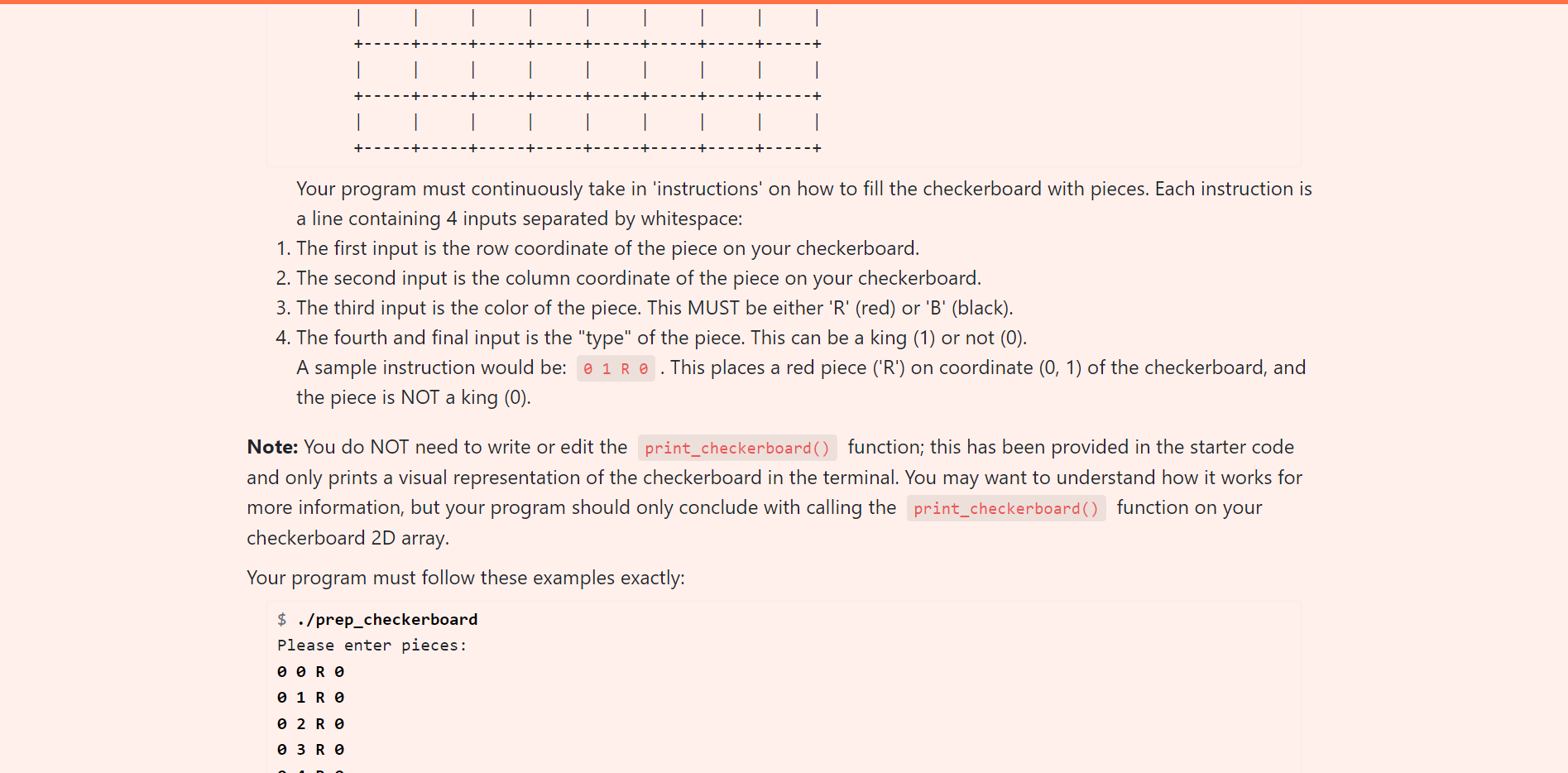
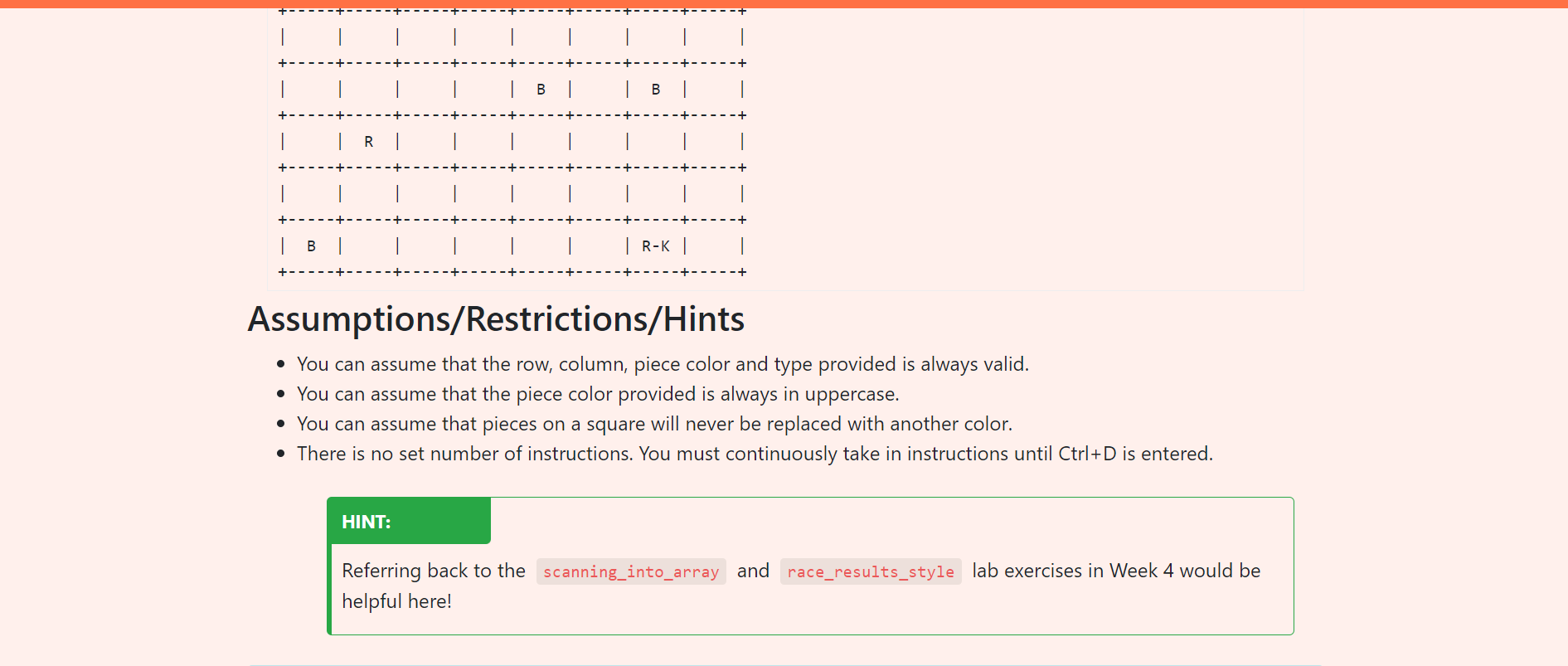
Write a C program which scans in instructions from the user on filling a 2D array representing a checkerboard. Download prep_checkerboard.c here, or copy it to your CSE account using the following command: \[ \$ c p \text {-n /web/dp1091/23T1/activities/prep_checkerboard/prep_checkerboard.c . } \] The goal of this exercise is to give you more experience manipulating 2D arrays of structs. In this exercise, the 2D array of structs is in the form of a grid, representing a checkerboard. The checkerboard will appear similar to: Your program must continuously take in 'instructions' on how to fill the checkerboard with pieces. Each instruction is a line containing 4 inputs separated by whitespace: 1. The first input is the row coordinate of the piece on your checkerboard. 2. The second input is the column coordinate of the piece on your checkerboard. 3. The third input is the color of the piece. This MUST be either ' R ' (red) or ' B ' (black). 4. The fourth and final input is the "type" of the piece. This can be a king (1) or not (0). A sample instruction would be: . This places a red piece ('R') on coordinate (0,1) of the checkerboard, and the piece is NOT a king (0). Note: You do NOT need to write or edit the function; this has been provided in the starter code and only prints a visual representation of the checkerboard in the terminal. You may want to understand how it works for more information, but your program should only conclude with calling the function on your checkerboard 2D array. Your program must follow these examples exactly: $./prep_checkerboard Please enter pieces: R 1R 2R 3R Assumptions/Restrictions/Hints - You can assume that the row, column, piece color and type provided is always valid. - You can assume that the piece color provided is always in uppercase. - You can assume that pieces on a square will never be replaced with another color. - There is no set number of instructions. You must continuously take in instructions until Ctrl+D is entered. HINT: Referring back to the and lab exercises in Week 4 would be helpful here
Step by Step Solution
There are 3 Steps involved in it

Get step-by-step solutions from verified subject matter experts
 Study Help