







Question: Write a code that reads a switch in MSP432 using code composer. 1) configure P1.1 as simple I/O in PISEL1:P1SELO registers, 2) make P1.1 input
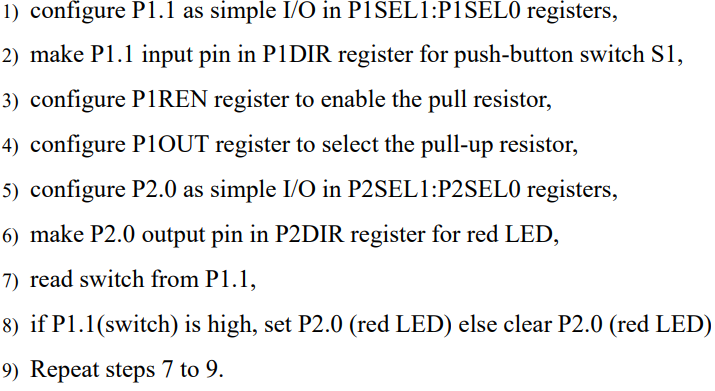
Write a code that reads a switch in MSP432 using code composer.
1) configure P1.1 as simple I/O in PISEL1:P1SELO registers, 2) make P1.1 input pin in PIDIR register for push-button switch S1, 3) configure PIREN register to enable the pull resistor, 4) configure P1OUT register to select the pull-up resistor, 5) configure P2.0 as simple I/O in P2SEL1:P2SELO registers, 6) make P2.0 output pin in P2DIR register for red LED, 7) read switch from P1.1, 8) if P1.1(switch) is high, set P2.0 (red LED) else clear P2.0 (red LED) 9) Repeat steps 7 to 9. 1) configure P1.1 as simple I/O in PISEL1:P1SELO registers, 2) make P1.1 input pin in PIDIR register for push-button switch S1, 3) configure PIREN register to enable the pull resistor, 4) configure P1OUT register to select the pull-up resistor, 5) configure P2.0 as simple I/O in P2SEL1:P2SELO registers, 6) make P2.0 output pin in P2DIR register for red LED, 7) read switch from P1.1, 8) if P1.1(switch) is high, set P2.0 (red LED) else clear P2.0 (red LED) 9) Repeat steps 7 to 9
Step by Step Solution
There are 3 Steps involved in it

Get step-by-step solutions from verified subject matter experts
 Study Help