







Question: Write a code that uses the Timer interface and serial communication with the PC terminal (i.e. TeraTerm or GNU Screen) in order to do the
Write a code that uses the Timer interface and serial communication with the PC terminal (i.e. TeraTerm or GNU Screen) in order to do the following: 1. Prints the following customized message to screen at the start: [Firstname, Lastname]s Stopwatch: 2. Every time the user presses the pushbutton, the timer will keep track of how long the user has held the pushbutton down. 3. As soon as the user releases the pushbutton, print the following message on a new line to screen: Pushbutton pressed for [%f] seconds!
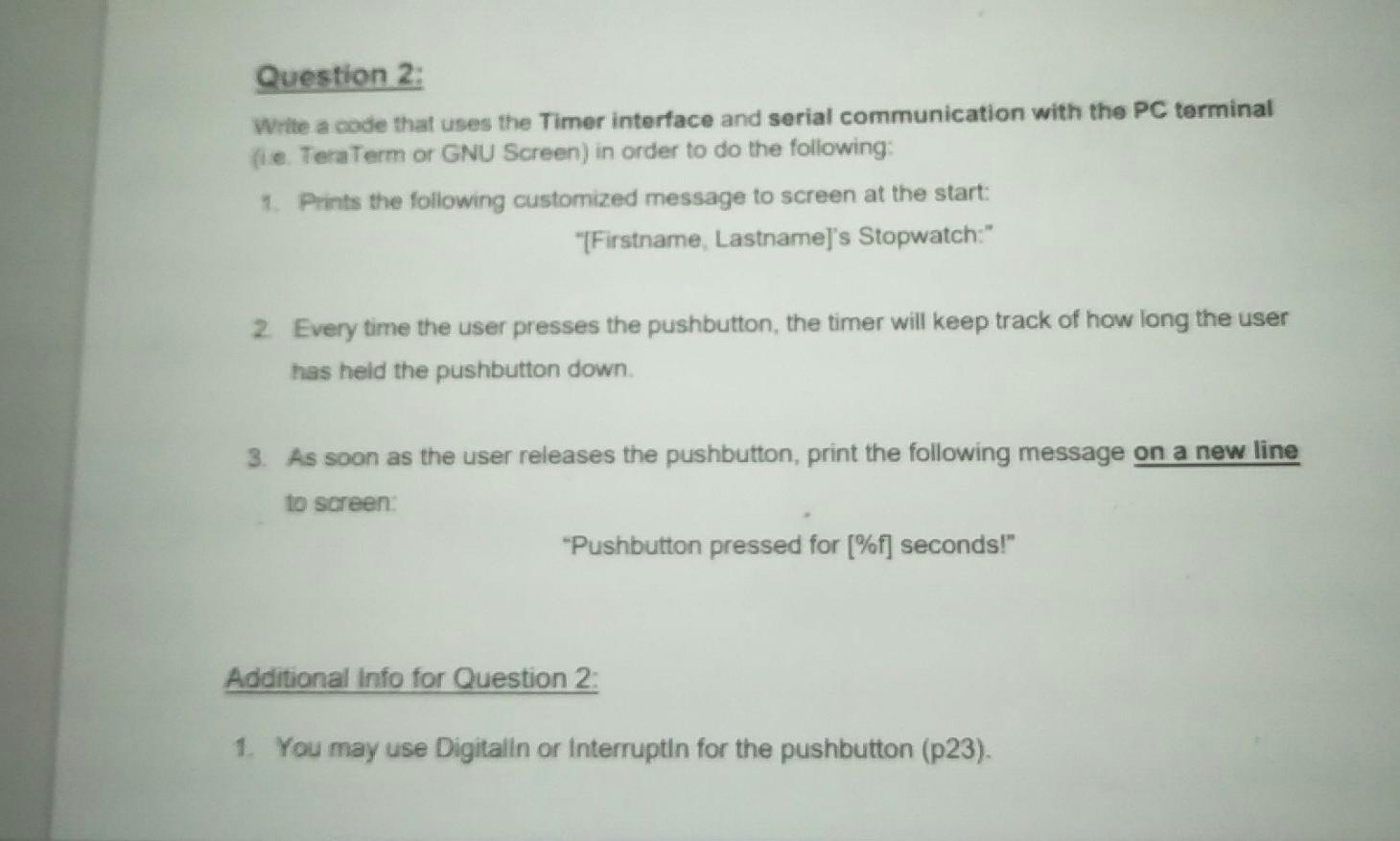
Question 2: Write a code that uses the Timer interface and serial communication with the PC terminal fie. TeraTerm or GNU Screen) in order to do the following: 1. Prints the following customized message to screen at the start: "[Firstname, Lastname]'s Stopwatch: 2. Every time the user presses the pushbutton, the timer will keep track of how long the user has held the pushbutton down. 3. As soon as the user releases the pushbutton, print the following message on a new line to screen: *Pushbutton pressed for [%f] seconds!" Additional Info for Question 2: 1. You may use Digitalin or Interruptin for the pushbutton (p23). Question 2: Write a code that uses the Timer interface and serial communication with the PC terminal fie. TeraTerm or GNU Screen) in order to do the following: 1. Prints the following customized message to screen at the start: "[Firstname, Lastname]'s Stopwatch: 2. Every time the user presses the pushbutton, the timer will keep track of how long the user has held the pushbutton down. 3. As soon as the user releases the pushbutton, print the following message on a new line to screen: *Pushbutton pressed for [%f] seconds!" Additional Info for Question 2: 1. You may use Digitalin or Interruptin for the pushbutton (p23)
Step by Step Solution
There are 3 Steps involved in it

Get step-by-step solutions from verified subject matter experts
 Study Help