







Question: Write a complete bash script that monitors who logs in and logs out of the current CSE Linux machine (e.g., cel101, cell02, etc.) where the
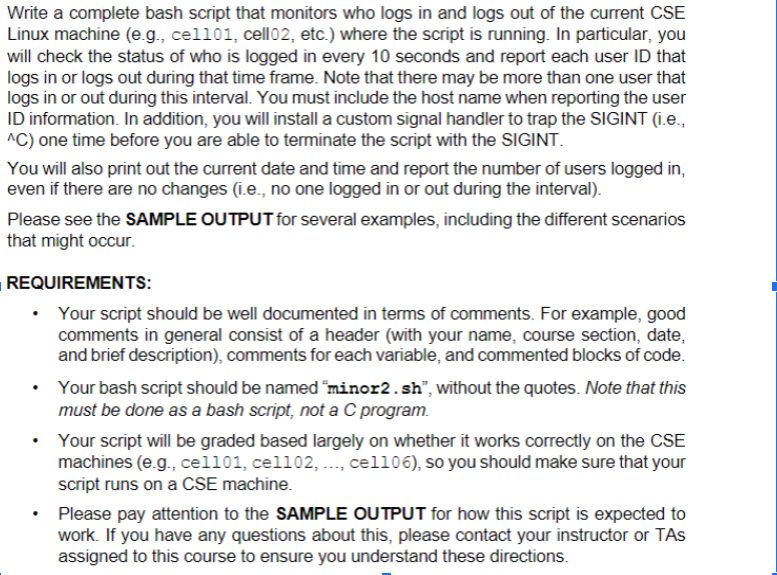
Write a complete bash script that monitors who logs in and logs out of the current CSE Linux machine (e.g., cel101, cell02, etc.) where the script is running. In particular, you will check the status of who is logged in every 10 seconds and report each user ID that logs in or logs out during that time frame. Note that there may be more than one user that logs in or out during this interval. You must include the host name when reporting the user ID information. In addition, you will install a custom signal handler to trap the SIGINT (i.e., C ) one time before you are able to terminate the script with the SIGINT. You will also print out the current date and time and report the number of users logged in, even if there are no changes (i.e., no one logged in or out during the interval). Please see the SAMPLE OUTPUT for several examples, including the different scenarios that might occur. REQUIREMENTS: - Your script should be well documented in terms of comments. For example, good comments in general consist of a header (with your name, course section, date, and brief description), comments for each variable, and commented blocks of code. - Your bash script should be named "minor2. sh", without the quotes. Note that this must be done as a bash script, not a C program. - Your script will be graded based largely on whether it works correctly on the CSE machines (e.g., cel101, cel102, ..., cel106), so you should make sure that your script runs on a CSE machine. - Please pay attention to the SAMPLE OUTPUT for how this script is expected to work. If you have any questions about this, please contact your instructor or TAs assigned to this course to ensure you understand these directions
Step by Step Solution
There are 3 Steps involved in it

Get step-by-step solutions from verified subject matter experts
 Study Help