







Question: Write a function called big Jumps() that takes a list of numbers (data) and another number (bound) as input and outputs a list of integers.
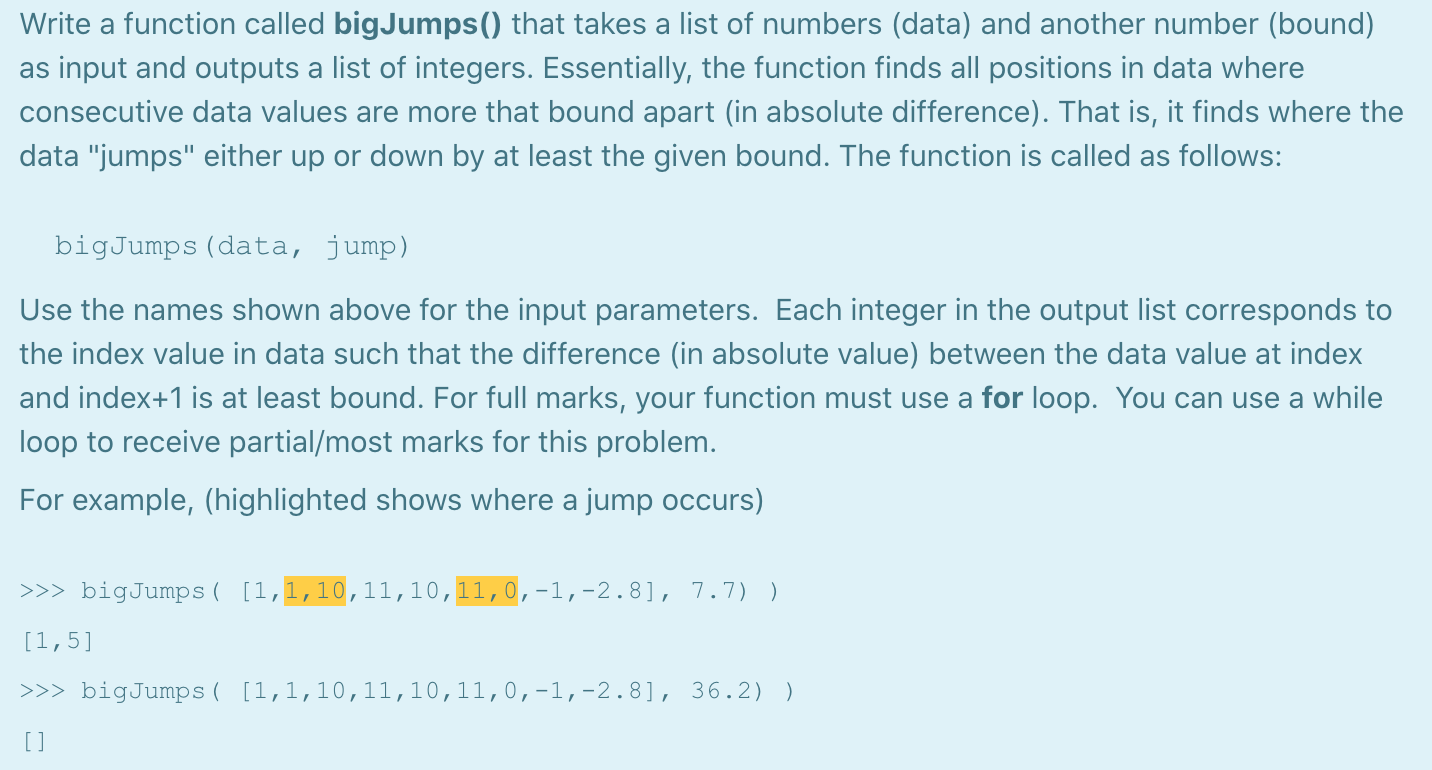


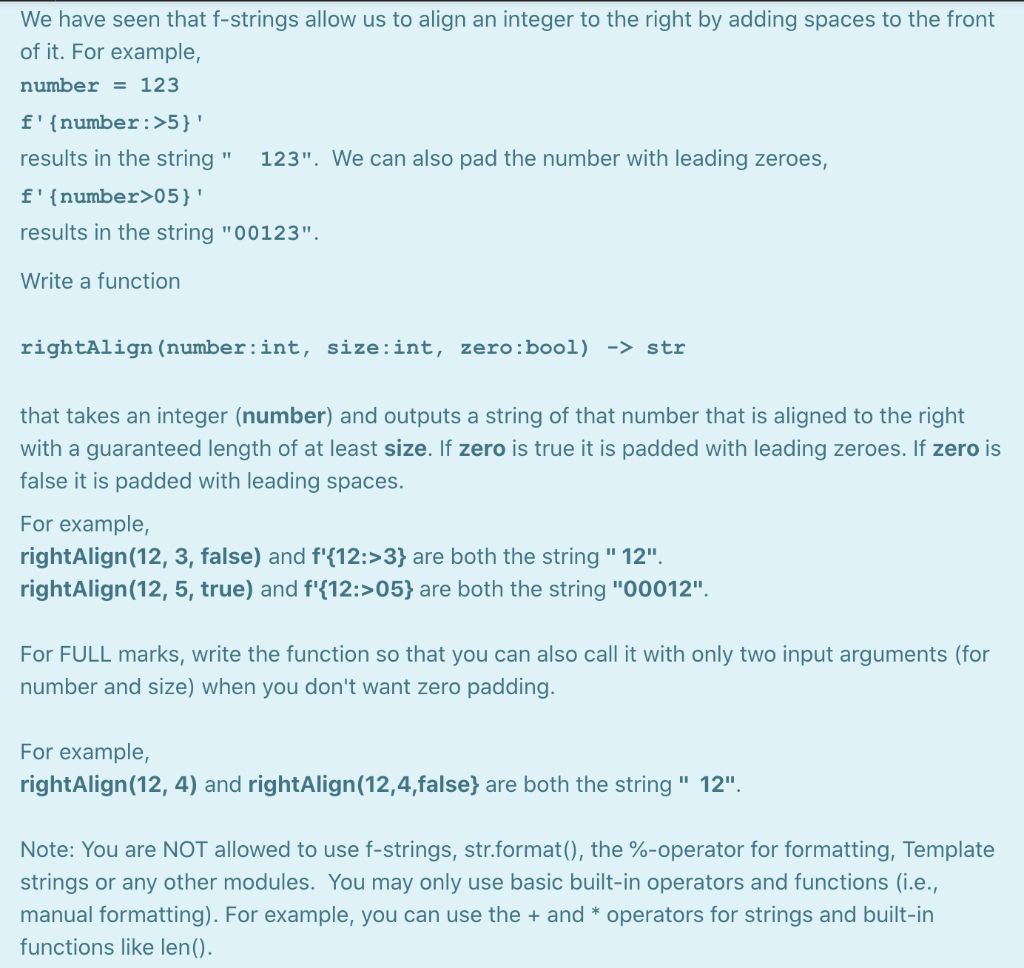
Write a function called big Jumps() that takes a list of numbers (data) and another number (bound) as input and outputs a list of integers. Essentially, the function finds all positions in data where consecutive data values are more that bound apart (in absolute difference). That is, it finds where the data "jumps" either up or down by at least the given bound. The function is called as follows: bigJumps (data, jump) Use the names shown above for the input parameters. Each integer in the output list corresponds to the index value in data such that the difference (in absolute value) between the data value at index and index+1 is at least bound. For full marks, your function must use a for loop. You can use a while loop to receive partial/most marks for this problem. For example, (highlighted shows where a jump occurs) >>> bigJumps ( [1,1,10,11,10,11,0,-1,-2.8], 7.7) ) [1,5] >>> bigJumps ( [1,1,10,11,10,11,0,-1,-2.8], 36.2) ) [ ] Python provides both while loops and for loops for repetition of code. Briefly compare these two control flow constructs. What situations are better suited for each? Suppose you have a list of integers. When using a for loop, you can either iterate over the index values of the list or iterate over the list elements themselves. Briefly explain (or give a small example) when you would iterate over the index values and when you would iterate over the elements themselves. [1 mark for each.] We have seen that f-strings allow us to align an integer to the right by adding spaces to the front of it. For example, number = 123 f'{number:>5}' results in the string" 123". We can also pad the number with leading zeroes, f'{number>05}' results in the string "00123". Write a function rightAlign (number:int, size:int, zero:bool) -> str that takes an integer (number) and outputs a string of that number that is aligned to the right with a guaranteed length of at least size. If zero is true it is padded with leading zeroes. If zero is false it is padded with leading spaces. For example, rightAlign(12, 3, false) and f'{12:>3} are both the string " 12". rightAlign(12, 5, true) and f'{12:>05} are both the string "00012". For FULL marks, write the function so that you can also call it with only two input arguments (for number and size) when you don't want zero padding. For example, rightAlign (12, 4) and rightAlign (12,4,false} are both the string " 12". Note: You are NOT allowed to use f-strings, str.format(), the %-operator for formatting, Template strings or any other modules. You may only use basic built-in operators and functions (i.e., manual formatting). For example, you can use the + and * operators for strings and built-in functions like len()
Step by Step Solution
There are 3 Steps involved in it

Get step-by-step solutions from verified subject matter experts
 Study Help