







Question: WRITE a Journal of each step during the process. A. Disk Partition Software: 1. Find a bootable disk partitioning software and save it on your
WRITE a Journal of each step during the process.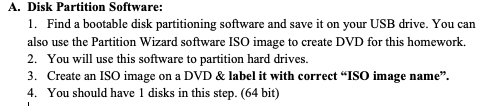
A. Disk Partition Software: 1. Find a bootable disk partitioning software and save it on your USB drive. You can also use the Partition Wizard software ISO image to create DVD for this homework. 2. You will use this software to partition hard drives. 3. Create an ISO image on a DVD & label it with correct "ISO image name. 4. You should have 1 disks in this step. (64 bit)
Step by Step Solution
There are 3 Steps involved in it
1 Expert Approved Answer
Step: 1 Unlock

Question Has Been Solved by an Expert!
Get step-by-step solutions from verified subject matter experts
Step: 2 Unlock
Step: 3 Unlock
 Study Help