







Question: Write a Matlab function called Root_secant that finds the root of a function using the Secant Method. Please note that you only need to modify
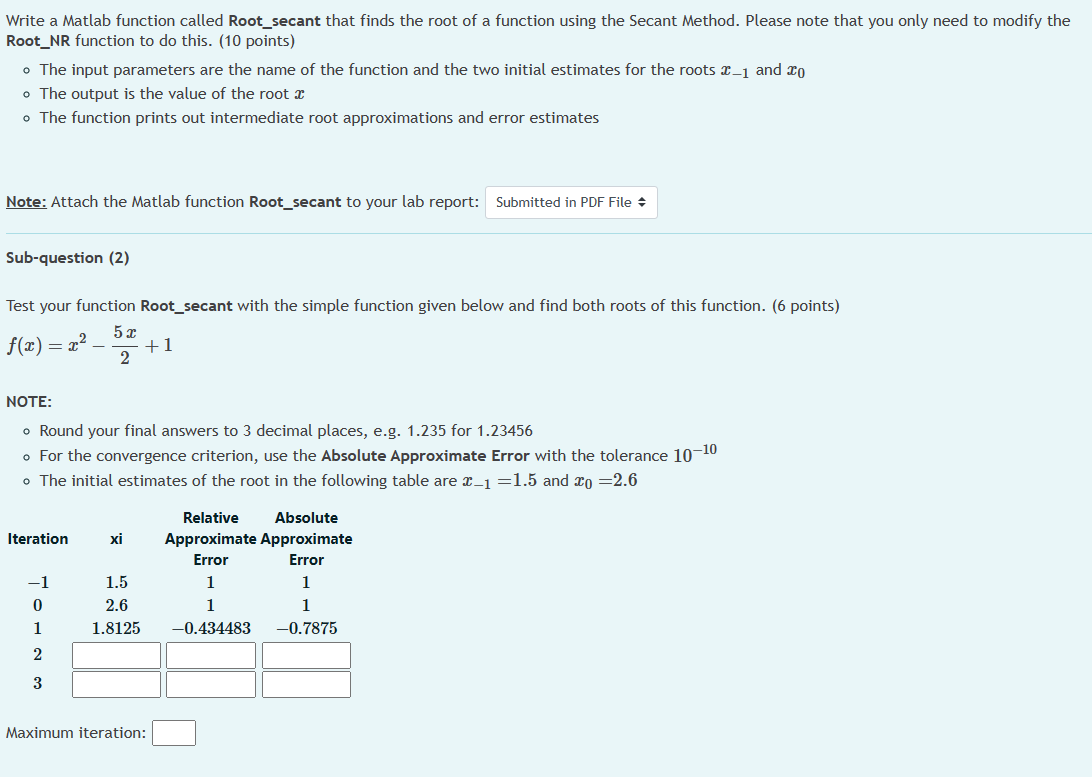
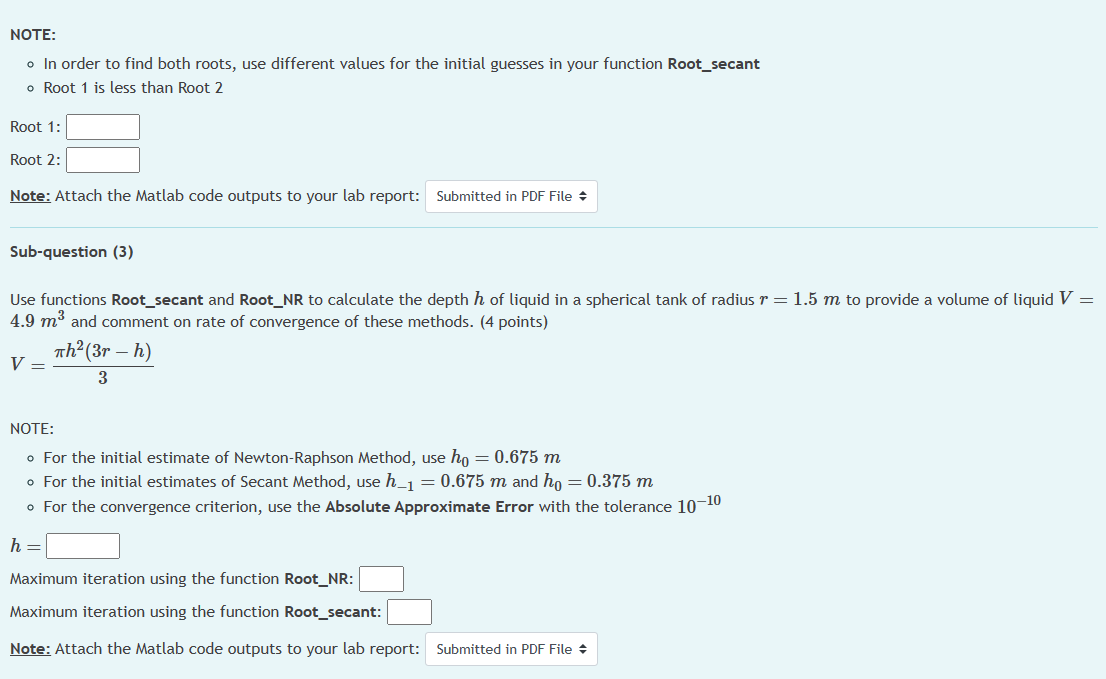
Write a Matlab function called Root_secant that finds the root of a function using the Secant Method. Please note that you only need to modify the Root_NR function to do this. (10 points) - The input parameters are the name of the function and the two initial estimates for the roots x1 and x0 - The output is the value of the root x - The function prints out intermediate root approximations and error estimates Note: Attach the Matlab function Root_secant to your lab report: Sub-question (2) Test your function Root_secant with the simple function given below and find both roots of this function. (6 points) f(x)=x225x+1 NOTE: - Round your final answers to 3 decimal places, e.g. 1.235 for 1.23456 - For the convergence criterion, use the Absolute Approximate Error with the tolerance 1010 - The initial estimates of the root in the following table are x1=1.5 and x0=2.6 Maximum iteration: NOTE: - In order to find both roots, use different values for the initial guesses in your function Root_secant - Root 1 is less than Root 2 Root 1: Root 2: Note: Attach the Matlab code outputs to your lab report: Sub-question (3) Use functions Root_secant and Root_NR to calculate the depth h of liquid in a spherical tank of radius r=1.5m to provide a volume of liquid V= 4.9m3 and comment on rate of convergence of these methods. (4 points) V=3h2(3rh) NOTE: - For the initial estimate of Newton-Raphson Method, use h0=0.675m - For the initial estimates of Secant Method, use h1=0.675m and h0=0.375m - For the convergence criterion, use the Absolute Approximate Error with the tolerance 1010 h= Maximum iteration using the function Root_NR: Maximum iteration using the function Root_secant: Note: Attach the Matlab code outputs to your lab report
Step by Step Solution
There are 3 Steps involved in it

Get step-by-step solutions from verified subject matter experts
 Study Help