







Question: Write a MyGrep utility based on C. This MyGrep utility is similar to grep utility provided by Unix. Take THREE features below to finish. MyGrep
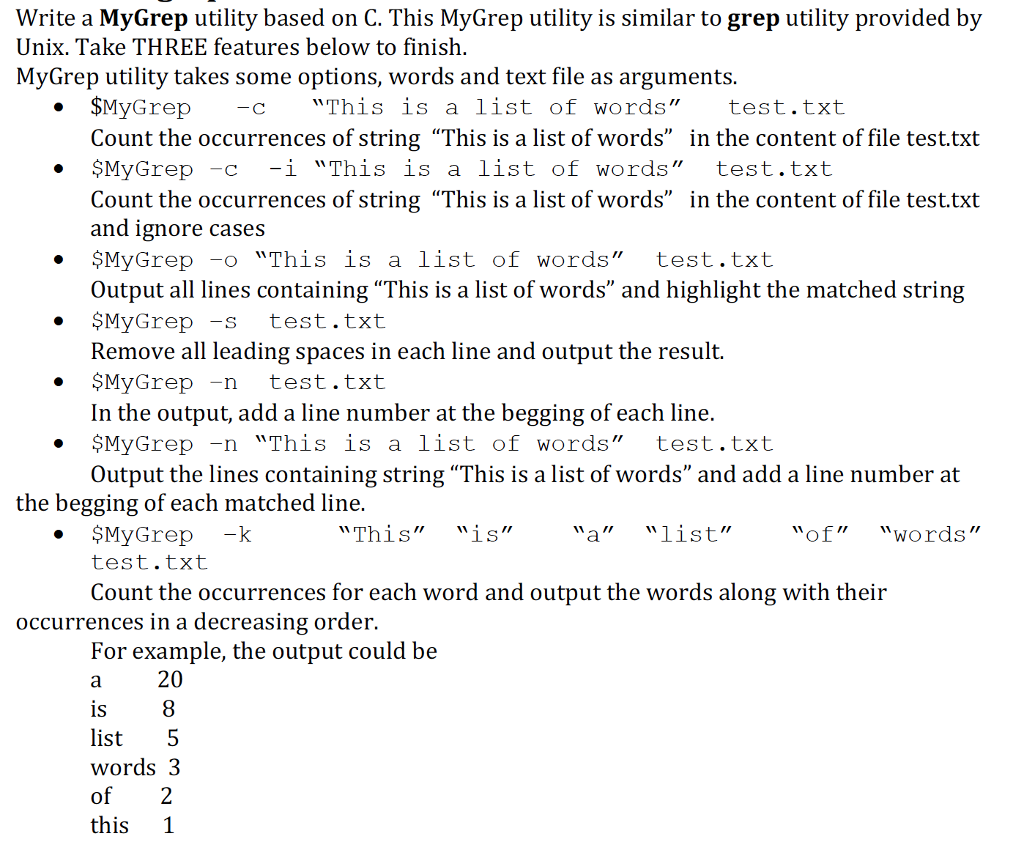
Write a MyGrep utility based on C. This MyGrep utility is similar to grep utility provided by
Unix. Take THREE features below to finish.
MyGrep utility takes some options, words and text file as arguments.
$MyGrep c This is a list of words test.txt
Count the occurrences of string This is a list of words in the content of file test.txt
$MyGrep c -i This is a list of words test.txt
Count the occurrences of string This is a list of words in the content of file test.txt
and ignore cases
$MyGrep o This is a list of words test.txt
Output all lines containing This is a list of words and highlight the matched string
$MyGrep s test.txt
Remove all leading spaces in each line and output the result.
$MyGrep n test.txt
In the output, add a line number at the begging of each line.
$MyGrep n This is a list of words test.txt
Output the lines containing string This is a list of words and add a line number at
the begging of each matched line.
$MyGrep k This is a list of words
test.txt
Count the occurrences for each word and output the words along with their
occurrences in a decreasing order.
For example, the output could be
a 20
is 8
list 5
words 3
of 2
this 1
Write a MyGrep utility based on C. This MyGrep utility is similar to grep utility provided by Unix. Take THREE features below to finish. MyGrep utility takes some options, words and text file as arguments. SMyGrep "This is a st of wo rds" test.txt Count the occurrences of string "This is a list of words" in the content of file test.txt . $MyGrep -c -i "This is a st of words " test.txt Count the occurrences of string "This is a list of words" in the content of file test.txt and ignore cases MyGrep o "This is a list of words" test.txt Output all lines containing "This is a list of words" and highlight the matched string * $MyGrep -s test.txt Remove all leading spaces in each line and output the result. MyGrep -n test.txt In the output, add a line number at the begging of each line. * $MyGrep -n "This is a list of words" test.txt Output the lines containing string "This is a list of words" and add a line number at the begging of each matched line. MyGrep -k test.txt "This""is" "a" "list" of" "words" Count the occurrences for each word and output the words along with their occurrences in a decreasing order. For example, the output could be 20 1S list 5 words3 of 2 this 1 Write a MyGrep utility based on C. This MyGrep utility is similar to grep utility provided by Unix. Take THREE features below to finish. MyGrep utility takes some options, words and text file as arguments. SMyGrep "This is a st of wo rds" test.txt Count the occurrences of string "This is a list of words" in the content of file test.txt . $MyGrep -c -i "This is a st of words " test.txt Count the occurrences of string "This is a list of words" in the content of file test.txt and ignore cases MyGrep o "This is a list of words" test.txt Output all lines containing "This is a list of words" and highlight the matched string * $MyGrep -s test.txt Remove all leading spaces in each line and output the result. MyGrep -n test.txt In the output, add a line number at the begging of each line. * $MyGrep -n "This is a list of words" test.txt Output the lines containing string "This is a list of words" and add a line number at the begging of each matched line. MyGrep -k test.txt "This""is" "a" "list" of" "words" Count the occurrences for each word and output the words along with their occurrences in a decreasing order. For example, the output could be 20 1S list 5 words3 of 2 this 1
Step by Step Solution
There are 3 Steps involved in it

Get step-by-step solutions from verified subject matter experts
 Study Help