







Question: Write a program (starting at memory location 0x3000) to take a string as input and then output information about this string. The end of the
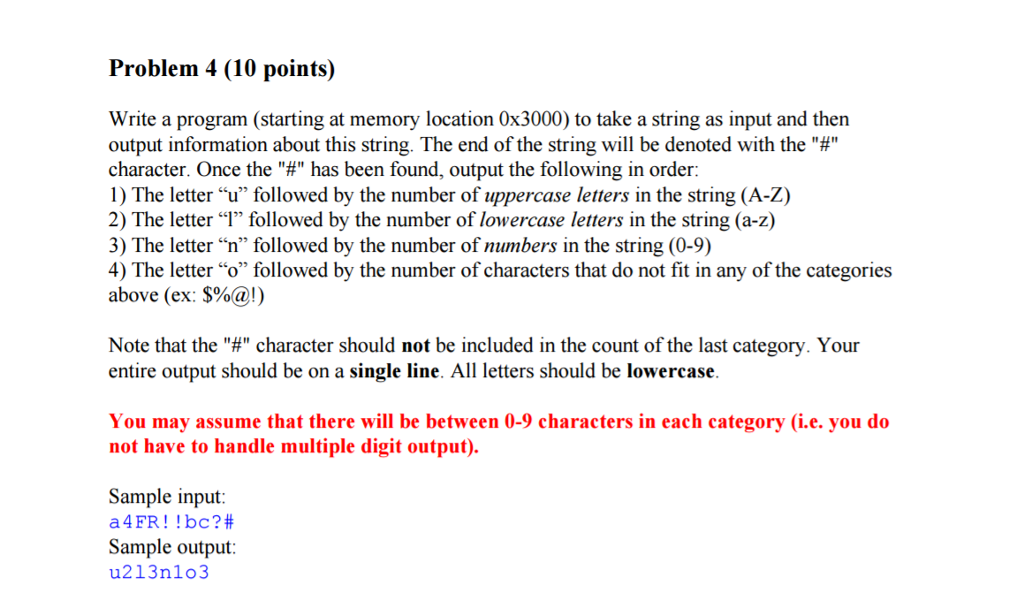
Write a program (starting at memory location 0x3000) to take a string as input and then output information about this string. The end of the string will be denoted with the character. Once the "#" has been found, output the following in order: 1) The letter "u" followed by the number of uppercase letters in the string (A-Z) 2) The letter "1" followed by the number of lowercase letters in the string (a-z) 3) The letter "n" followed by the number of numbers in the string (0-9) 4) The letter "o" followed by the number of characters that do not fit in any of the categories above (ex: $%@!) Note that the "#" character should not be included in the count of the last category. Your entire output should be on a single line All letters should be lowercase. You may assume that there will be between 0-9 characters in each category (i.e. you do not have to handle multiple digit output). Write a program (starting at memory location 0x3000) to take a string as input and then output information about this string. The end of the string will be denoted with the character. Once the "#" has been found, output the following in order: 1) The letter "u" followed by the number of uppercase letters in the string (A-Z) 2) The letter "1" followed by the number of lowercase letters in the string (a-z) 3) The letter "n" followed by the number of numbers in the string (0-9) 4) The letter "o" followed by the number of characters that do not fit in any of the categories above (ex: $%@!) Note that the "#" character should not be included in the count of the last category. Your entire output should be on a single line All letters should be lowercase. You may assume that there will be between 0-9 characters in each category (i.e. you do not have to handle multiple digit output)
Step by Step Solution
There are 3 Steps involved in it

Get step-by-step solutions from verified subject matter experts
 Study Help