







Question: Write a program that creates a GUI window with following objects and their functionalities: Two buttons left and right, with colors different from the window
Write a program that creates a GUI window with following objects and their functionalities:
Two buttons left and right, with colors different from the window background.
Mouse click on the left button changes the background color of a button for a short period to
indicate mouse click on the button and increments a counter inside the button.
Mouse click on the right button changes the background color of a button for a short period to
indicate mouse click on the button closes the window, and terminates the program.
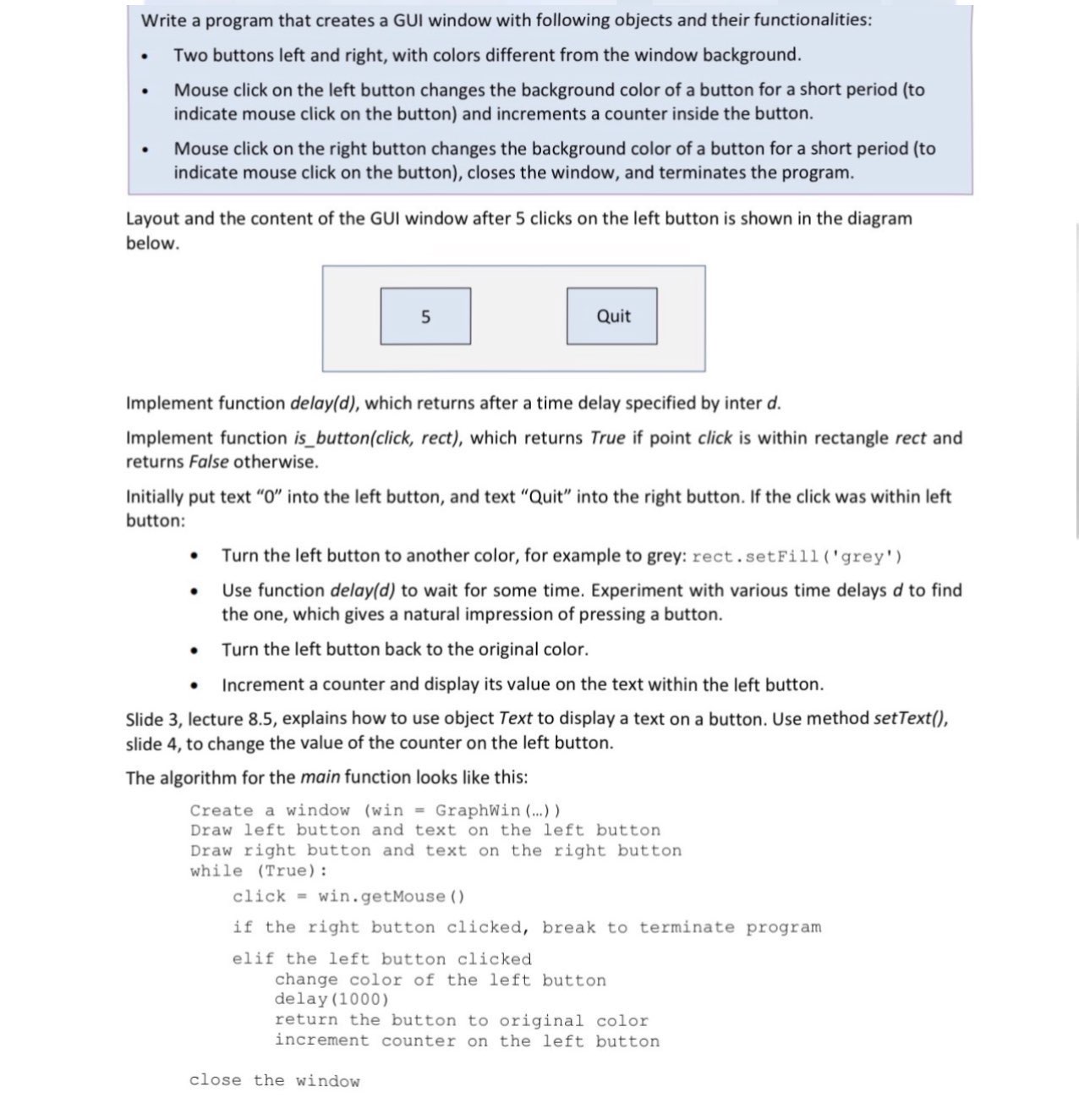
Layout and the content of the GUI window after clicks on the left button is shown in the diagram
below.
Implement function delayd which returns after a time delay specified by inter
Implement function isbuttonclick rect which returns True if point click is within rectangle rect and
returns False otherwise.
Initially put text into the left button, and text "Quit" into the right button. If the click was within left
button:
Turn the left button to another color, for example to grey: rect.setFill grey
Use function delayd to wait for some time. Experiment with various time delays to find
the one, which gives a natural impression of pressing a button.
Turn the left button back to the original color.
Increment a counter and display its value on the text within the left button.
Slide lecture explains how to use object Text to display a text on a button. Use method setText
slide to change the value of the counter on the left button.
The algorithm for the main function looks like this:
Create a window win GraphWin
Draw left button and text on the left button
Draw right button and text on the right button
while True:
click win.getMouse
if the right button clicked, break to terminate program
elif the left button clicked
change color of the left button
delay
return the button to original color
increment counter on the left button
close the window
Step by Step Solution
There are 3 Steps involved in it
1 Expert Approved Answer
Step: 1 Unlock

Question Has Been Solved by an Expert!
Get step-by-step solutions from verified subject matter experts
Step: 2 Unlock
Step: 3 Unlock
 Study Help