







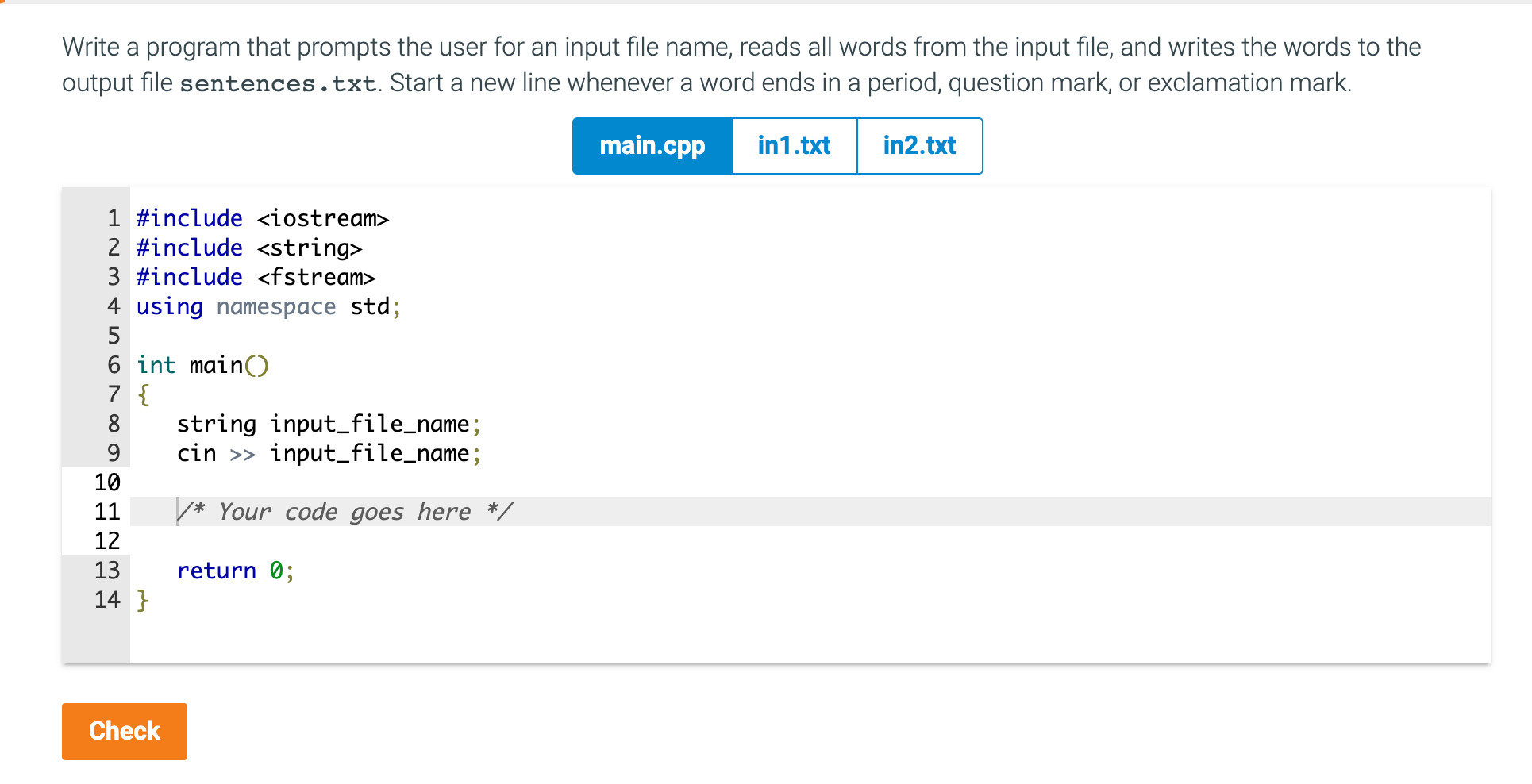
Question: Write a program that prompts the user for an input file name, reads all words from the input file, and writes the words to the
Write a program that prompts the user for an input file name, reads all words from the input file, and writes the words to the output file sentences.txt. Start a new line whenever a word ends in a period, question mark, or exclamation mark.
int1.txt
I like programming in C++. Do you? Of course you do!
int2.txt
Happy families are all alike; every unhappy family is unhappy in its own way. Everything was in confusion in the Oblonskys house. The wife had discovered that the husband was carrying on an intrigue with a French girl, who had been a governess in their family, and she had announced to her husband that she could not go on living in the same house with him. This position of affairs had now lasted three days, and not only the husband and wife themselves, but all the members of their family and household, were painfully conscious of it. Every person in the house felt that there was no sense in their living together, and that the stray people brought together by chance in any inn had more in common with one another than they, the members of the family and household of the Oblonskys. The wife did not leave her own room, the husband had not been at home for three days. The children ran wild all over the house; the English governess quarreled with the housekeeper, and wrote to a friend asking her to look out for a new situation for her; the man-cook had walked off the day before just at dinner time; the kitchen-maid, and the coachman had given warning.
Write a program that prompts the user for an input file name, reads all words from the input file, and writes the words to the output file sentences .txt. Start a new line whenever a word ends in a period, question mark, or exclamation mark. \( \begin{aligned} 1 & \text { \#include
Step by Step Solution
There are 3 Steps involved in it

Get step-by-step solutions from verified subject matter experts
 Study Help