







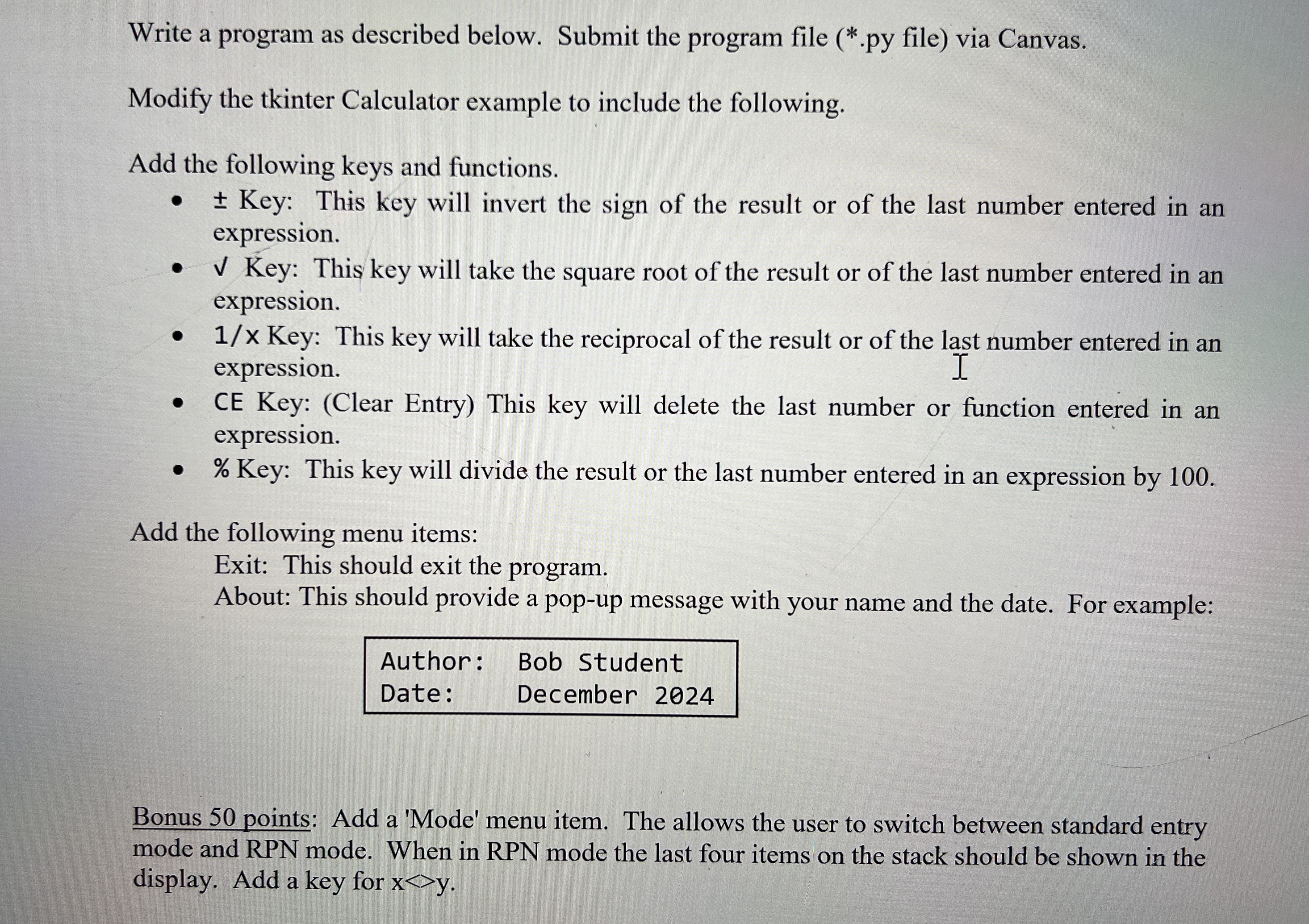
Question: Write a Python program as described below. Modify the tkinter Calculator example to include the following. Add the following keys and functions. + - Key:
Write a Python program as described below.
Modify the tkinter Calculator example to include the following.
Add the following keys and functions.
Key: This key will invert the sign of the result or of the last number entered in an expression.
Key: This key will take the square root of the result or of the last number entered in an expression.
Key: This key will take the reciprocal of the result or of the last number entered in an expression.
CE Key: Clear Entry This key will delete the last number or function entered in an expression.
Key: This key will divide the result or the last number entered in an expression by
Add the following menu items:
Exit: This should exit the program.
About: This should provide a popup message with your name and the date. For example:
Author: Bob Student
Date: December
Bonus points: Add a 'Mode' menu item. The allows the user to switch between standard entry mode and RPN mode. When in RPN mode the last four items on the stack should be shown in the display. Add a key for
Step by Step Solution
There are 3 Steps involved in it
1 Expert Approved Answer
Step: 1 Unlock

Question Has Been Solved by an Expert!
Get step-by-step solutions from verified subject matter experts
Step: 2 Unlock
Step: 3 Unlock
 Study Help