







Question: Write a Python script that generates a random integer between 1 and 10 and prompts the user to enter a guess at that number.
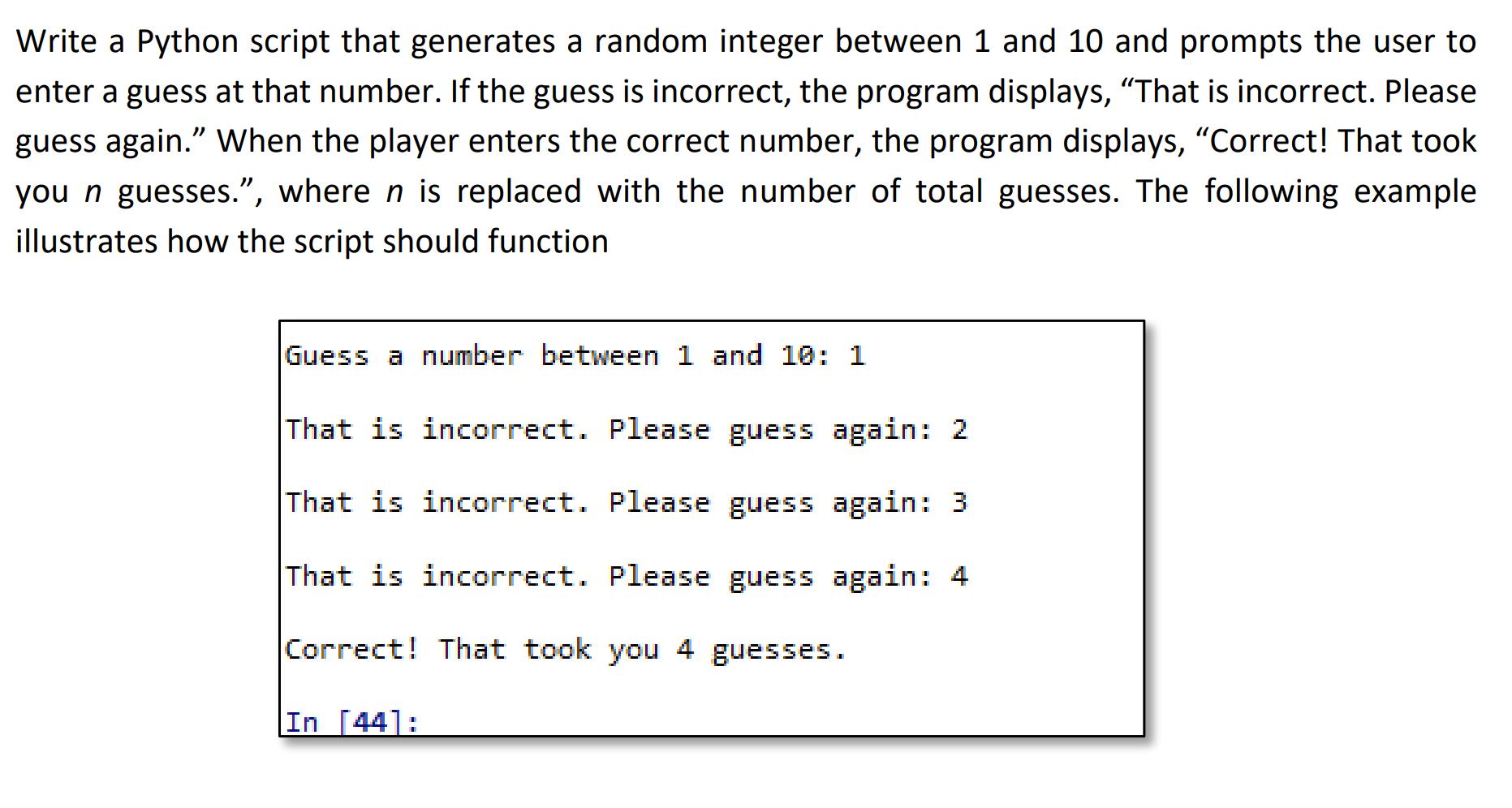
Write a Python script that generates a random integer between 1 and 10 and prompts the user to enter a guess at that number. If the guess is incorrect, the program displays, "That is incorrect. Please guess again." When the player enters the correct number, the program displays, "Correct! That took you n guesses.", where n is replaced with the number of total guesses. The following example illustrates how the script should function Guess a number between 1 and 10: 1 That is incorrect. Please guess again: 2 That is incorrect. Please guess again: 3 That is incorrect. Please guess again: 4 Correct! That took you 4 guesses. In [44]:
Step by Step Solution
There are 3 Steps involved in it
import random randomnumber randomrandint1 10 guess 0 tot... View full answer

Get step-by-step solutions from verified subject matter experts
 Study Help