







Question: Write a Verilog/SystemVerilog program using Icarus Verilog to calculate a 32 bit vector in IEEE 754 single precision format from two decimal integer, one to
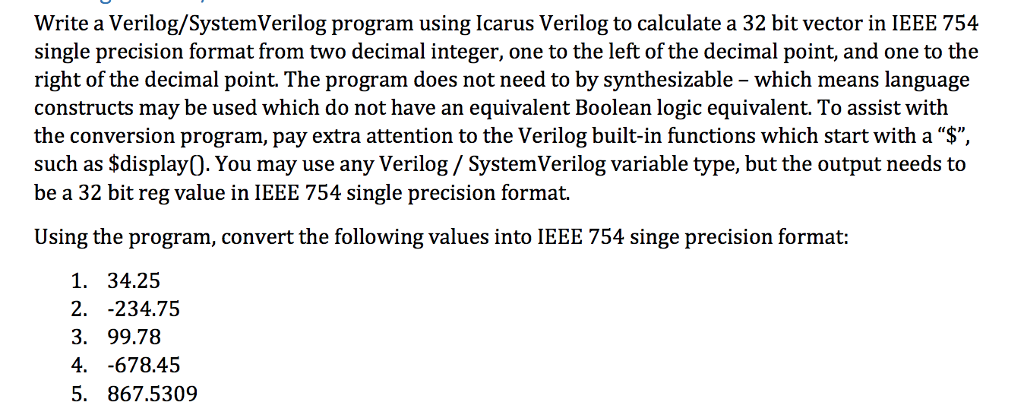
Write a Verilog/SystemVerilog program using Icarus Verilog to calculate a 32 bit vector in IEEE 754 single precision format from two decimal integer, one to the left of the decimal point, and one to the right of the decimal point. The program does not need to by synthesizable - which means language constructs may be used which do not have an equivalent Boolean logic equivalent. To assist with the conversion program, pay extra attention to the Verilog built-in functions which start with a "$". such as Sdisplay0. You may use any Verilog/ SystemVerilog variable type, but the output needs to be a 32 bit reg value in IEEE 754 single precision format. Using the program, convert the following values into IEEE 754 singe precision format: 1. 34.25 2. -234.75 3. 99.78 4. -678.45 5. 867.5309 Write a Verilog/SystemVerilog program using Icarus Verilog to calculate a 32 bit vector in IEEE 754 single precision format from two decimal integer, one to the left of the decimal point, and one to the right of the decimal point. The program does not need to by synthesizable - which means language constructs may be used which do not have an equivalent Boolean logic equivalent. To assist with the conversion program, pay extra attention to the Verilog built-in functions which start with a "$". such as Sdisplay0. You may use any Verilog/ SystemVerilog variable type, but the output needs to be a 32 bit reg value in IEEE 754 single precision format. Using the program, convert the following values into IEEE 754 singe precision format: 1. 34.25 2. -234.75 3. 99.78 4. -678.45 5. 867.5309
Step by Step Solution
There are 3 Steps involved in it

Get step-by-step solutions from verified subject matter experts
 Study Help