







Question: Write an application that simulates a calculator (see example opposite). Your calculator must: accept multiple operands and operators and performs multiple operations applying BEDMAS
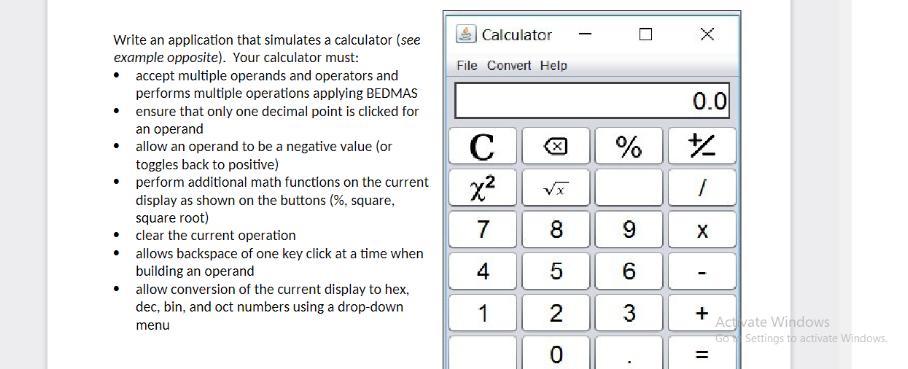
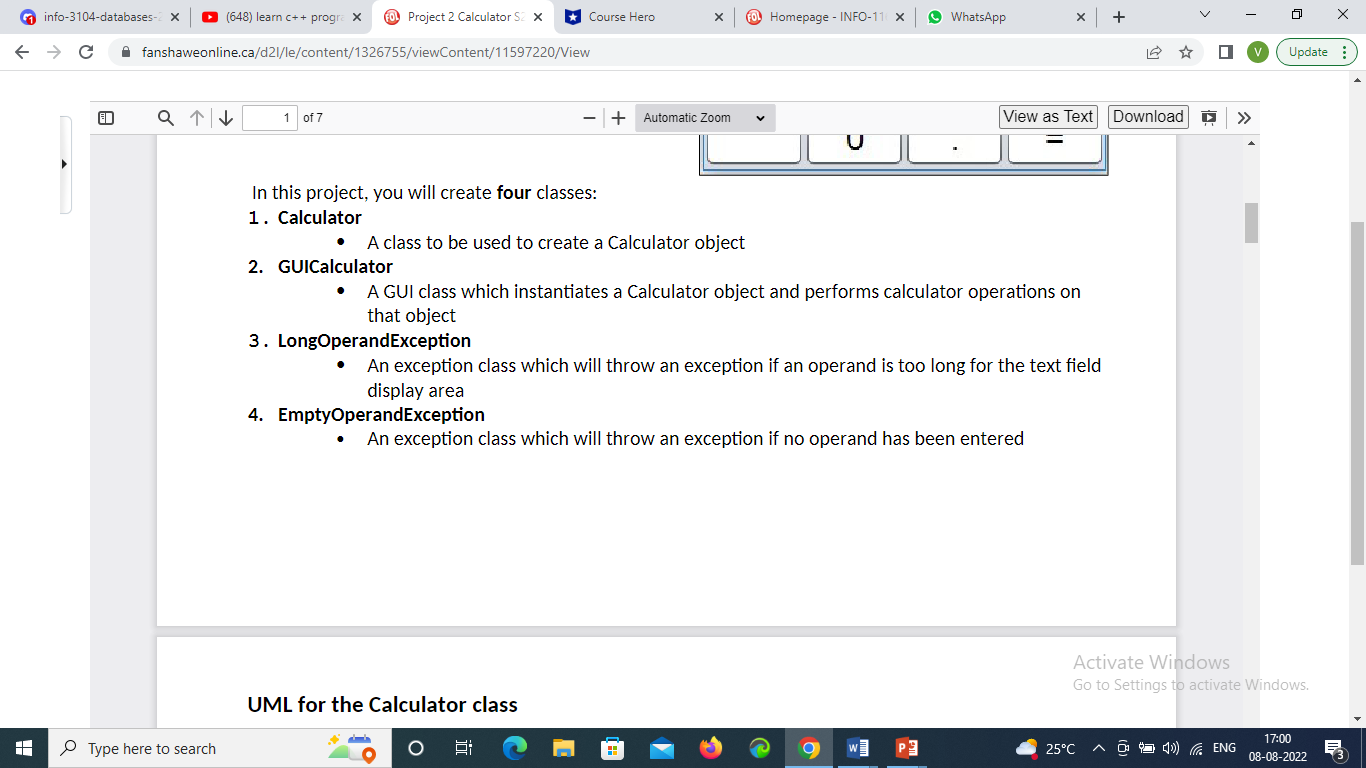
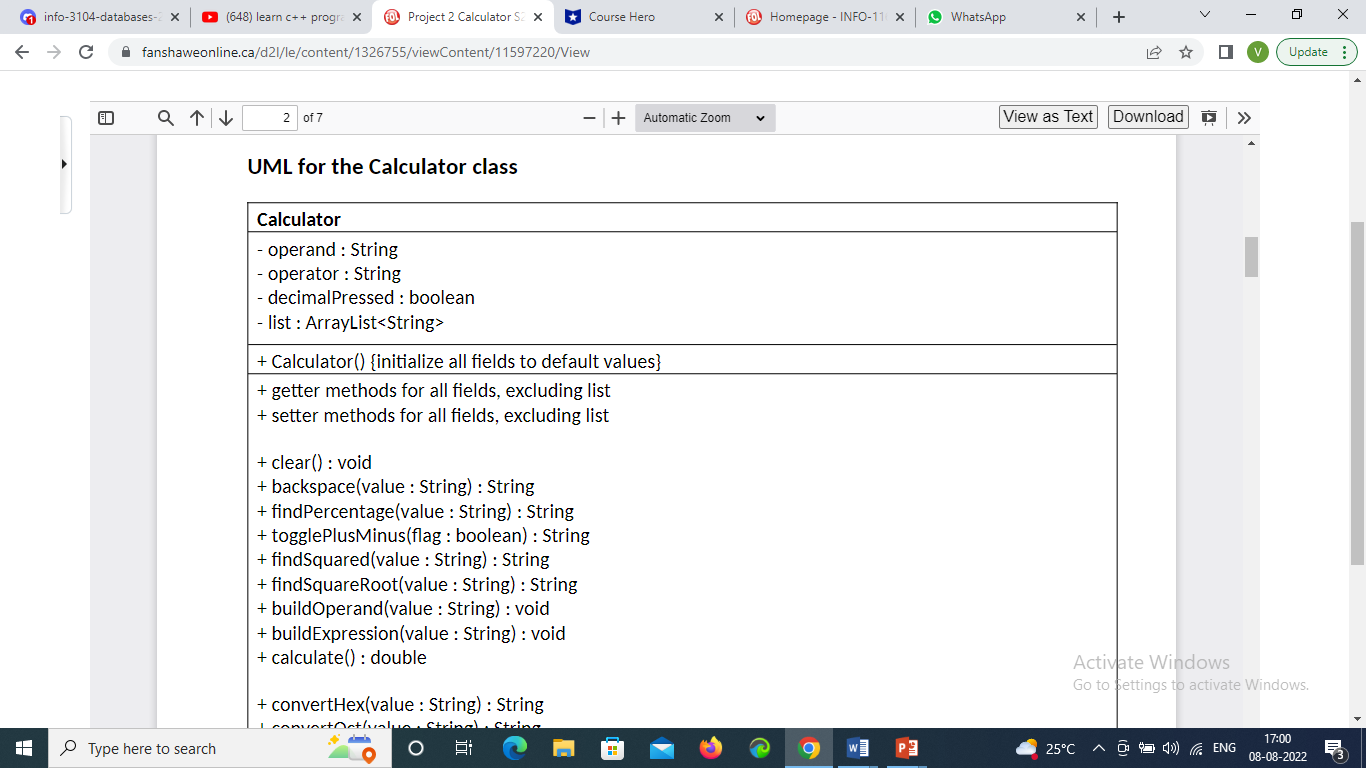
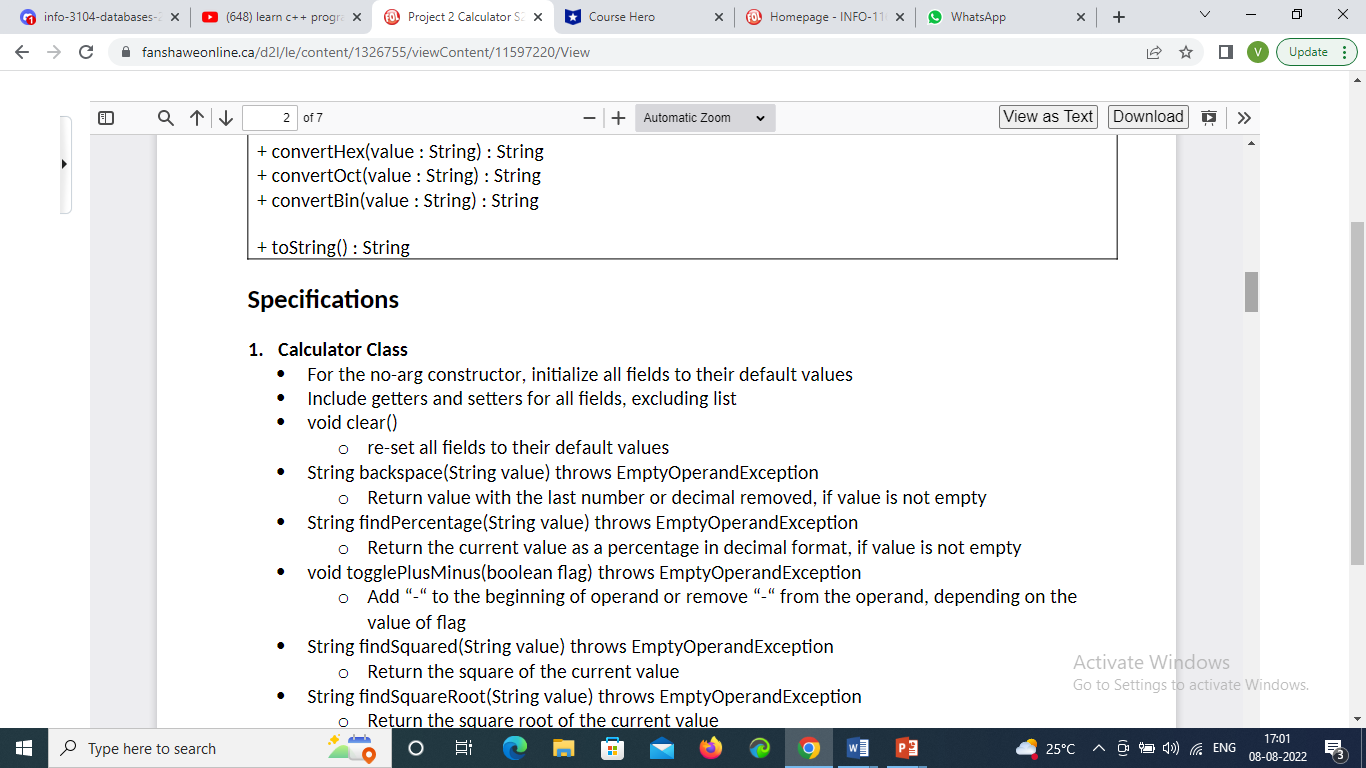
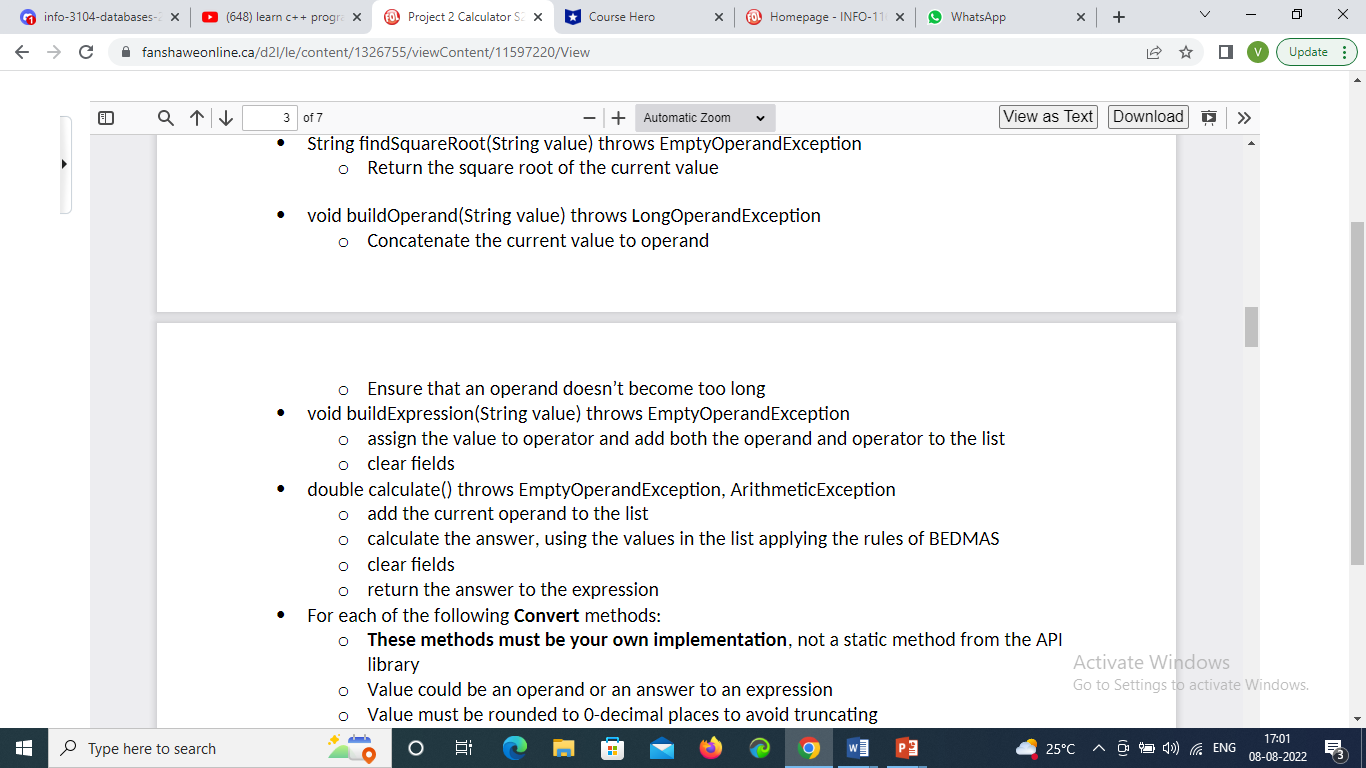
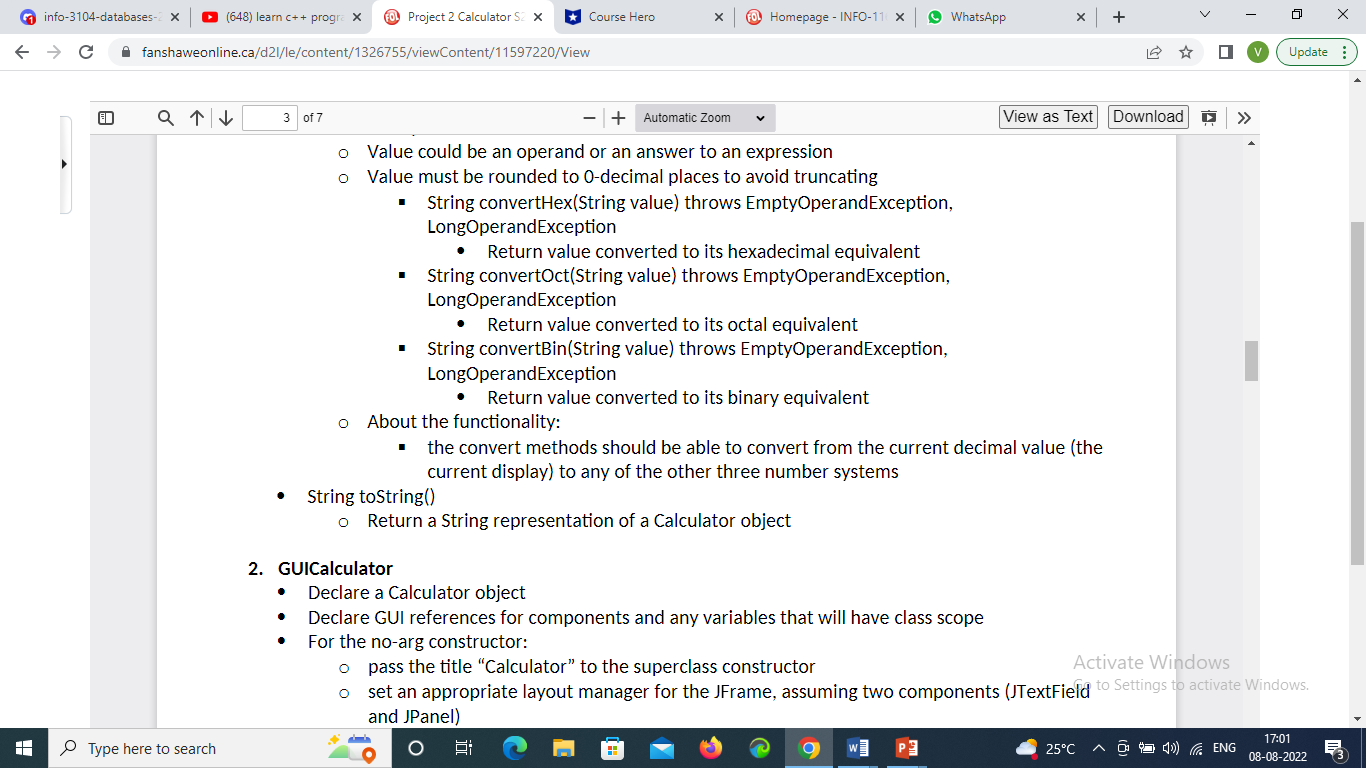
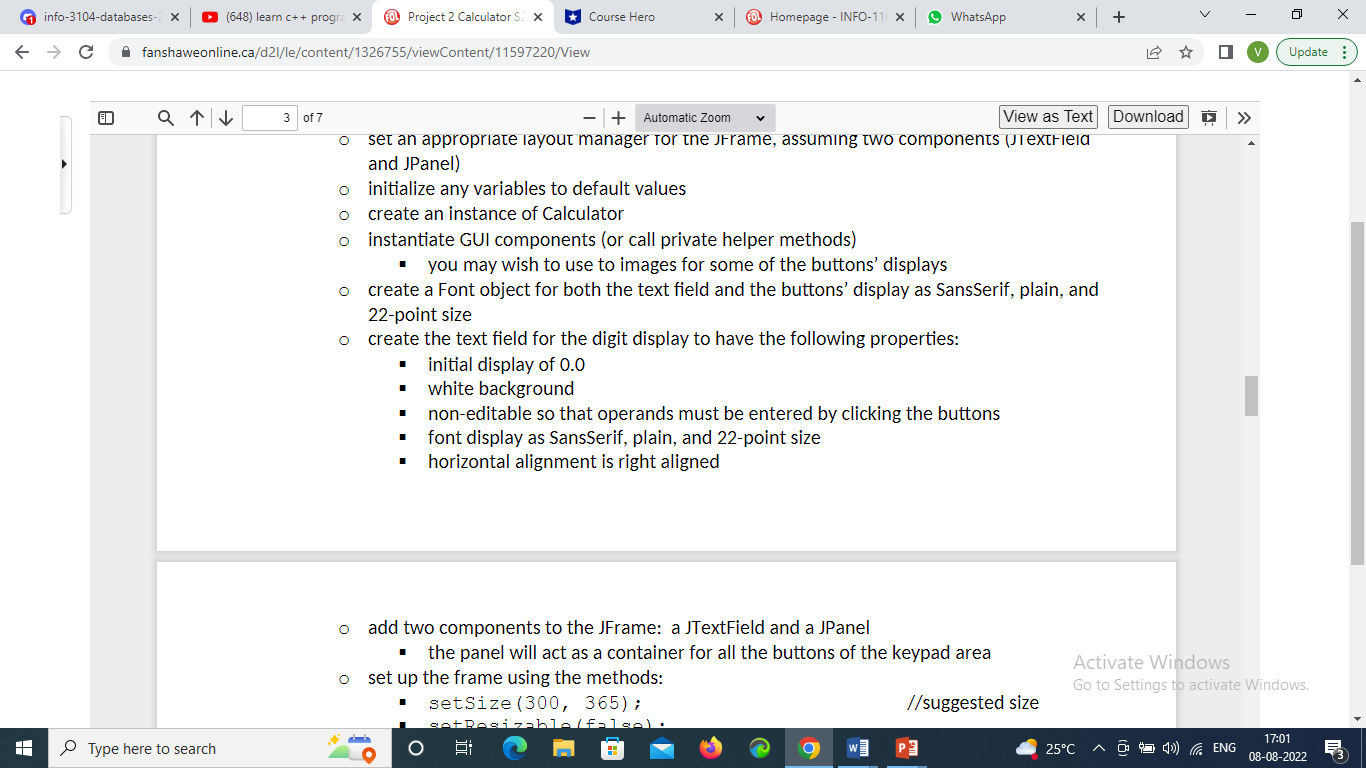
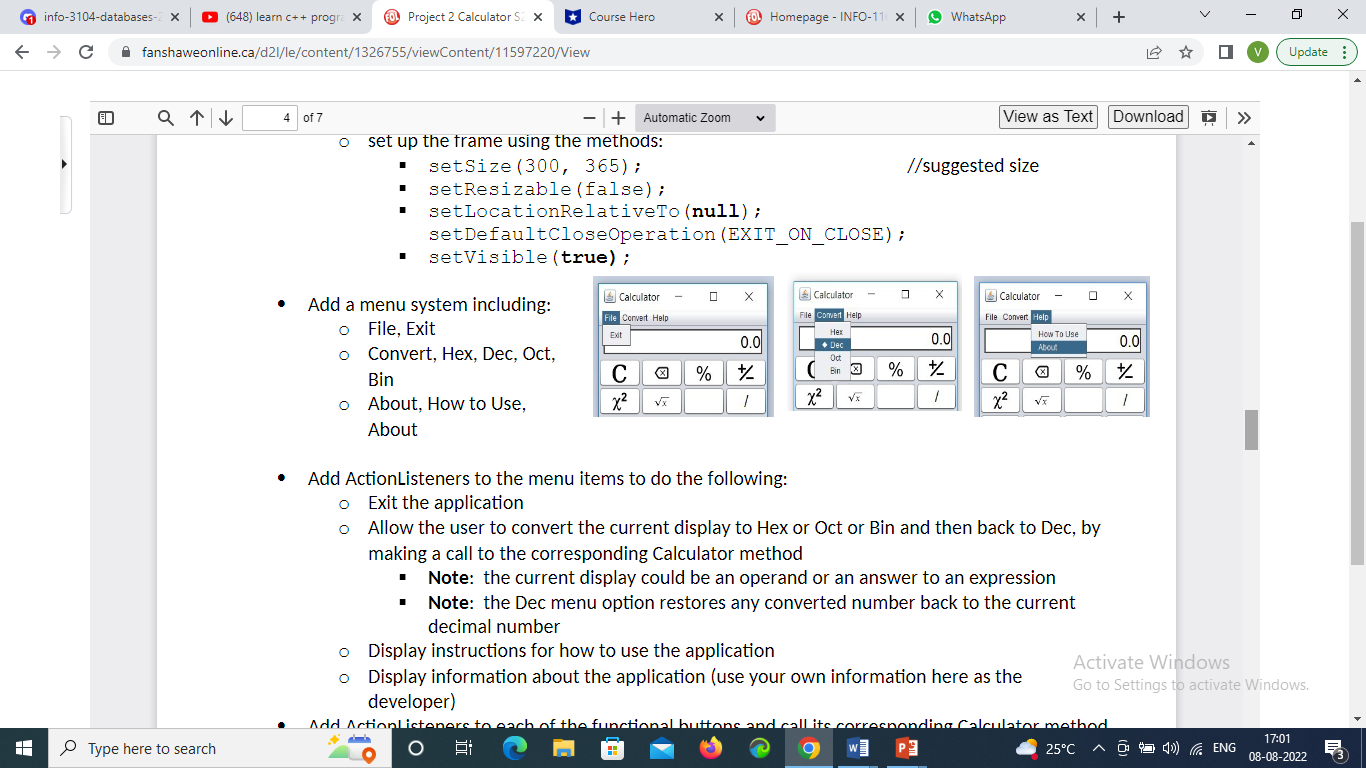
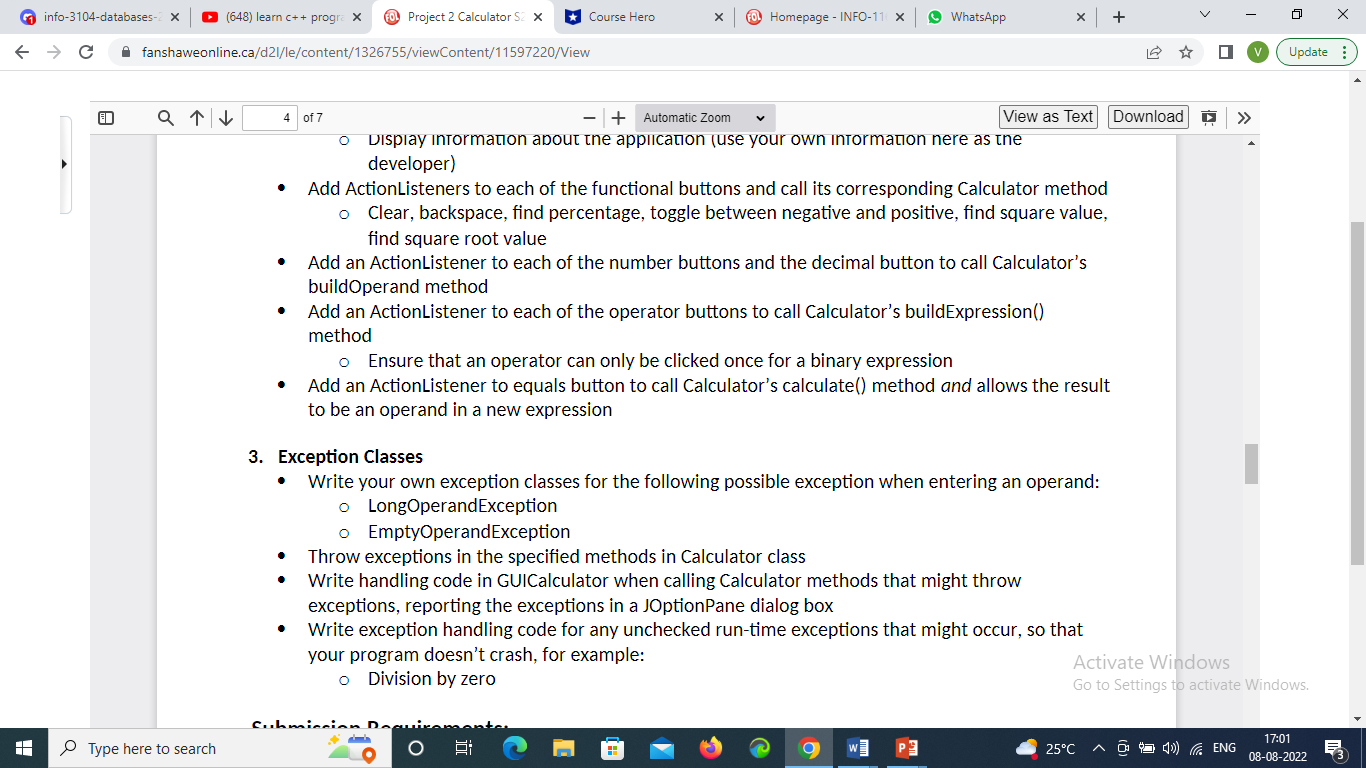
Write an application that simulates a calculator (see example opposite). Your calculator must: accept multiple operands and operators and performs multiple operations applying BEDMAS ensure that only one decimal point is clicked for an operand Calculator File Convert Help - X 0.0 allow an operand to be a negative value (or toggles back to positive) perform additional math functions on the current display as shown on the buttons (%, square, C x % 1 square root) 7 8 9 6 clear the current operation X allows backspace of one key click at a time when building an operand 4 5 6 - allow conversion of the current display to hex, dec, bin, and oct numbers using a drop-down 1 2 3 menu 0 + = Activate Windows GoSettings to activate Windows. info-3104-databases-2 (648) learn c++ progra X Project 2 Calculator S2 x Course Hero FO Homepage - INFO-110 x WhatsApp x + C fanshaweonline.ca/d2l/le/content/1326755/viewContent/11597220/View H Q 1 of 7 -+ Automatic Zoom U View as Text Download In this project, you will create four classes: 1. Calculator A class to be used to create a Calculator object 2. GUICalculator A GUI class which instantiates a Calculator object and performs calculator operations on that object 3. LongOperandException An exception class which will throw an exception if an operand is too long for the text field display area 4. EmptyOperandException An exception class which will throw an exception if no operand has been entered UML for the Calculator class Type here to search > V Update Activate Windows Go to Settings to activate Windows. W P 25C > View as Text Download info-3104-databases-2 (648) learn c++ progra X Project 2 Calculator S2 x Course Hero FO Homepage - INFO-110 x WhatsApp x + C fanshaweonline.ca/d2l/le/content/1326755/viewContent/11597220/View 2 of 7 + Automatic Zoom Type here to search UML for the Calculator class Calculator - operand: String - operator : String - decimalPressed: boolean -list: ArrayList + Calculator() {initialize all fields to default values} + getter methods for all fields, excluding list + setter methods for all fields, excluding list + clear() : void +backspace(value: String): String + findPercentage(value: String): String + togglePlusMinus(flag: boolean): String +findSquared(value: String): String +findSquareRoot(value: String): String +buildOperand(value: String): void + buildExpression(value: String) : void + calculate(): double + convertHex(value: String): String I convert Oct/value, Strinal String H V Update Activate Windows Go to Settings to activate Windows. W P 25C > View as Text Download info-3104-databases-2 (648) learn c++ progra X Project 2 Calculator S2 x Course Hero FO Homepage - INFO-110 x WhatsApp x + C fanshaweonline.ca/d2l/le/content/1326755/viewContent/11597220/View 2 of 7 + Automatic Zoom V Update Type here to search + convertHex(value: String): String + convertOct(value: String): String + convertBin(value: String): String +toString(): String Specifications 1. Calculator Class For the no-arg constructor, initialize all fields to their default values Include getters and setters for all fields, excluding list vold clear() o re-set all fields to their default values String backspace(String value) throws EmptyOperandException o Return value with the last number or decimal removed, if value is not empty String findPercentage(String value) throws EmptyOperandException Return the current value as a percentage in decimal format, if value is not empty void togglePlusMinus(boolean flag) throws EmptyOperandException Add "-" to the beginning of operand or remove "-" from the operand, depending on the value of flag String findSquared(String value) throws EmptyOperandException Return the square of the current value String findSquareRoot(String value) throws EmptyOperandException o Return the square root of the current value Activate Windows Go to Settings to activate Windows. W P 25C > View as Text Download info-3104-databases-2 (648) learn c++ progra X Project 2 Calculator S2 x Course Hero FO Homepage - INFO-110 x WhatsApp x + C fanshaweonline.ca/d2l/le/content/1326755/viewContent/11597220/View H + Automatic Zoom String findSquareRoot(String value) throws EmptyOperandException Return the square root of the current value void buildOperand(String value) throws LongOperandException Concatenate the current value to operand Q 3 of 7 V Update o Ensure that an operand doesn't become too long void buildExpression(String value) throws EmptyOperandException assign the value to operator and add both the operand and operator to the list clear fields double calculate() throws EmptyOperandException, ArithmeticException o add the current operand to the list calculate the answer, using the values in the list applying the rules of BEDMAS clear fields o return the answer to the expression For each of the following Convert methods: These methods must be your own implementation, not a static method from the API library Value could be an operand or an answer to an expression Activate Windows Go to Settings to activate Windows. Value must be rounded to 0-decimal places to avoid truncating Type here to search E W P 25C > View as Text Download info-3104-databases-2 (648) learn c++ progra X Project 2 Calculator S2 x Course Hero FO Homepage - INFO-110 x WhatsApp x + C fanshaweonline.ca/d2l/le/content/1326755/viewContent/11597220/View H 3 of 7 - + Automatic Zoom Value could be an operand or an answer to an expression Value must be rounded to 0-decimal places to avoid truncating String convertHex(String value) throws EmptyOperandException, LongOperandException Return value converted to its hexadecimal equivalent String convertOct(String value) throws EmptyOperandException, LongOperandException Return value converted to its octal equivalent String convertBin(String value) throws EmptyOperandException, LongOperandException Return value converted to its binary equivalent About the functionality: the convert methods should be able to convert from the current decimal value (the current display) to any of the other three number systems String toString() Return a String representation of a Calculator object 2. GUICalculator Type here to search V Update Declare a Calculator object Declare GUI references for components and any variables that will have class scope For the no-arg constructor: pass the title "Calculator" to the superclass constructor Activate Windows set an appropriate layout manager for the JFrame, assuming two components (JTextField to Settings to activate Windows. and JPanel) W P 25C info-3104-databases-2 (648) learn c++ progra X Project 2 Calculator S2 x Course Hero FO Homepage - INFO-110 x WhatsApp x + C fanshaweonline.ca/d2l/le/content/1326755/viewContent/11597220/View Q 3 of 7 H > + Automatic Zoom View as Text Download set an appropriate layout manager for the JFrame, assuming two components (JTextFiela and JPanel) initialize any variables to default values create an instance of Calculator you may wish to use to images for some of the buttons' displays instantiate GUI components (or call private helper methods) create a Font object for both the text field and the buttons' display as SansSerif, plain, and 22-point size create the text field for the digit display to have the following properties: initial display of 0.0 white background non-editable so that operands must be entered by clicking the buttons font display as SansSerif, plain, and 22-point size horizontal alignment is right aligned Type here to search o add two components to the JFrame: a JTextField and a JPanel the panel will act as a container for all the buttons of the keypad area set up the frame using the methods: setSize (300, 365); setResizable(false). //suggested size W P V Update Activate Windows Go to Settings to activate Windows. 25C info-3104-databases-2 (648) learn c++ progra X Project 2 Calculator S2 x Course Hero FO Homepage - INFO-110 x WhatsApp x + C fanshaweonline.ca/d2l/le/content/1326755/viewContent/11597220/View H 4 of 7 + Automatic Zoom > View as Text Download //suggested size set up the frame using the methods: " setSize (300, 365); setResizable (false); setLocationRelativeTo(null); setDefaultCloseOperation (EXIT ON CLOSE); setVisible (true); Add a menu system including: Type here to search File, Exit Convert, Hex, Dec, Oct, Bin About, How to Use, Calculator File Convert Help Exit Calculator File Convert Help 0.0 0.0 Oct C % % Bin % * x x x x About Add ActionListeners to the menu items to do the following: Exit the application Calculator File Convert Help C x How To Use About 0.0 % % V Update Allow the user to convert the current display to Hex or Oct or Bin and then back to Dec, by making a call to the corresponding Calculator method Note: the current display could be an operand or an answer to an expression Note: the Dec menu option restores any converted number back to the current decimal number Display instructions for how to use the application Display information about the application (use your own information here as the developer) Activate Windows Go to Settings to activate Windows. Add ActionListeners to each of the functional buttons and call its corresponding Calculator method. 25C W P info-3104-databases-2 (648) learn c++ progra X Project 2 Calculator S2 x Course Hero FO Homepage - INFO-110 x WhatsApp x + C fanshaweonline.ca/d2l/le/content/1326755/viewContent/11597220/View > V Update Q 4 of 7 + Automatic Zoom View as Text Download Display information about the application (use your own information nere as the developer) Add ActionListeners to each of the functional buttons and call its corresponding Calculator method Clear, backspace, find percentage, toggle between negative and positive, find square value, find square root value Add an ActionListener to each of the number buttons and the decimal button to call Calculator's buildOperand method Add an ActionListener to each of the operator buttons to call Calculator's buildExpression() method Ensure that an operator can only be clicked once for a binary expression Add an ActionListener to equals button to call Calculator's calculate() method and allows the result to be an operand in a new expression 3. Exception Classes Write your own exception classes for the following possible exception when entering an operand: LongOperandException EmptyOperandException Throw exceptions in the specified methods in Calculator class Write handling code in GUICalculator when calling Calculator methods that might throw exceptions, reporting the exceptions in a JOptionPane dialog box Write exception handling code for any unchecked run-time exceptions that might occur, so that your program doesn't crash, for example: Division by zero Activate Windows Go to Settings to activate Windows. H Type here to search Suhmiccion W P 25C
Step by Step Solution
3.52 Rating (159 Votes )
There are 3 Steps involved in it
The answer for this question isjava program for calculator import javaawt import javaawtevent import javaxswing import javautil public class JavaCalculator extends JFrame private JButton jbtNum1 priva... View full answer

Get step-by-step solutions from verified subject matter experts
 Study Help